
















Practical recommendations to reduce recoil and keep your spray under control
Weapon recoil is a natural part of almost every shooter. It makes gunplay feel more realistic, but for many players it becomes a real challenge. When you must keep your crosshair on a moving target and the gun constantly pulls upward (and sometimes sideways), every burst can decide the fight. In this guide we’ll break down how to reduce recoil in CS2, Rust, PUBG, Standoff 2, and other games, and also explain why using macros is one of the most convenient, safe, and effective ways to make your spray more predictable.
If you’re looking for a practical way to reduce weapon spread on PC or even mobile, keep reading — we’ll lay everything out step by step, without cutting corners.
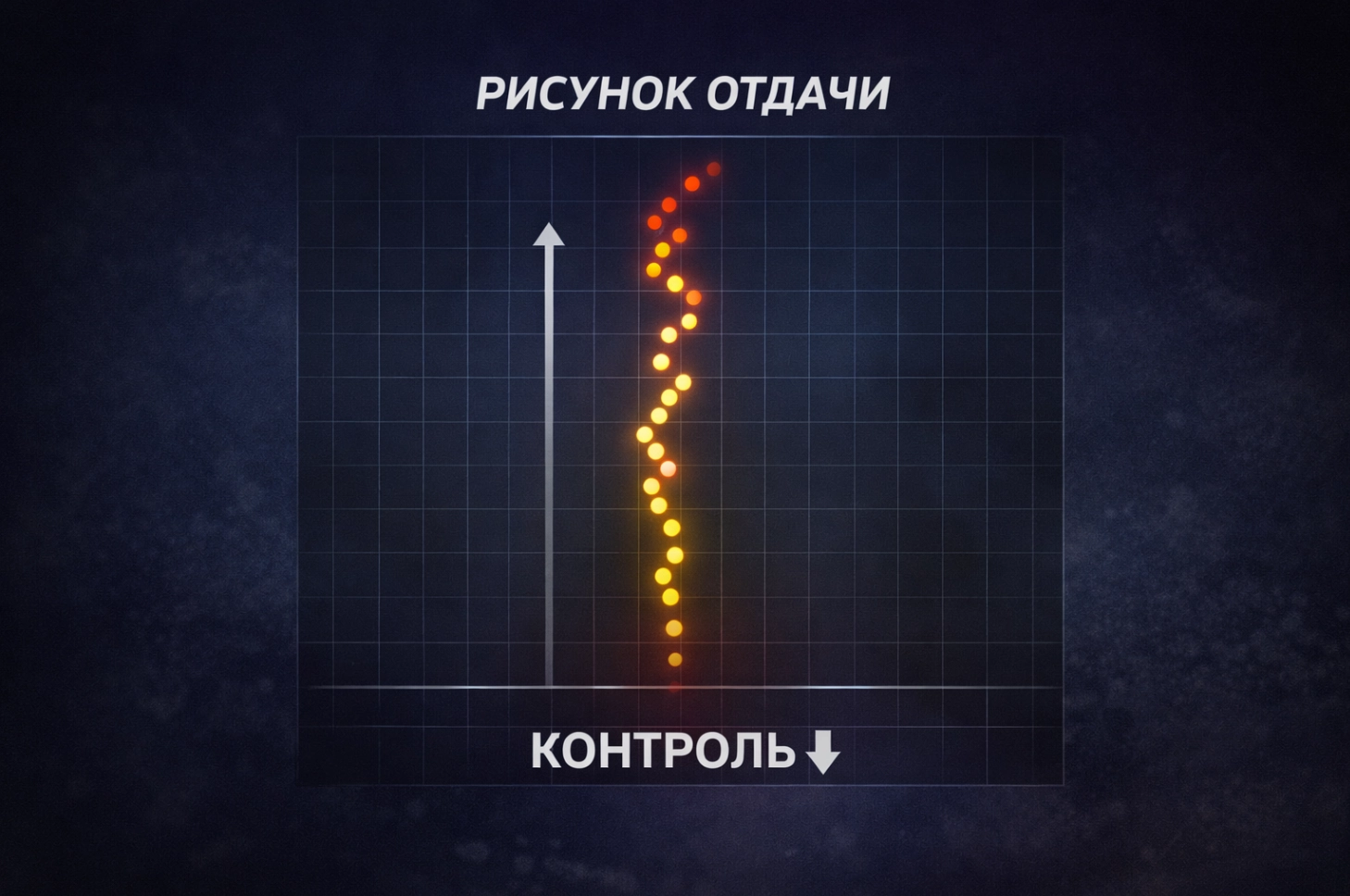
After the first bullets, the weapon begins to kick the crosshair up or to the side, and the longer you spray, the harder it becomes to stay on target.
Every game has its own recoil pattern — a unique spray path that the crosshair follows during sustained fire.
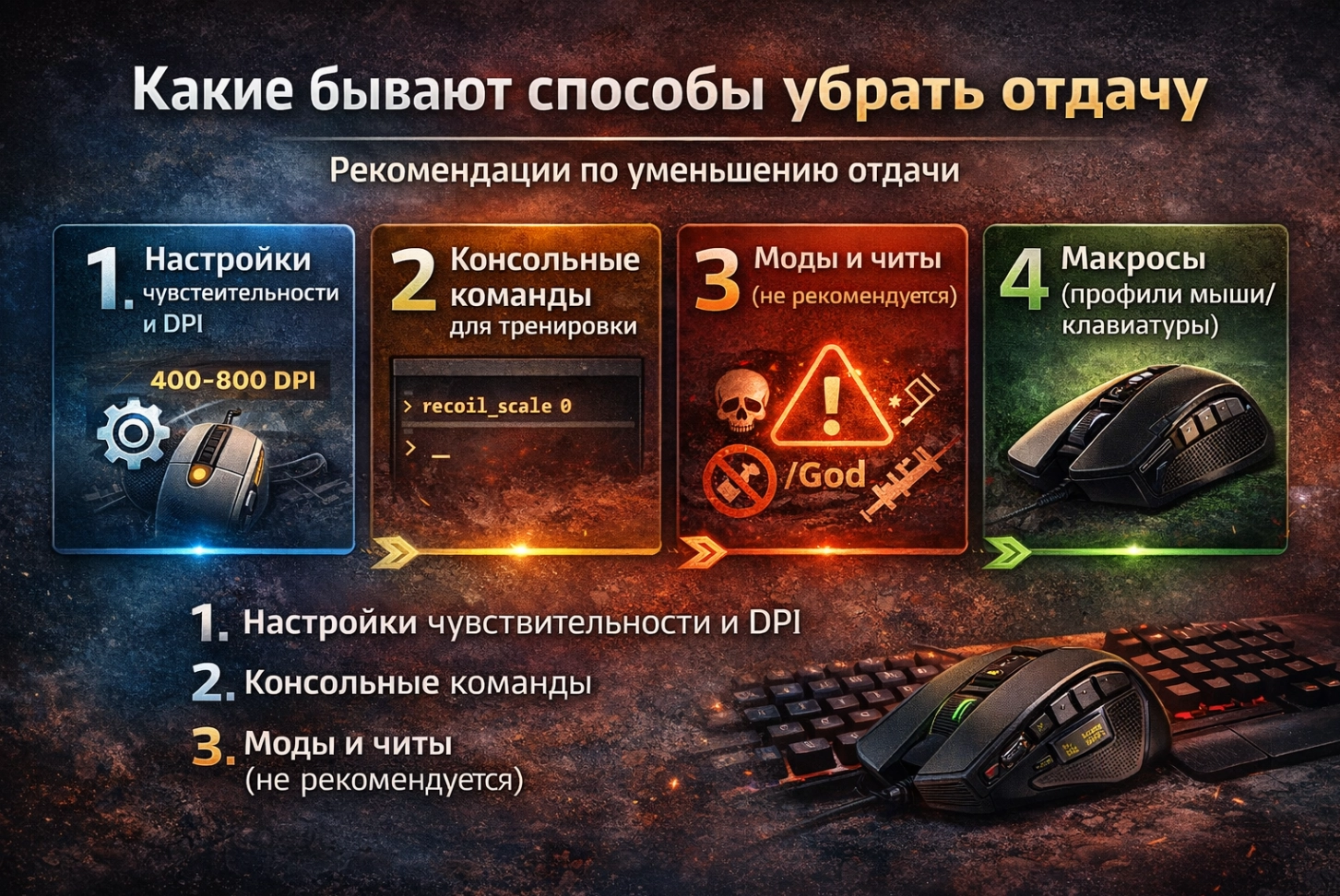
There are many approaches, but not all of them are equally effective — and not all of them are safe. Below are the most common methods players use in practice.
This is the baseline approach for beginners:
Important: settings will not “remove recoil.” They only make recoil easier to manage, and they won’t magically turn every spray into a laser.
Players often search for things like “remove recoil console command” or “command to disable recoil”. In some games you can disable recoil only in training/offline modes (if the game allows it):
weapon_recoil_scale 0

weapon_accuracy_nospread 1
In online matches these commands typically don’t work, and in Rust and PUBG they simply don’t exist. So this method is mostly useful for training — not for real competitive gameplay.
Cheats that remove recoil come with huge risks. Anti-cheat systems like VAC, EAC, and BattlEye detect suspicious software, and bans can happen quickly. That’s why this option is strongly discouraged.
A macro is a script for your mouse, keyboard, or controller that compensates recoil by simulating realistic hand movement.
In simple terms: the script gently pulls the aim down while you’re shooting, which helps reduce recoil and spread and makes your spray much more controllable.
Recoil-control macros are not just “random scripts from the internet.” A good macro is a carefully tuned configuration for a specific game, a specific weapon, and often even a specific attachment setup. At topmacro.net, scripts are developed with real recoil behavior in mind — patterns, spray acceleration, and the current version of the game — so you get a ready-to-use solution that actually performs in fights.
Each macro is a recorded sequence of actions (mouse movements and key presses) that mimics how an experienced player compensates recoil during a spray. When you hold the fire button, the cursor is smoothly moved in the required direction and at the right speed, keeping your aim closer to the target while the weapon kicks.
What makes our macros different:
Everything happens at the input-device level — the mouse/keyboard macro system. For the game, it’s just normal mouse movement and button presses, which is why a properly installed macro is considered one of the safer ways to improve recoil control.
Each solution is tested: stability in real matches, smoothness of the spray, no weird “twitching,” and correct behavior on current game versions. The goal is simple — you get a refined tool that reduces recoil without days of manual tweaking.
Because of this approach, topmacro.net macros are one of the most effective and convenient ways to control recoil in modern online shooters: you keep normal gameplay, but gain noticeably better accuracy and confidence.
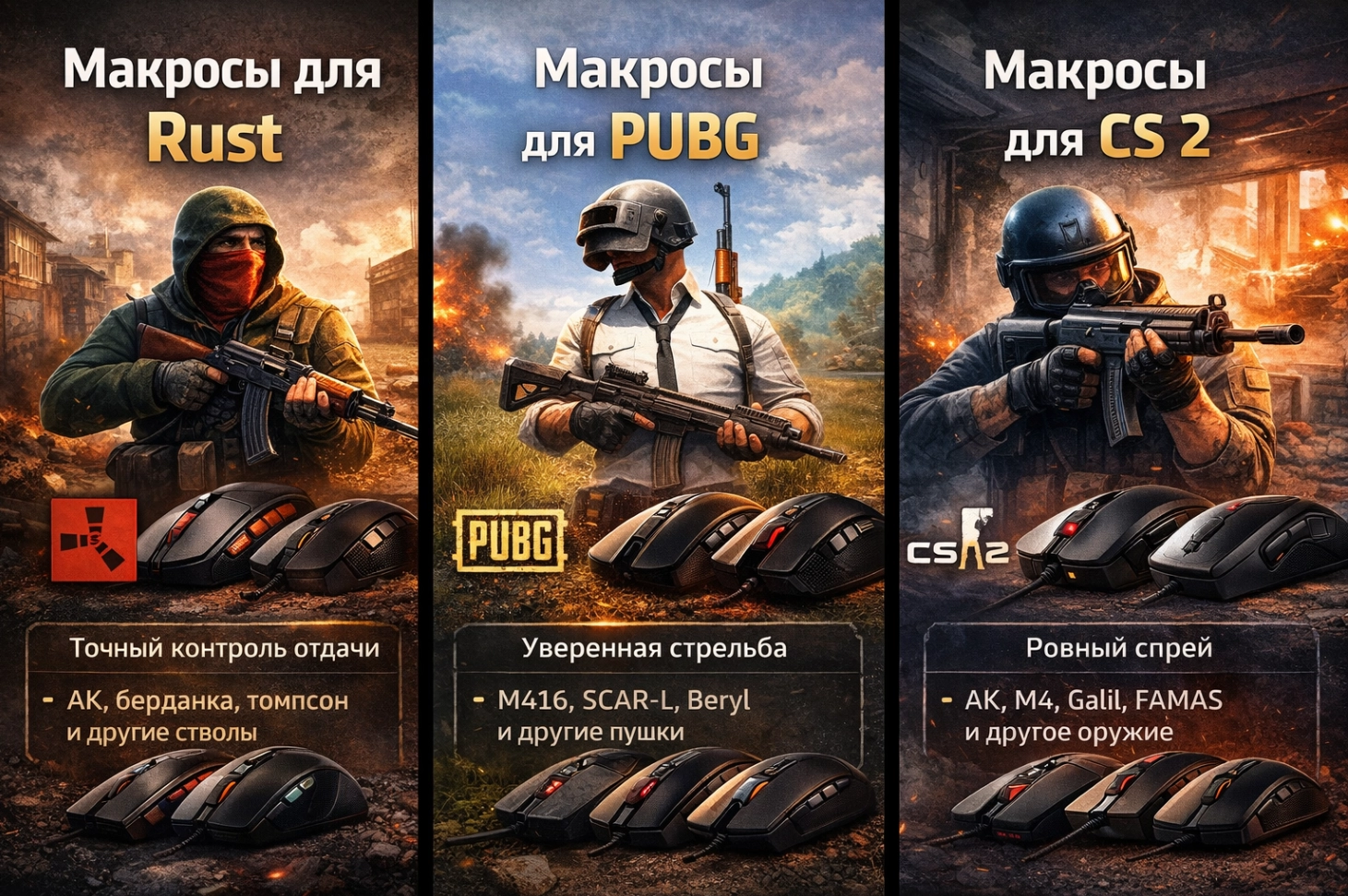
Counter-Strike 2 changed the feel of shooting compared to CS:GO: updated physics, different bullet behavior, and adjusted recoil patterns. Each weapon has its own spray “signature,” and without practice it becomes much harder to keep a stable spray and land consistent headshots during long bursts.
For example, rifles in CS2 behave differently:
The classic way to improve recoil control in CS2 is to train for hours, adjust sensitivity and DPI, and fine-tune your crosshair. It works — but it’s time-consuming and doesn’t provide instant consistency.
A faster and more practical solution is to use ready-made CS2 macros. These scripts are tuned specifically for CS2 recoil and take into account:
When you hold the fire button, the CS2 macro set inside your mouse/keyboard software gently compensates recoil. You still aim, choose targets, and decide when to shoot — you simply stop “fighting” the gun’s kick. The result is a smoother spray and more stable hits.
On topmacro.net you can pick solutions for your device model and your preferred weapon behavior. Everything is tested, so after installation you immediately feel the difference: your crosshair stays closer to the target during long bursts, and recoil control stops being your biggest problem.
If you want to shoot accurately in CS2 without weeks of aim maps, CS2 macros from topmacro.net are one of the quickest and easiest ways to get consistent recoil control.
In PUBG and PUBG Mobile, gunplay is designed to be challenging: the weapon kicks up, drifts sideways, and each gun has a distinct recoil personality. Even with good sensitivity and attachments, fully controlling sprays by hand is hard — especially at medium and long range.
Standard methods — sensitivity tuning, optics selection, compensators, grips — help only partially. To make sprays truly stable and reduce excessive spread, many players choose macros for PUBG and PUBG Mobile, tuned for real recoil patterns of M416, SCAR-L, AKM, Beryl, and other popular weapons, including sprays with 2x/3x/4x scopes.
The key thing about PUBG Mobile is that you can play it either directly on a phone or via an emulator on PC (LDPlayer, Gameloop, etc.):
Some gaming mice (for example, Bloody and certain A4Tech/X7 models) support onboard profile memory. This means:
For the game it still looks like normal input, so aim movement remains natural: the crosshair doesn’t jump wildly, and the spray becomes smoother even during longer bursts. On topmacro.net, recoil-control scripts for PUBG and PUBG Mobile are selected and tested for common setups and popular devices, so you can control M416, SCAR-L, AKM, UMP, and more with far more confidence on both phone and emulator.
If you want to reduce recoil in PUBG and PUBG Mobile without endless sensitivity experiments and weeks of practice, macros from topmacro.net are a convenient way to make your shooting stable and predictable across platforms.
Rust is not just a survival game — it’s a shooter where aim decides everything: base raids, defense, and fights for loot. Recoil patterns are complex, and even a small mistake during a spray can cost you the duel and your inventory. This is why recoil control matters so much in Rust, and why properly tuned macros can feel like a huge improvement: they take chaotic spraying and make it smoother and more repeatable.
On topmacro.net, Rust scripts are designed as Accuracy Macro solutions — focused on smoothness and precision. They are refined for specific Rust weapons (AK-style recoil behavior, SMGs, and other popular guns). The goal is straightforward: keep shots as close as possible to the intended aim point and reduce unnecessary spread without strange “robotic” motion.
Main advantages:
A separate section on the Rust macros page explains device limitations and practical solutions for different mouse brands (Logitech, Razer, Bloody, X7/A4Tech), including guidance on stable usage scenarios.
There is also a universal path many players consider: using supported devices across different environments (including cloud platforms), where local device restrictions may behave differently. The best choice depends on your device model, your game mode, and your comfort level.
On the Rust macros page you can also find:
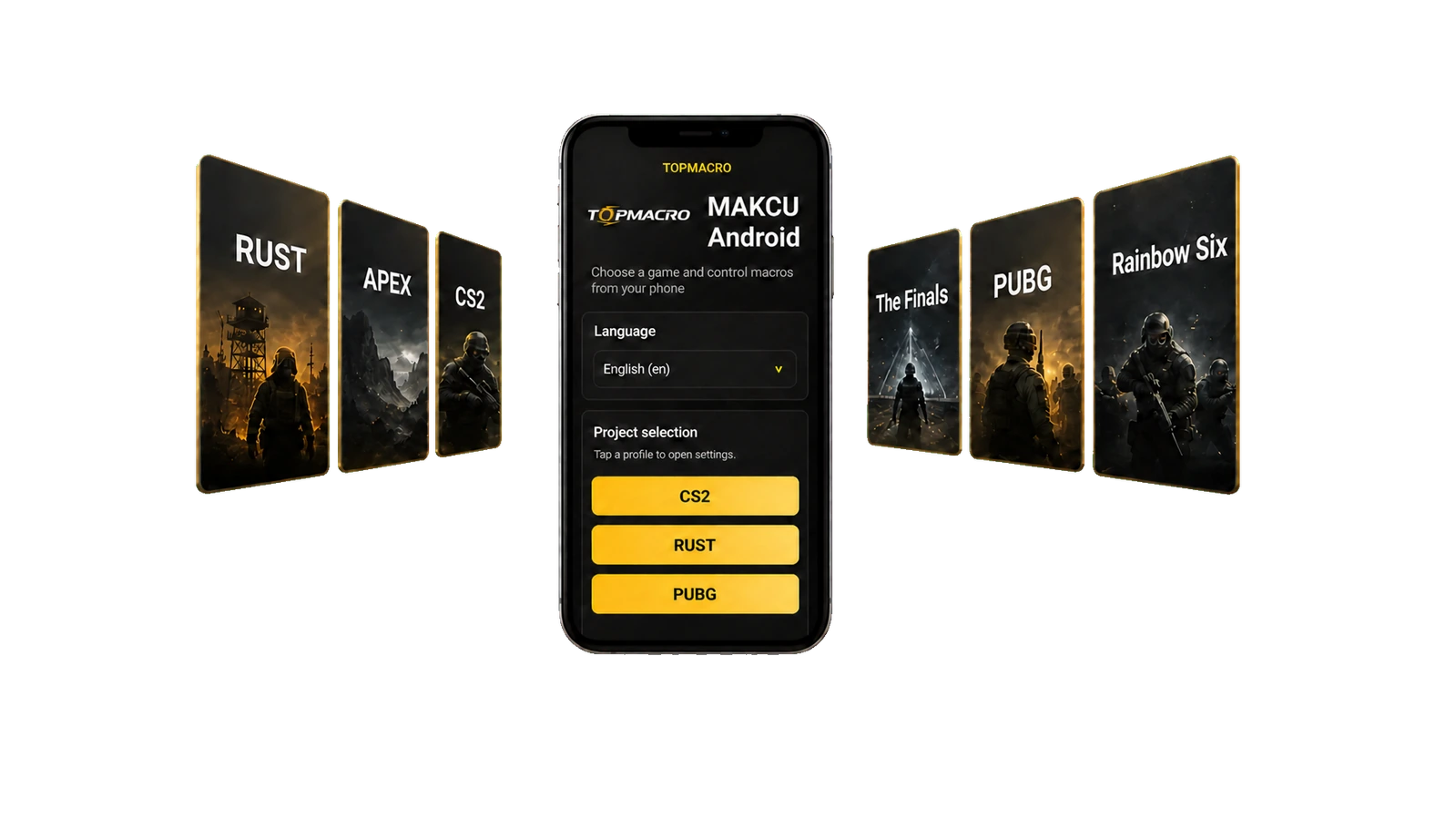
Considering all these nuances, the most reliable and practical solutions for playing Rust with macros are a Makcu + Android phone setup or a Makcu + two-PC setup, More details.
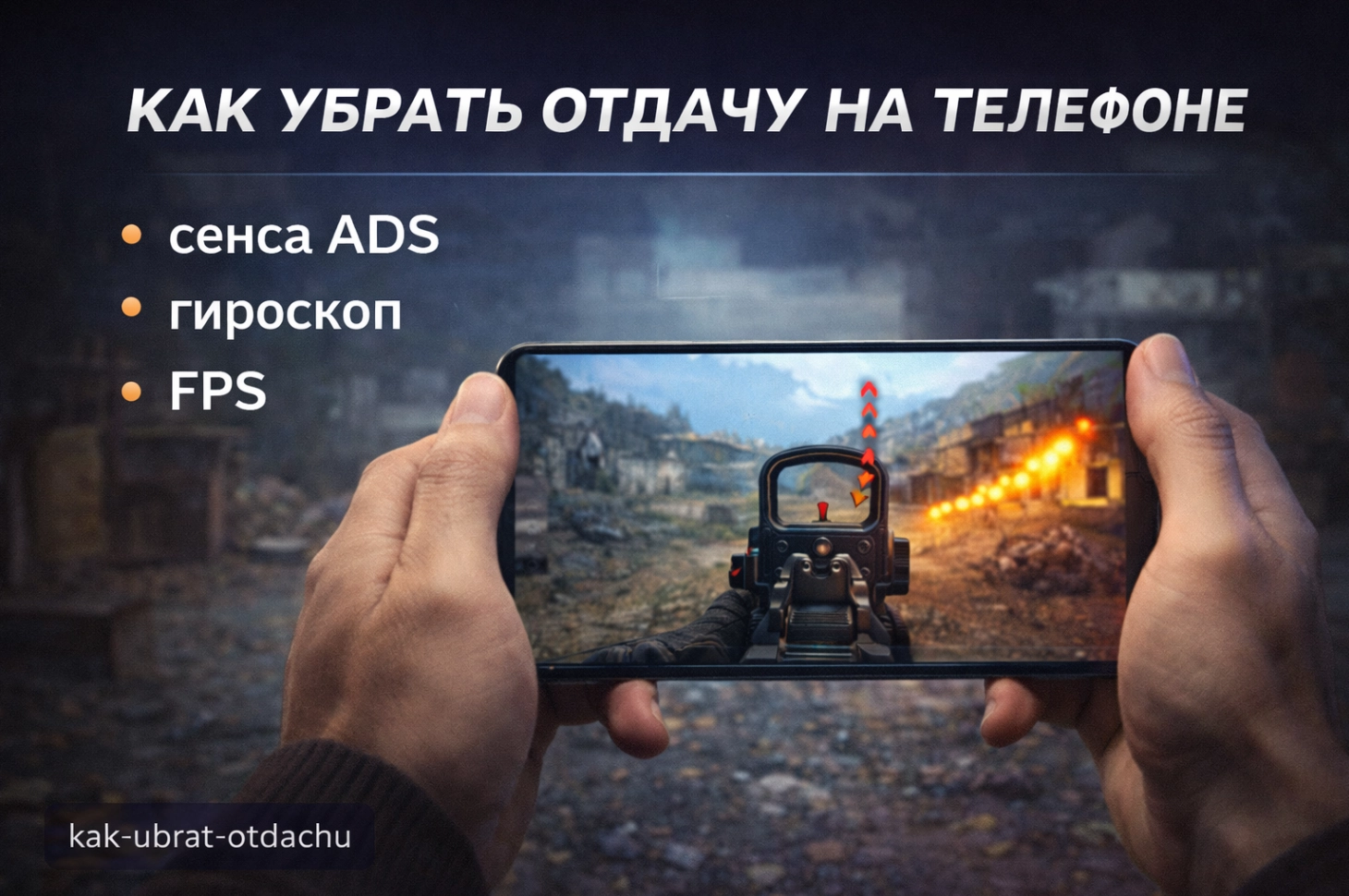
Mobile shooters like PUBG Mobile, Standoff 2, and others are fast and competitive, but controlling recoil on a touchscreen is harder than on a mouse. In intense fights your finger can slip, the aim jumps, and holding a clean spray becomes difficult without extra help.
One of the most convenient ways to reduce recoil on mobile is using adapters and controllers (GameSir, Mocute, Razer, etc.) that allow connecting a mouse and using stored macro profiles (depending on the device). The idea is simple: you set up the macro once on a PC, load it to the device profile if supported, then connect the mouse to your phone via OTG/adapter — and recoil compensation becomes smoother and more consistent during sprays.
This approach can make your shooting feel much calmer: the crosshair stays closer to the target, and long bursts become easier. Together with properly selected scripts from topmacro.net, you get stable and predictable recoil control on mobile without endless trial-and-error.
If you want to reduce recoil in CS2, Rust, PUBG, PUBG Mobile, Standoff 2, and other shooters on PC or mobile, the most practical approach is often a combination of good settings plus ready-made recoil-control macros.
TopMacro macros help you keep a steadier spray, reduce unnecessary spread, and make shooting more comfortable without complicated setup. Choose the right pack, install it following the instructions — and start playing with better recoil control right away.
Play with better recoil control together with topmacro.net!