














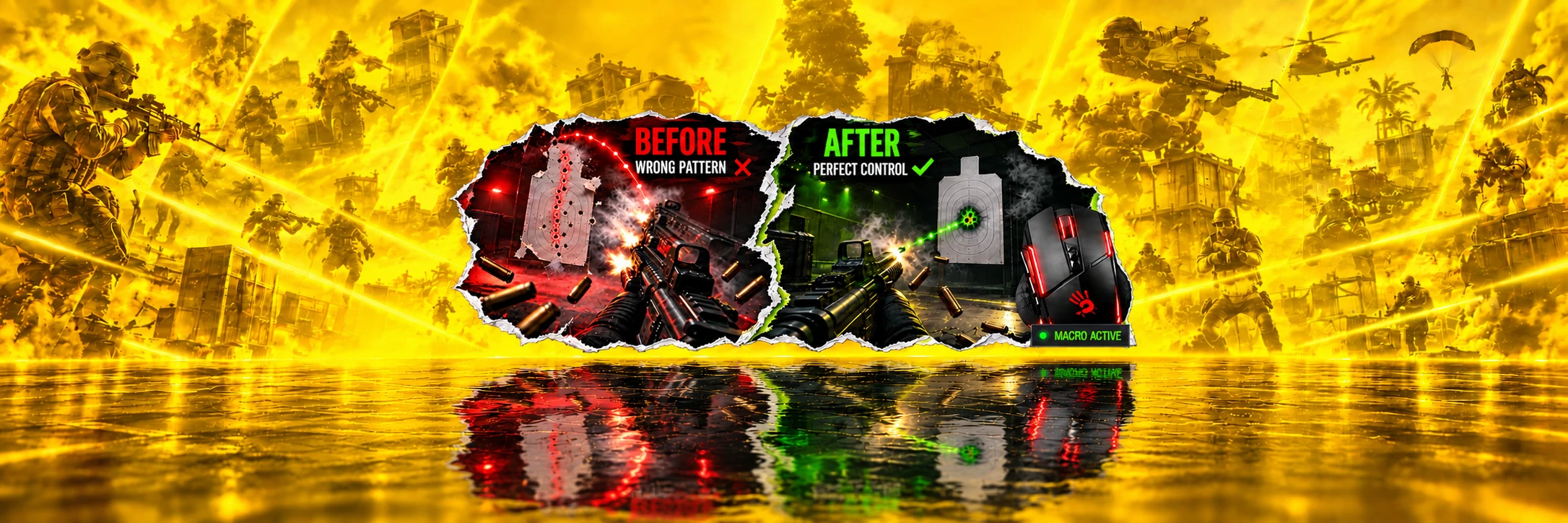

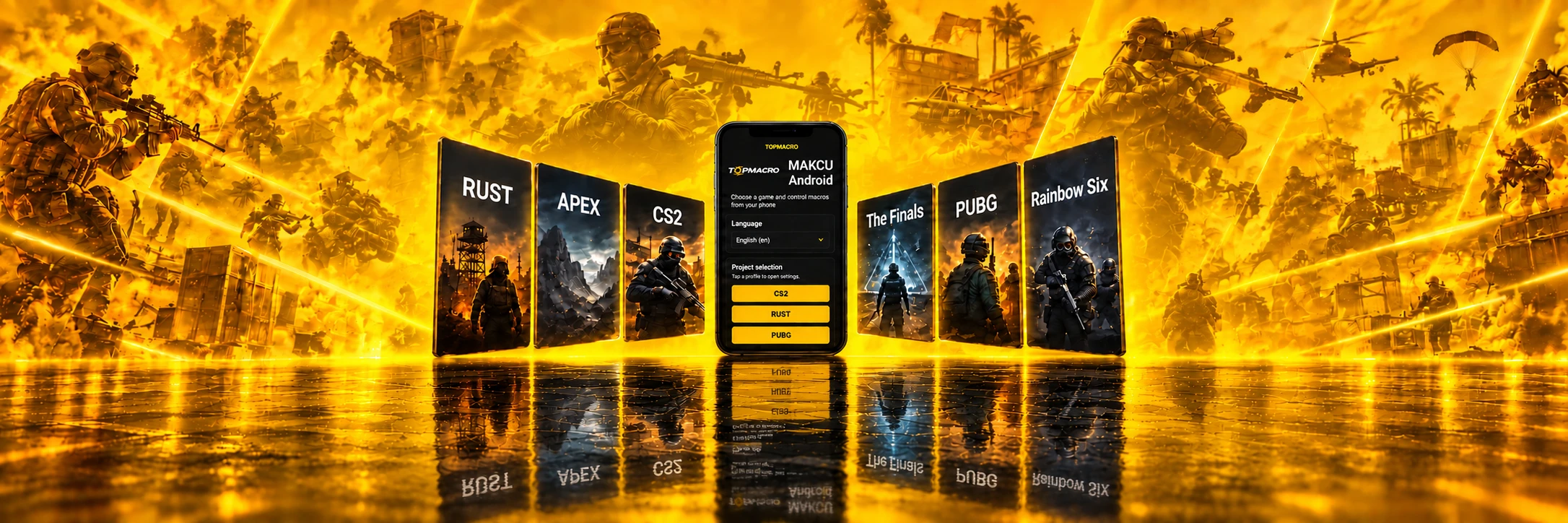
Point Blank Macros for Bloody, X7, and Logitech Mice
Your accuracy is our priority. Reliable solutions to suppress recoil in Point Blank.
9 years
experience — since 2017

About the Game
Point Blank is a tactical online multiplayer shooter and one of the genre’s early successes in Russia. It has evolved into a well-known esports title featuring daily tournaments, fast-paced action, and intense firefights.

Advantages
Use TopMacro™ macros for Point Blank to improve recoil control and shooting consistency during fast-paced firefights.

Are Macros Banned?
Point Blank macros for Bloody or X7 mice, as well as standard mice using the OscarMacro emulator, simulate mouse movement. Supported operating system: Windows.
Point Blank Macro Catalog
Professional macros for Point Blank.
Choose sensitivity
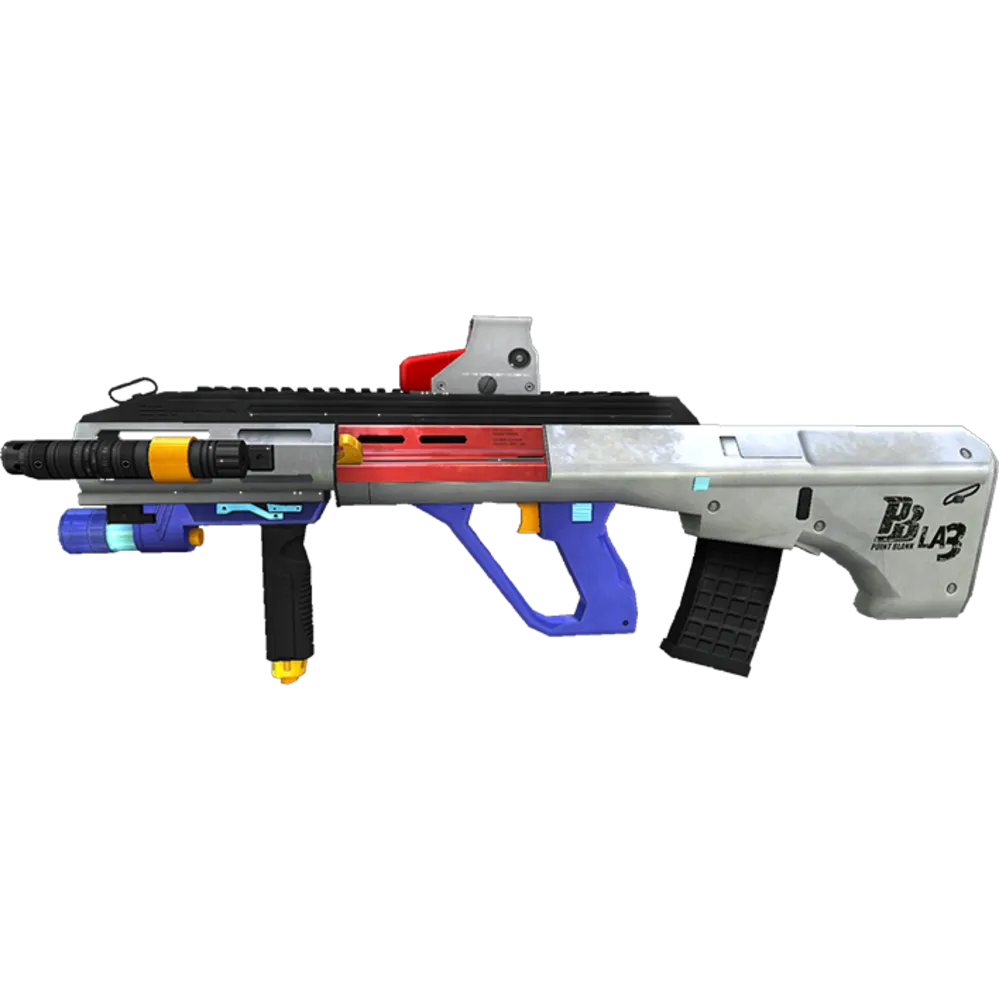
AUG Macro for Point Blank | Bloody / X7 | Sensitivity 0.25
2.97USD
- Mouse sensitivity — any value of your choice
- Bloody / X7
- Macro version: Standard macros
- LMB and Anti VL versions; Smoothness from 2 ms
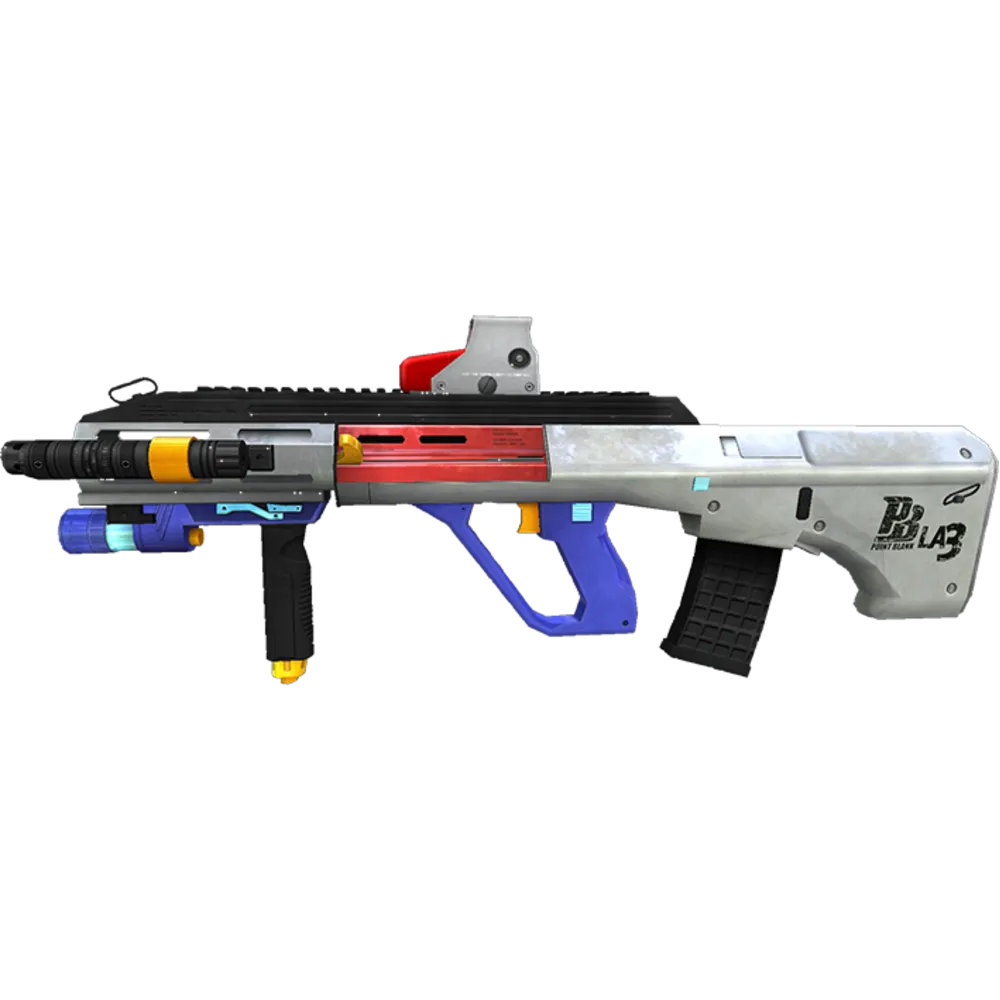
AUG Macro for Point Blank | Bloody / X7 | Sensitivity 0.5
2.97USD
- Mouse sensitivity — any value of your choice
- Bloody / X7
- Macro version: Standard macros
- LMB and Anti VL versions; Smoothness from 2 ms
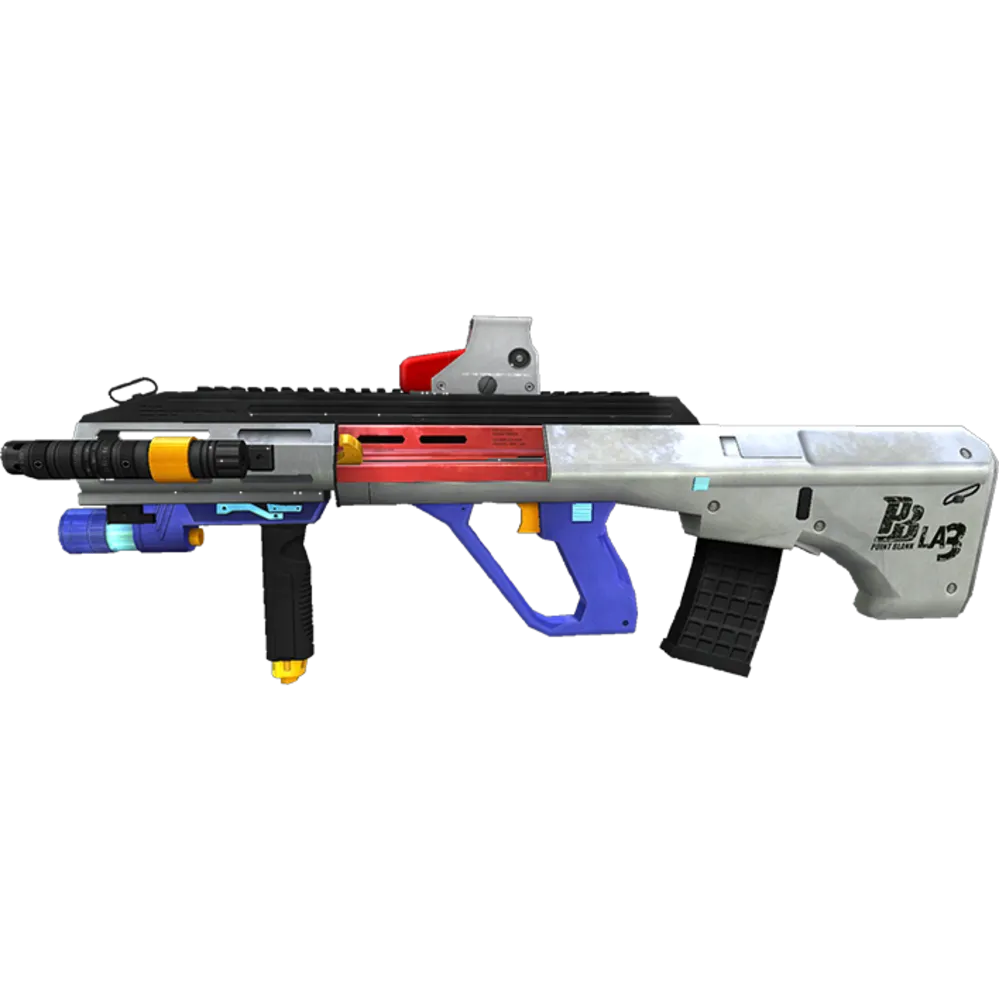
AUG Macro for Point Blank | Logitech | Sensitivity 0.25
2.97USD
- Mouse sensitivity — any value of your choice
- Logitech
- Macro version: Standard macros
- LMB and Anti VL versions; Smoothness from 2 ms

Universal Logitech Macro for Any Game
10.39USD
- Mouse sensitivity — any value of your choice
- Logitech
- Macro version: Standard macros
- LMB and Anti VL versions; Smoothness from 2 ms
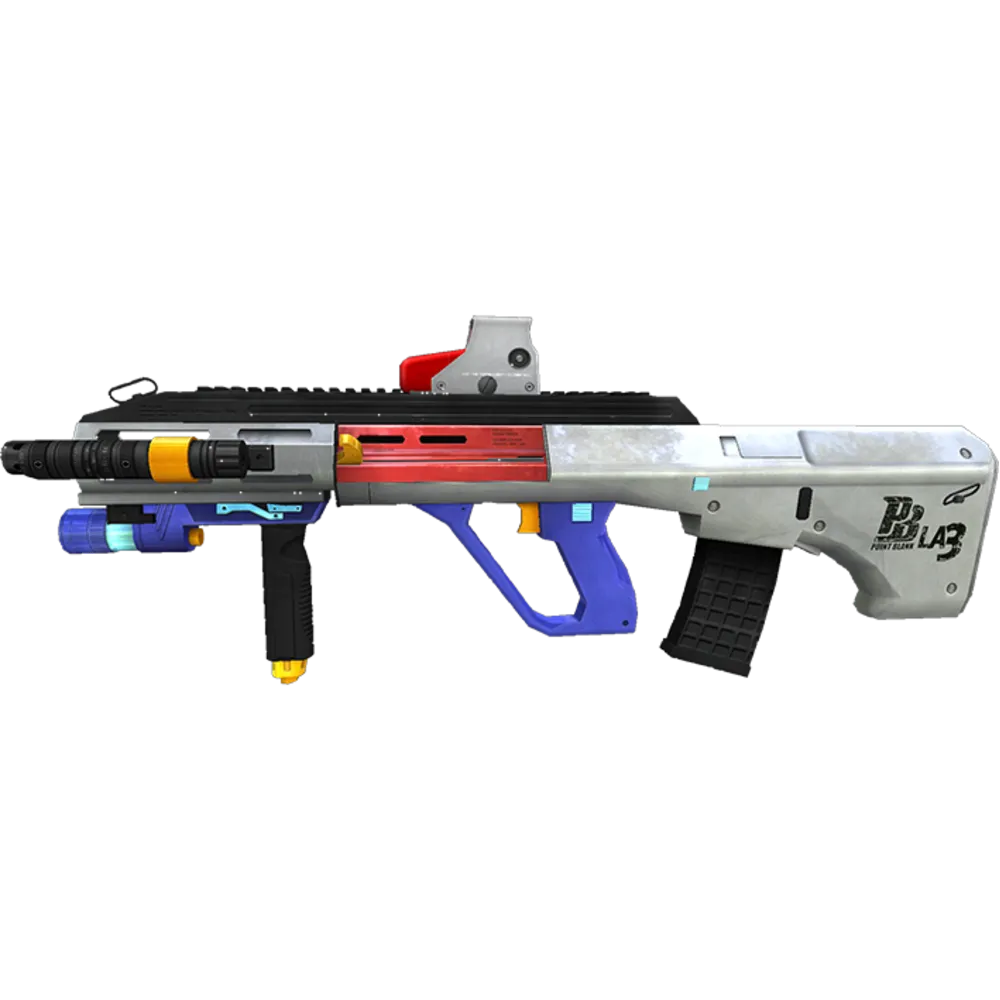
AUG Macro for Point Blank | Logitech | Sensitivity 0.5
2.97USD
- Mouse sensitivity — any value of your choice
- Logitech
- Macro version: Standard macros
- LMB and Anti VL versions; Smoothness from 2 ms
Store dataPrices and products from the catalog
Quick startArchive and instructions after payment
SupportHelp with installation and setup
Point Blank descriptions and compatibility
AUG Macro for Point Blank | Bloody / X7 | Sensitivity 0.25
Product description
This product is designed for Point Blank and Bloody / X7. It focuses on recoil control, quick setup, and stable use with supported mouse software.
Category: Bloody / X7
Usage conditions
- Use the mouse model and software shown in the product card.
- Keep the in-game settings close to the values specified for this product.
- Download the archive after payment and follow the included instructions.
- Recommended sensitivity: 0.25.
Operation model
The operating method alone does not determine whether use is permitted: the program does not inject into the game process or modify game files.
After payment
You receive the macro archive and setup information immediately. If you close the purchase page, access can be restored through the payment email or your Oplata.info account.
Support
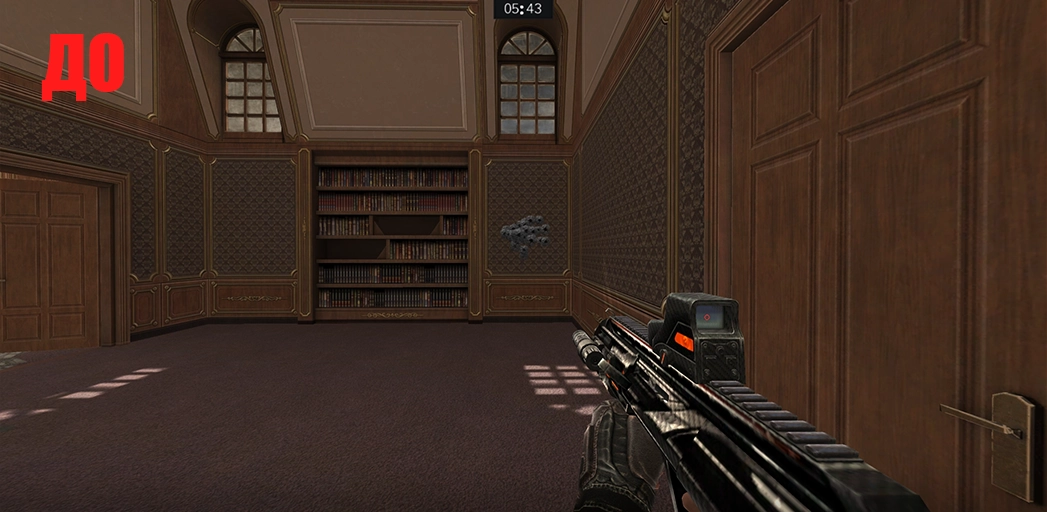
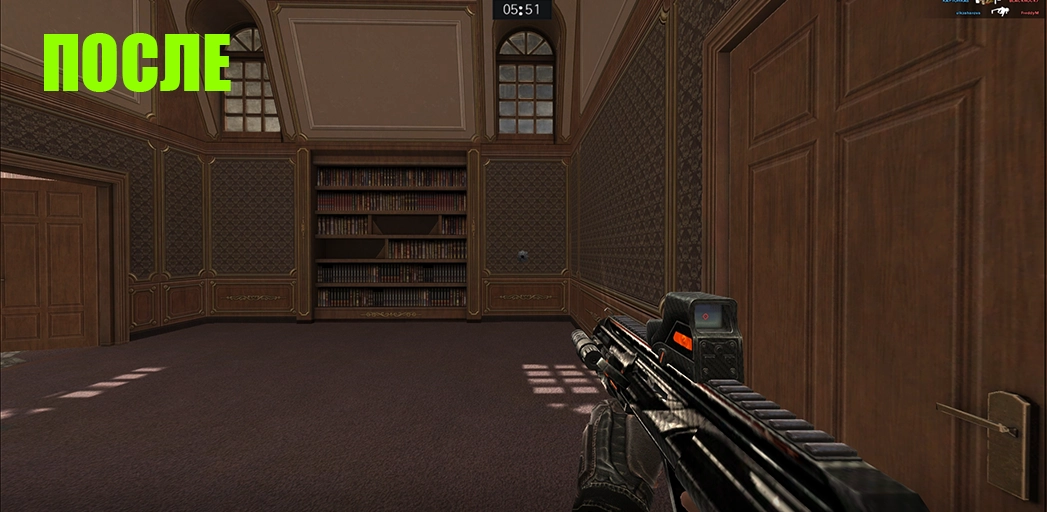
If the result differs from the preview, contact the seller through the purchase page for setup assistance.
These macros are suitable for X7/Bloody mice with onboard memory. Make sure your mouse supports Bloody 7 or Bloody 8 Workshop.
AUG Macro for Point Blank | Bloody / X7 | Sensitivity 0.5
Product description
This product is designed for Point Blank and Bloody / X7. It focuses on recoil control, quick setup, and stable use with supported mouse software.
Category: Bloody / X7
Usage conditions
- Use the mouse model and software shown in the product card.
- Keep the in-game settings close to the values specified for this product.
- Download the archive after payment and follow the included instructions.
- Recommended sensitivity: 0.5.
Operation model
The operating method alone does not determine whether use is permitted: the program does not inject into the game process or modify game files.
After payment
You receive the macro archive and setup information immediately. If you close the purchase page, access can be restored through the payment email or your Oplata.info account.
Support
If the result differs from the preview, contact the seller through the purchase page for setup assistance.
These macros are suitable for X7/Bloody mice with onboard memory. Make sure your mouse supports Bloody 7 or Bloody 8 Workshop.
AUG Macro for Point Blank | Logitech | Sensitivity 0.25
Product description
This product is designed for Point Blank and Logitech. It focuses on recoil control, quick setup, and stable use with supported mouse software.
Category: Logitech
Usage conditions
- Use the mouse model and software shown in the product card.
- Keep the in-game settings close to the values specified for this product.
- Download the archive after payment and follow the included instructions.
- Recommended sensitivity: 0.25.
Operation model
The operating method alone does not determine whether use is permitted: the program does not inject into the game process or modify game files.
After payment
You receive the macro archive and setup information immediately. If you close the purchase page, access can be restored through the payment email or your Oplata.info account.
Support
If the result differs from the preview, contact the seller through the purchase page for setup assistance.
Universal Logitech Macro for Any Game
Product description
Conditions for stable operation:
- Mouse — Logitech G Series.
- Supported mouse models (the list may be incomplete): MX518, G102, G305, G403, G402, G Pro, G502, G603, G604, G703, G903, and G900.
- G Pro Wireless is also supported.
Please note: since the vertical and horizontal compensation strength can be adjusted using the side mouse buttons, the script can be adapted to virtually any weapon in any game. However, it will not provide effective recoil compensation “out of the box” without prior configuration.
Please also note that this macro cannot compensate for weapon recoil with absolute perfection. For the highest possible level of compensation for a specific weapon or every weapon in a game, choose a ready-made FULL PACK bundle or order individual macros.
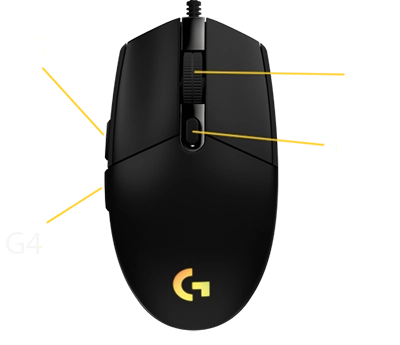
This script allows you to adjust the strength of vertical and, optionally, horizontal recoil compensation. The G5 and G4 buttons are used to increase or decrease the compensation strength. This allows you to configure the script to compensate for the vertical recoil of virtually any weapon.
One universal Lua script for configuring recoil compensation in almost any game. You do not need to install a separate macro for every weapon — all required values can be adjusted directly during gameplay using the mouse buttons.
Main Features
- 20 independent weapon profiles in one script.
- Precise vertical compensation adjustment in increments of 0.10.
- Additional horizontal movement adjustment.
- Each profile stores its own vertical and horizontal values.
- Quick switching between weapons without editing the code.
- Export of all configured values for permanent storage.
- Fixed movement interval of 10 ms.
- Detailed offline instructions in 14 languages.
- Optimized compensation activation for Logitech wireless mice.
Script Controls
- G3 — mouse wheel click: enable or disable compensation.
- G4 / G5: decrease or increase vertical compensation.
- Ctrl + G4 / G5: adjust horizontal movement to the left or right.
- Shift + G4 / G5: switch between the 20 weapon profiles.
- Ctrl + Alt + G3: export all configured values.
This is a universal, customizable script, not a ready-made set of preconfigured values for a specific game or weapon.
Thanks to adjustable vertical and horizontal compensation, the script can be adapted to different weapons, mouse sensitivities, and in-game settings. However, suitable values must be configured manually before use.
The final result depends on the game mechanics, sensitivity settings, resolution, weapon characteristics, and the presence of randomized horizontal recoil.
For ready-made settings for a specific game and weapon, we recommend choosing the FULL PACK bundle.
After payment, you will instantly receive a link to download an archive containing the macros and setup information. The archive can be opened using WinRAR or any other compatible archiving program.
If you accidentally close the page containing the download link, you can restore access by following the link in the email sent to your email address after payment.
You can also access your personal account at oplata.info, where your purchase will be displayed.
Additional Information:
These macros are suitable for Logitech G-Series mice.
Review source: Digiseller. You can leave a review of your purchase on your order page at Oplata.info. Share your honest opinion of your purchase, whether positive, neutral or negative.
We wish you an enjoyable game with macros from TopMacro.
AUG Macro for Point Blank | Logitech | Sensitivity 0.5
Product description
This product is designed for Point Blank and Logitech. It focuses on recoil control, quick setup, and stable use with supported mouse software.
Category: Logitech
Usage conditions
- Use the mouse model and software shown in the product card.
- Keep the in-game settings close to the values specified for this product.
- Download the archive after payment and follow the included instructions.
- Recommended sensitivity: 0.5.
Operation model
The operating method alone does not determine whether use is permitted: the program does not inject into the game process or modify game files.
After payment
You receive the macro archive and setup information immediately. If you close the purchase page, access can be restored through the payment email or your Oplata.info account.
Support
If the result differs from the preview, contact the seller through the purchase page for setup assistance.
Point Blank macro demo
VideoPoint Blank Macros 2026
Recoil Compensation
After payment, you will immediately receive a link to download a .rar archive containing the selected macro.
To open the archive and access the files, you will need an archive extraction program. We recommend using WinRAR or any other extractor that supports the RAR format (e.g., 7-Zip or PeaZip).
If you do not have an extraction tool installed, you can download WinRAR from its official website. Opening the archive takes only a few seconds, after which you can follow the included setup instructions.
Point Blank macros are available for the AUG A3, shotguns, sniper rifles, P90, and other weapons. Each profile is tuned to the weapon’s recoil characteristics, with setup support included.
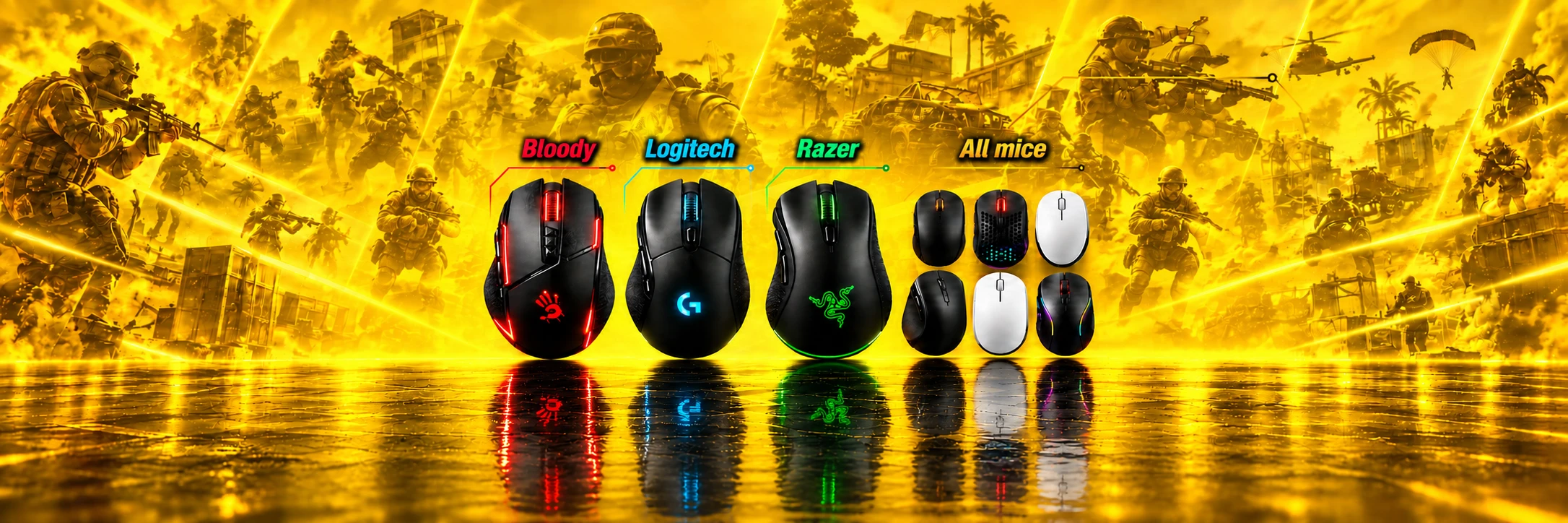
Compatibility of Mice for Point Blank Macros
-
Logitech
-
Bloody
-
X7 A4Tech
-
All Mice (Macro Program)
-
Razer
Macros for Point Blank – Are They Cheats?
Are mouse macros considered cheats?
Macros have gained wide popularity among Point Blank players as a convenient tool to optimize gameplay. However, despite their obvious advantages, many misconceptions and myths have arisen around macros, one of which equates macros with cheats.
Macros are small programs or scripts that automatically perform preset commands or actions via gaming mice. For example, they allow automatic recoil control by executing specific mouse movements in place of the player. This frees the gamer from repetitive, monotonous tasks, enabling a focus on strategic aspects of the game.
It is important to note that macros do not affect the game's internal code or interact with its files or processes.
However, it is understood that macros cannot replace real gaming skills and strategic thinking. They are solely intended to simplify repetitive tasks, enhance game comfort, and allow the player to concentrate on truly important aspects of gameplay.
All reviews posted on the site are left by real customers who have made a purchase. To verify this, start the checkout process and you will see Digiseller.market in your browser's address bar.
All macros have been tested repeatedly and are fully up to date. If you experience any problems, contact the administrator on Telegram.
Related videos
-
Point Blank macros: short gameplay test
Short Point Blank demonstration with movement through indoor rooms, aimed fire at opponents, and a text description of the gameplay scenes.