














ACCURATE MACROS
Smoothness and Precision
Reliable, durable scripts designed to effectively reduce recoil.

GUARANTEE

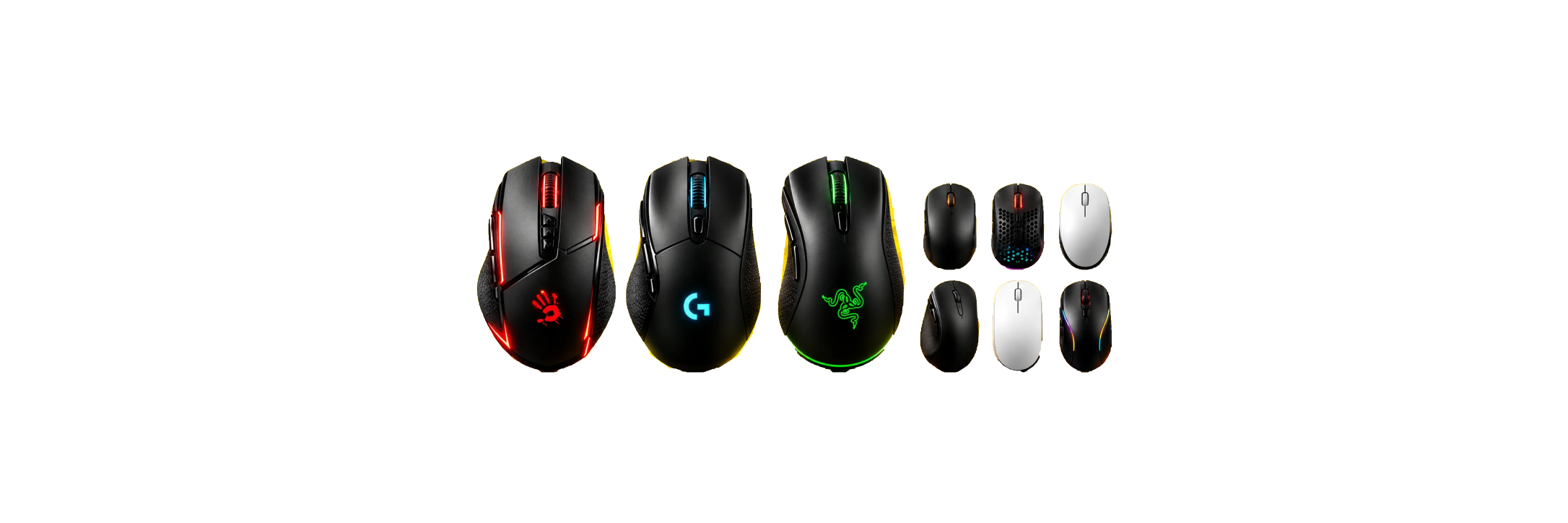
Macros for The Finals 2026
Reliable and proven solutions to minimize recoil in The Finals.
9 years
experience — since 2017

About the Game
Immerse yourself in the world of The Finals – a first-person shooter developed and published by Nexon Embark. The game focuses on team-based matches in dynamic, destructible environments that allow players to strategically use the surroundings for tactical advantages.

Advantage
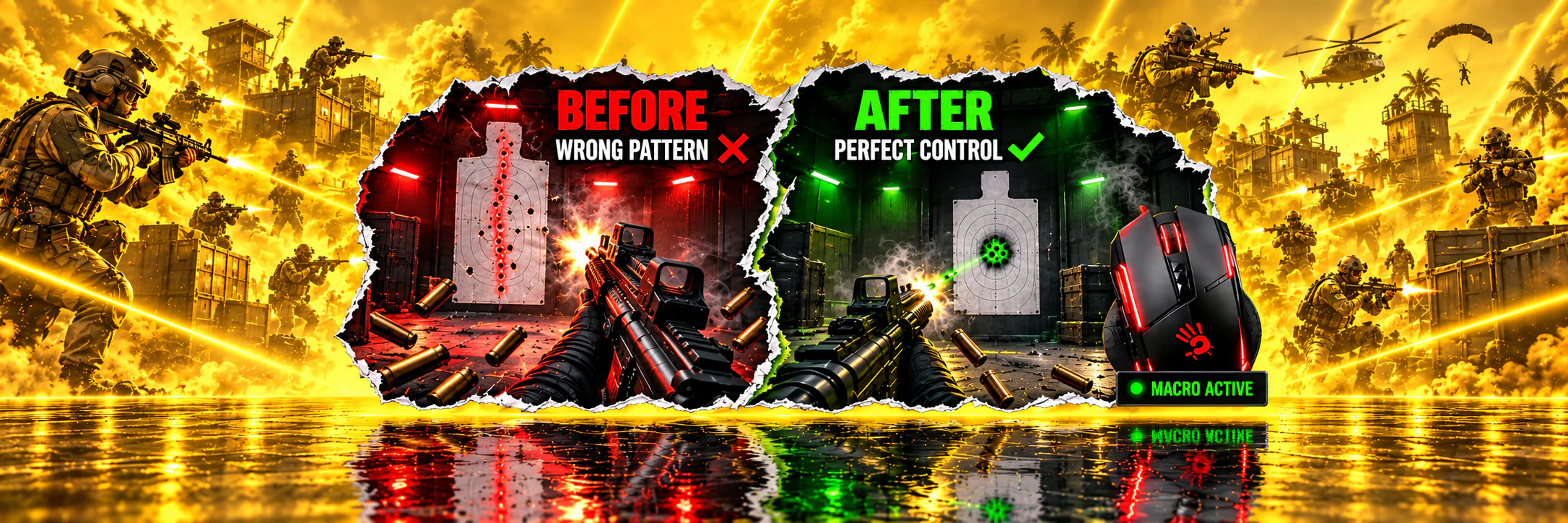
Utilize macros for The Finals to streamline recoil management. Automate your actions to achieve high accuracy and stability while shooting, thereby increasing your chances of victory. This also speeds up character progression and enhances your overall gaming experience.

System Requirements
To enhance your experience in The Finals using programmable mice, ensure that your operating system is Windows. Depending on your mouse manufacturer, you might need specific software: Logitech users can use G HUB, Bloody mouse owners can use Bloody7, and for X7 A4Tech mice, Oscar Mouse Editor is recommended. It’s important to select the correct version for your specific mouse model to ensure optimal compatibility.
Downloading files from public sources can pose serious security risks to your computer, as such files may contain malware or viruses. Moreover, the quality of these macros might be insufficient, affecting your gaming performance and leading to unpredictable outcomes.
THE FINALS Macro Catalog
Professional macros for The Finals.
Your show. Your rules.
Full Pack of macros for Bloody / X7
27.55USD
- Look sensitivity: choose your value
- Zoom sensitivity multiplier: fixed at 100%
- FOV: any
- All 13 weapons
- AMC: LMB and LMB + RMB versions for each weapon.
Multiscript for Logitech
27.55USD
- Look sensitivity: choose your value
- Zoom sensitivity multiplier: fixed at 100%
- FOV: any
- All 13 weapons
- Individual Lua scripts for each weapon: Caps Lock or G5 activation, with LMB and LMB + RMB modes. Two multiscripts for LMB and LMB + RMB: select a weapon by holding a modifier key and pressing a mouse button.
Full Pack of macros for Razer
27.55USD
- Look sensitivity: choose your value
- Zoom sensitivity multiplier: fixed at 100%
- FOV: any
- All 13 weapons
- XML for Razer Synapse.
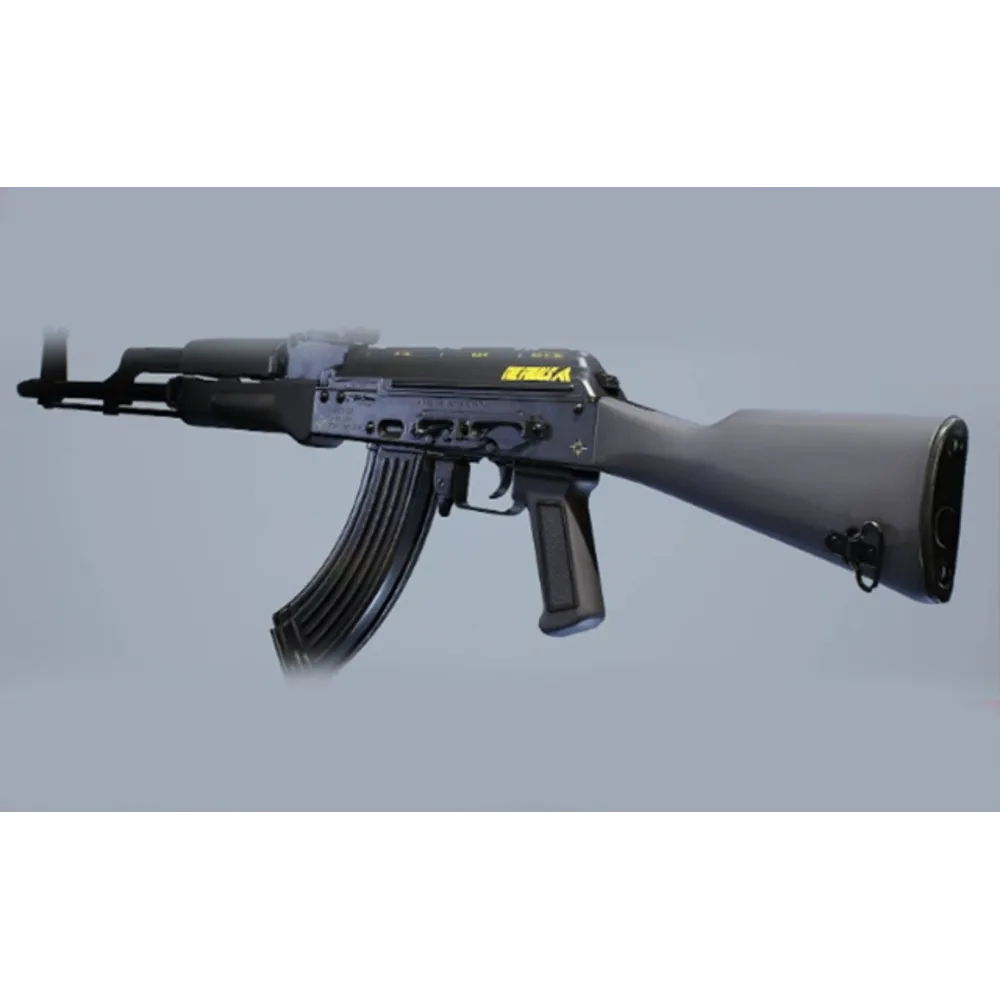
AKM macro for Bloody / X7
2.99USD
- Look sensitivity: choose your value
- Zoom sensitivity multiplier: fixed at 100%
- FOV: any
- Bloody / X7
- AMC: LMB and LMB + RMB versions for each weapon.
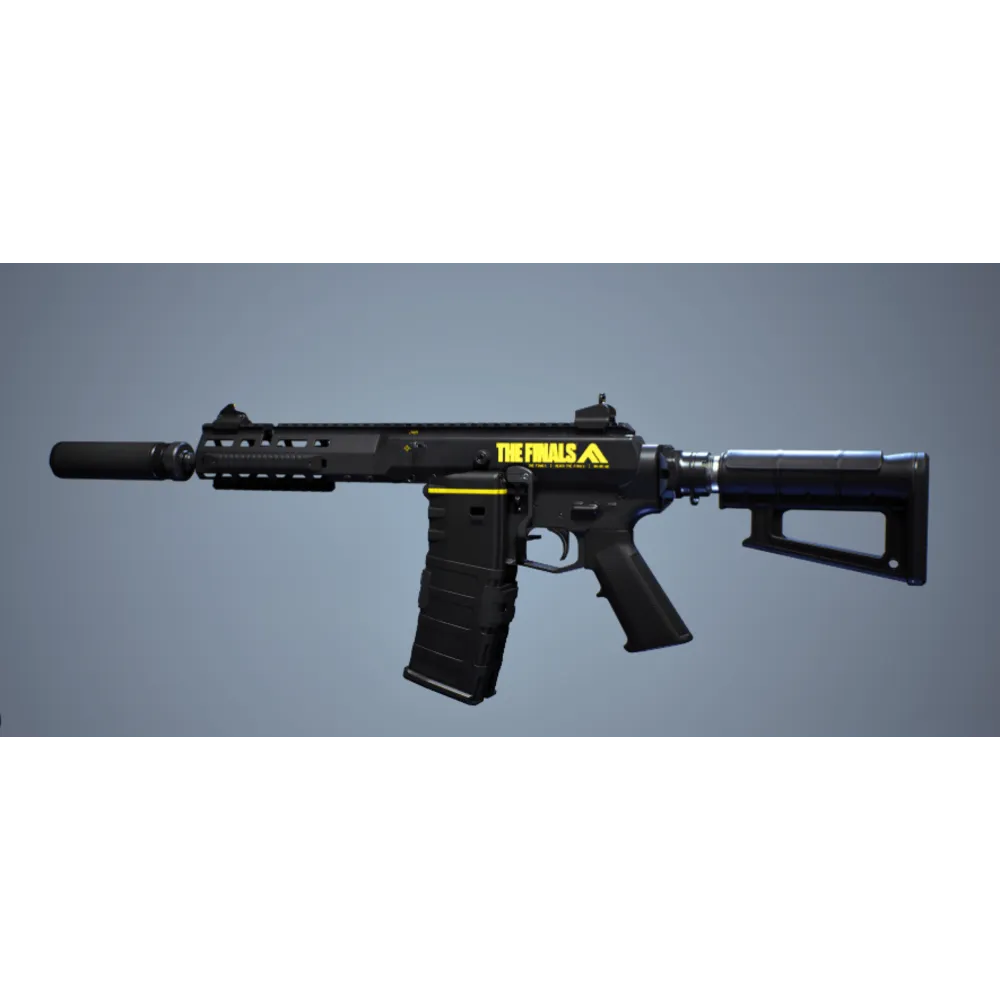
ARN 220 macro for Bloody / X7
2.99USD
- Look sensitivity: choose your value
- Zoom sensitivity multiplier: fixed at 100%
- FOV: any
- Bloody / X7
- AMC: LMB and LMB + RMB versions for each weapon.
FAMAS macro for Bloody / X7
2.99USD
- Look sensitivity: choose your value
- Zoom sensitivity multiplier: fixed at 100%
- FOV: any
- Bloody / X7
- AMC: LMB and LMB + RMB versions for each weapon.
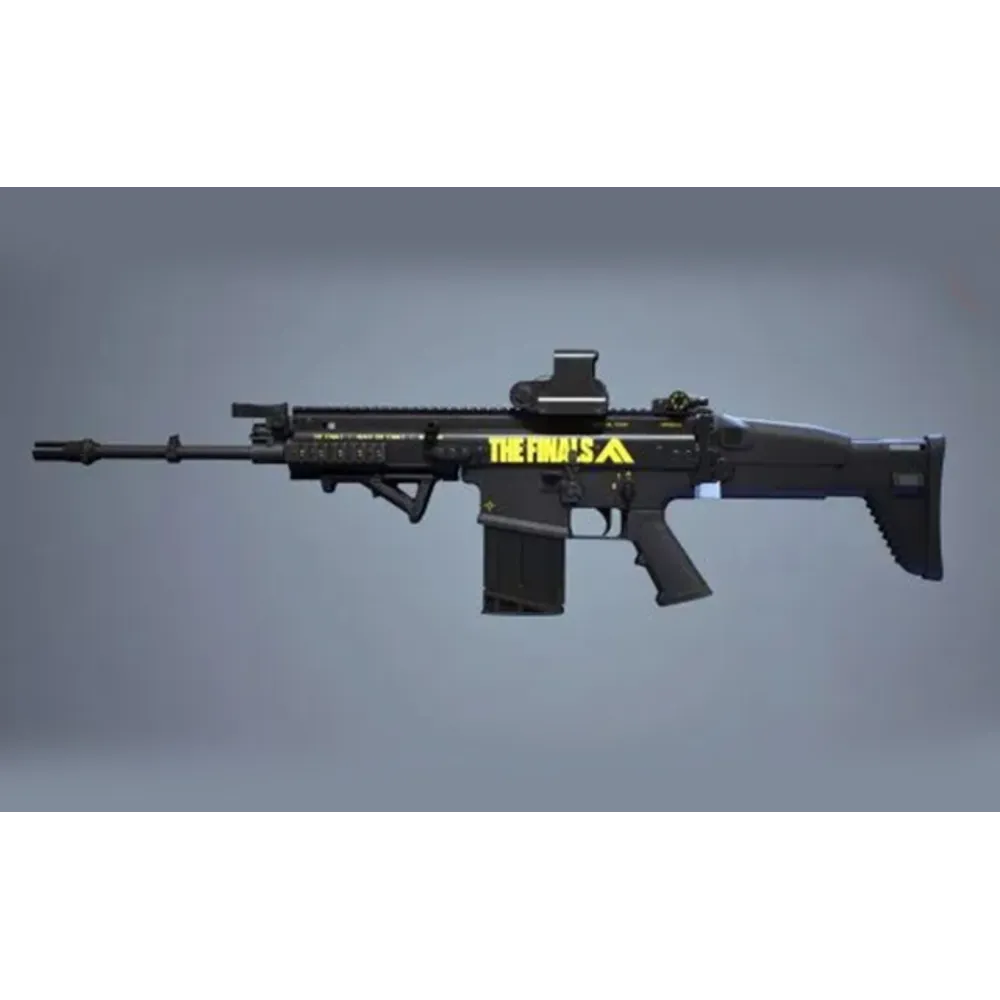
FCAR macro for Bloody / X7
2.99USD
- Look sensitivity: choose your value
- Zoom sensitivity multiplier: fixed at 100%
- FOV: any
- Bloody / X7
- AMC: LMB and LMB + RMB versions for each weapon.
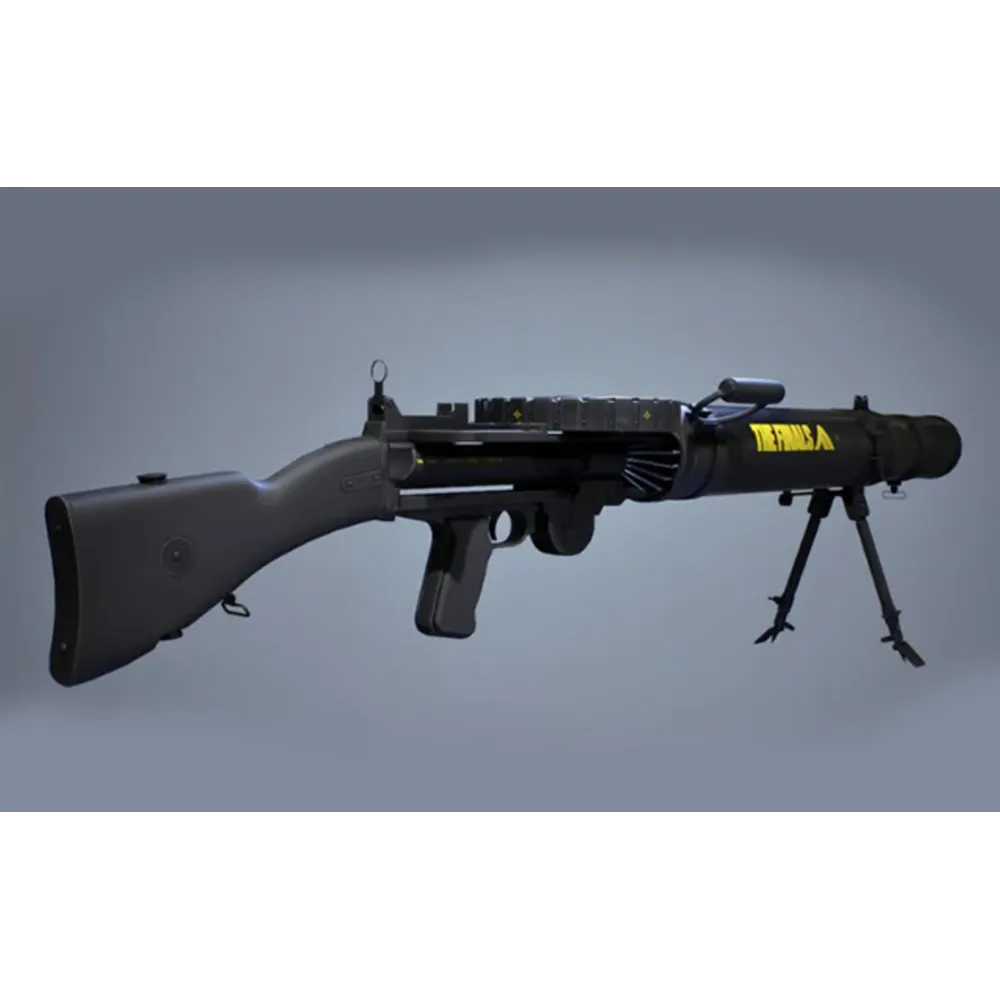
LEWIS GUN macro for Bloody / X7
3.08USD
- Look sensitivity: choose your value
- Zoom sensitivity multiplier: fixed at 100%
- FOV: any
- Bloody / X7
- AMC: LMB and LMB + RMB versions for each weapon.

LH1 macro for Bloody / X7
2.99USD
- Look sensitivity: choose your value
- Zoom sensitivity multiplier: fixed at 100%
- FOV: any
- Bloody / X7
- AMC: LMB and LMB + RMB versions for each weapon.
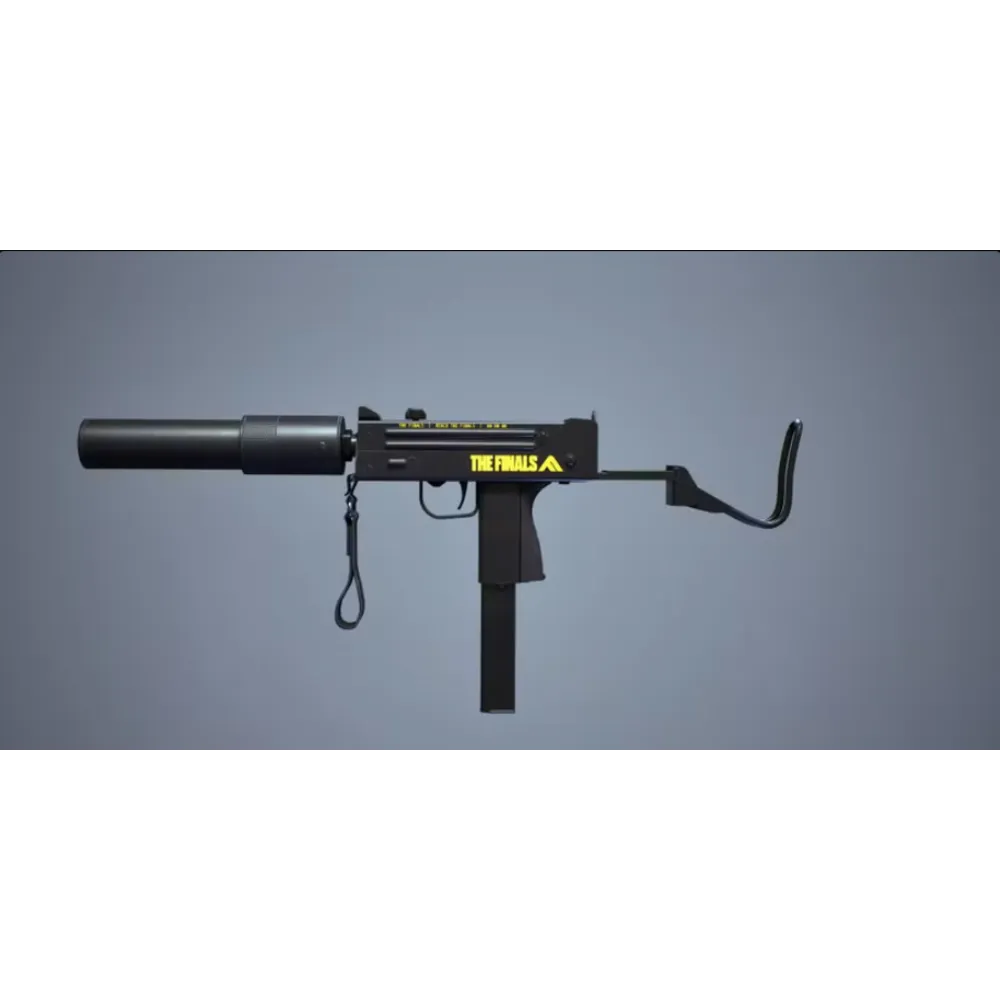
M11 macro for Bloody / X7
3.60USD
- Look sensitivity: choose your value
- Zoom sensitivity multiplier: fixed at 100%
- FOV: any
- Bloody / X7
- AMC: LMB and LMB + RMB versions for each weapon.
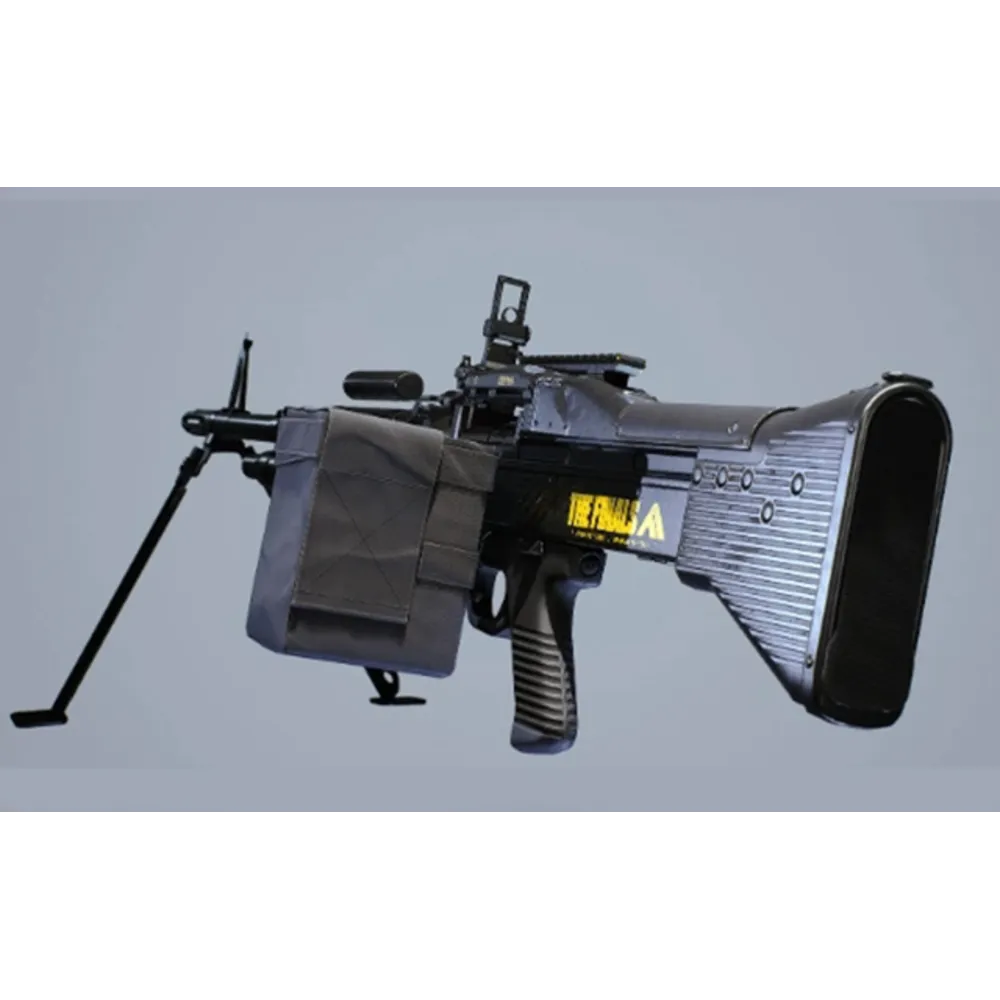
M60 macro for Bloody / X7
3.60USD
- Look sensitivity: choose your value
- Zoom sensitivity multiplier: fixed at 100%
- FOV: any
- Bloody / X7
- AMC: LMB and LMB + RMB versions for each weapon.
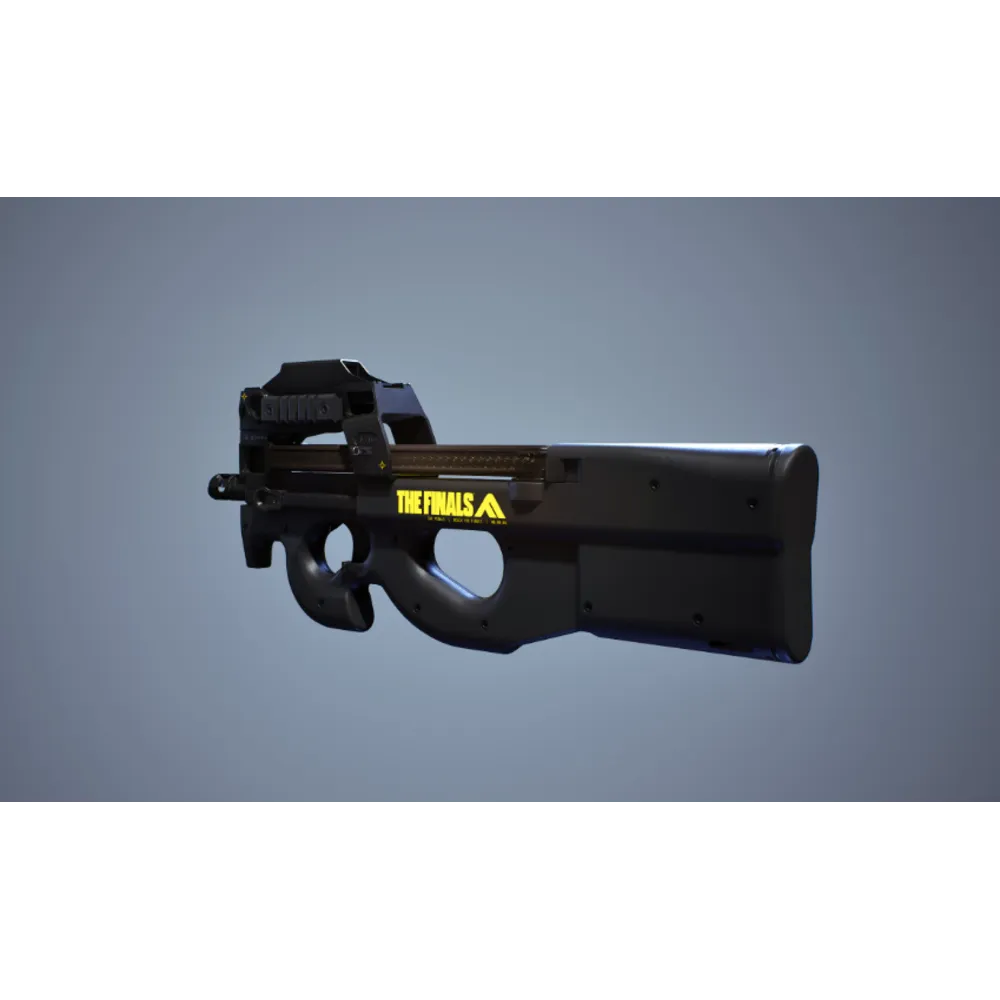
P90 macro for Bloody / X7
2.99USD
- Look sensitivity: choose your value
- Zoom sensitivity multiplier: fixed at 100%
- FOV: any
- Bloody / X7
- AMC: LMB and LMB + RMB versions for each weapon.
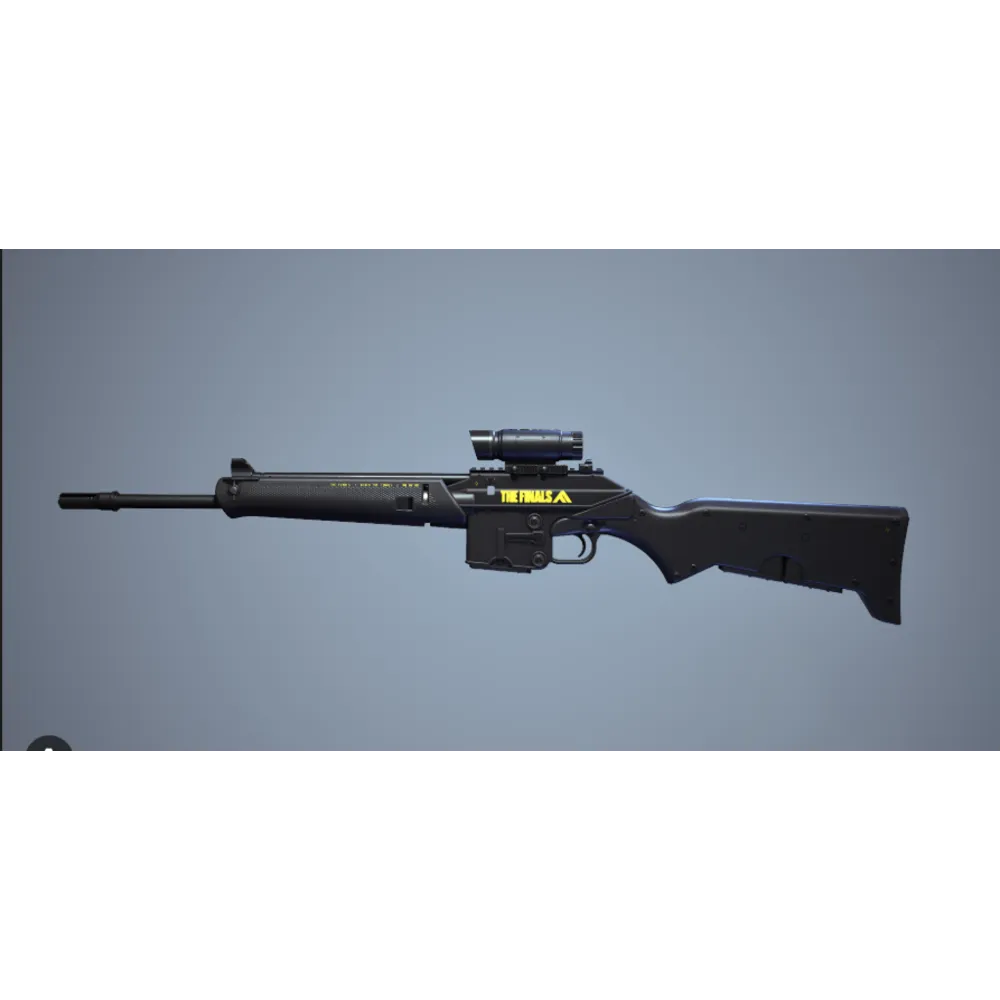
PIKE 556 macro for Bloody / X7
2.99USD
- Look sensitivity: choose your value
- Zoom sensitivity multiplier: fixed at 100%
- FOV: any
- Bloody / X7
- AMC: LMB and LMB + RMB versions for each weapon.
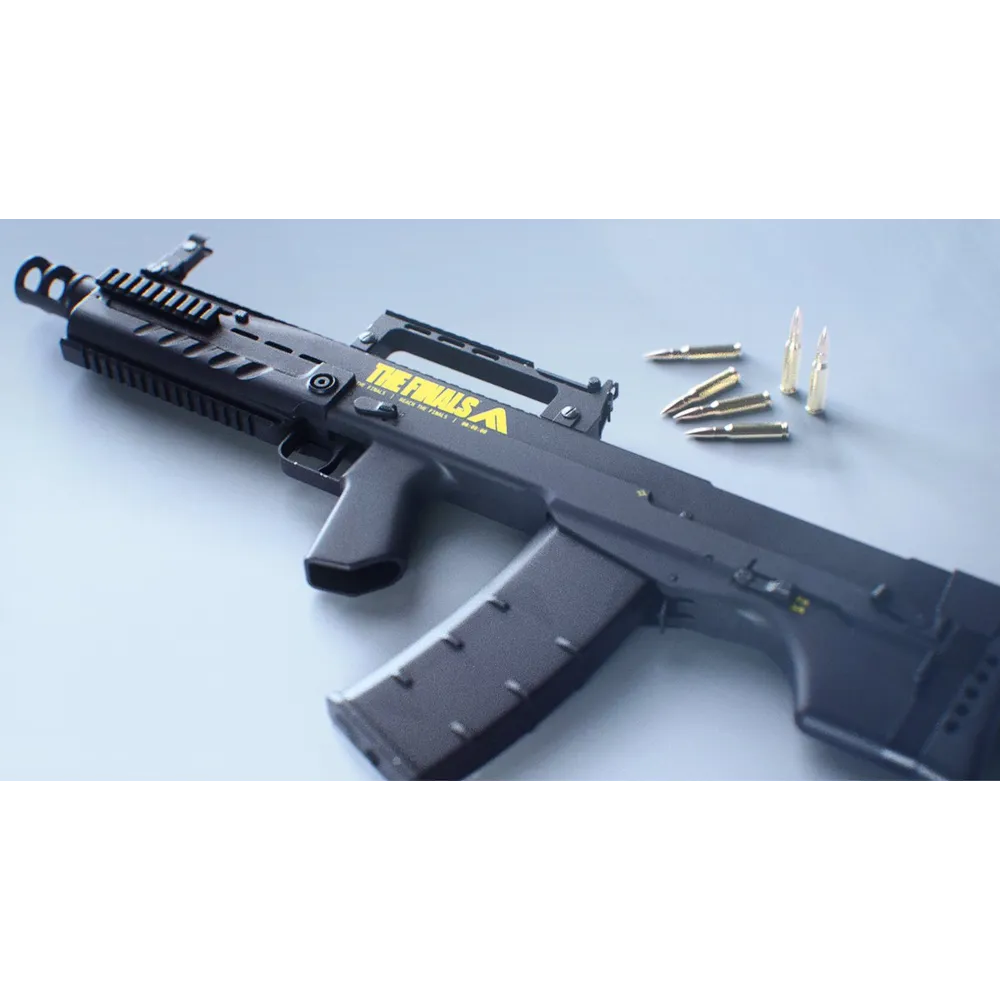
SHAK-50 macro for Bloody / X7
3.08USD
- Look sensitivity: choose your value
- Zoom sensitivity multiplier: fixed at 100%
- FOV: any
- Bloody / X7
- AMC: LMB and LMB + RMB versions for each weapon.
V9S macro for Bloody / X7
2.99USD
- Look sensitivity: choose your value
- Zoom sensitivity multiplier: fixed at 100%
- FOV: any
- Bloody / X7
- AMC: LMB and LMB + RMB versions for each weapon.
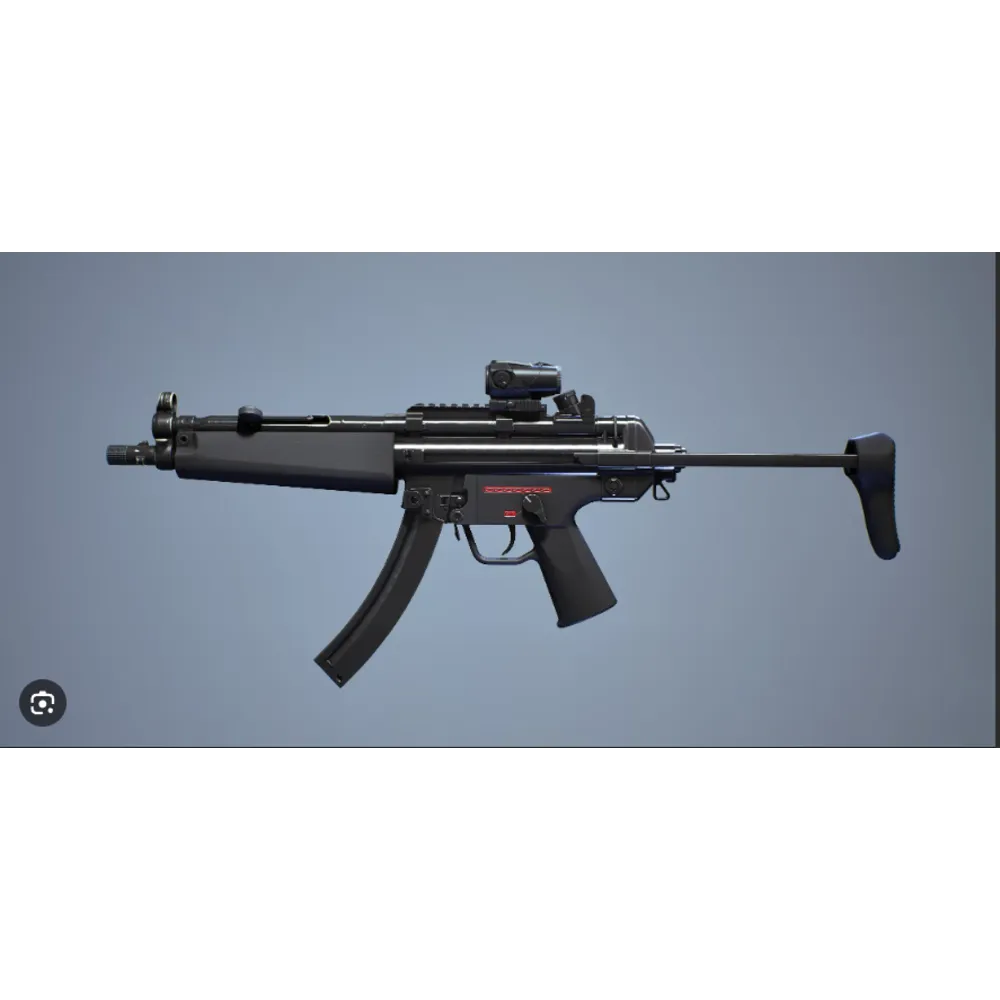
XP-54 macro for Bloody / X7
2.99USD
- Look sensitivity: choose your value
- Zoom sensitivity multiplier: fixed at 100%
- FOV: any
- Bloody / X7
- AMC: LMB and LMB + RMB versions for each weapon.
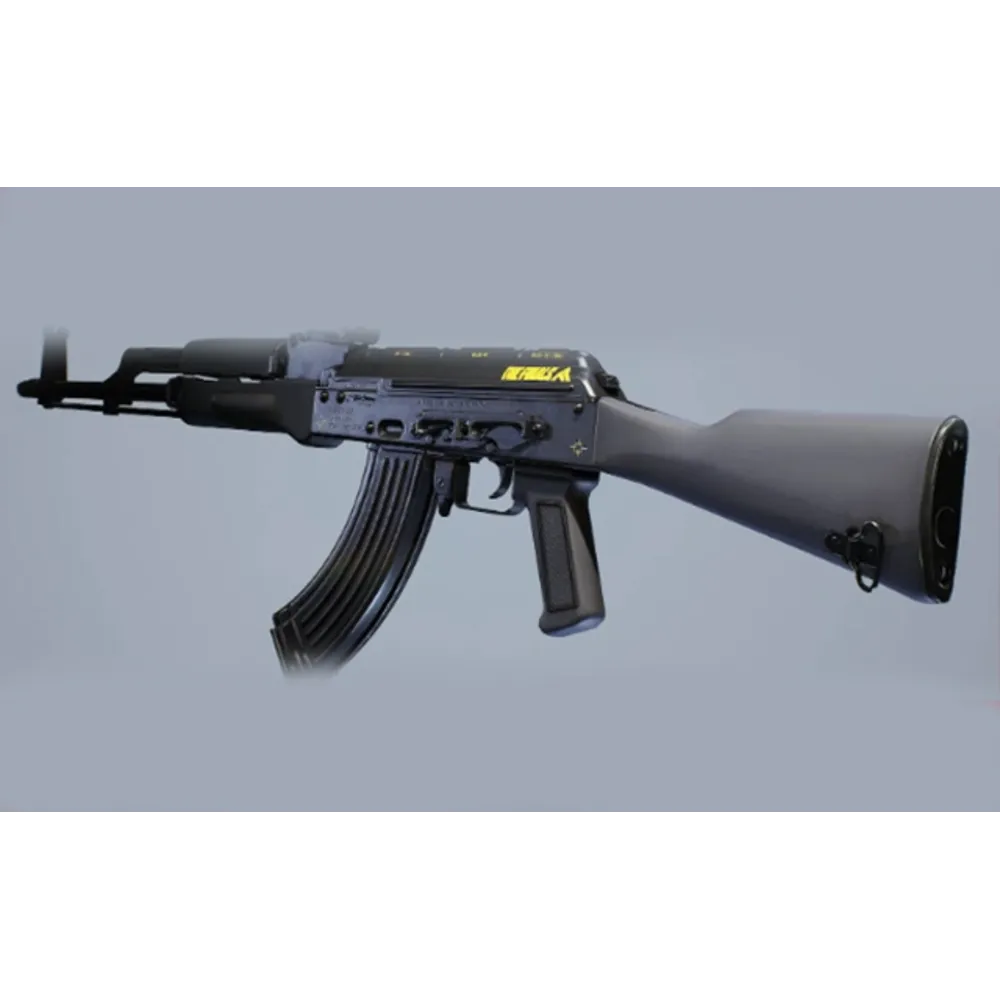
AKM macro for Logitech
2.99USD
- Look sensitivity: choose your value
- Zoom sensitivity multiplier: fixed at 100%
- FOV: any
- Logitech
- Lua for Logitech G HUB: Caps Lock or G5 activation. Modes: LMB and LMB + RMB.
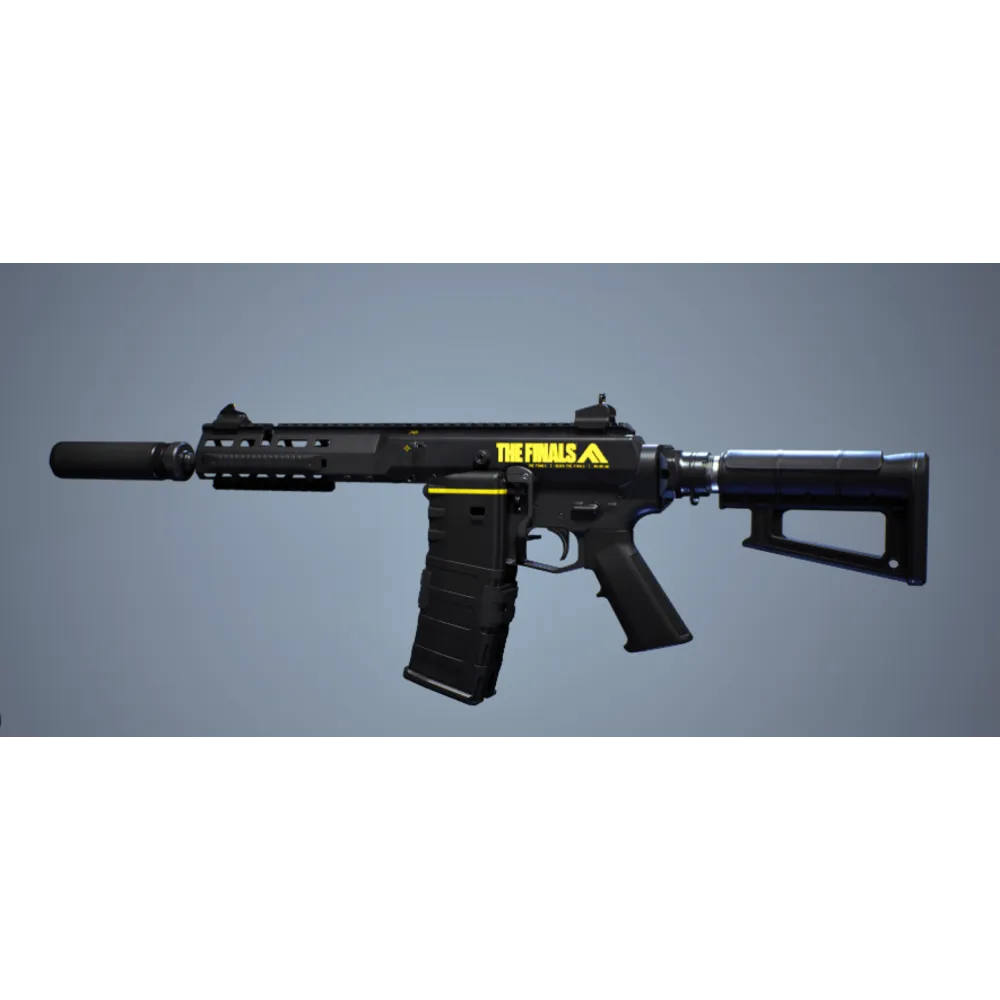
ARN 220 macro for Logitech
2.99USD
- Look sensitivity: choose your value
- Zoom sensitivity multiplier: fixed at 100%
- FOV: any
- Logitech
- Lua for Logitech G HUB: Caps Lock or G5 activation. Modes: LMB and LMB + RMB.
FAMAS macro for Logitech
2.99USD
- Look sensitivity: choose your value
- Zoom sensitivity multiplier: fixed at 100%
- FOV: any
- Logitech
- Lua for Logitech G HUB: Caps Lock or G5 activation. Modes: LMB and LMB + RMB.
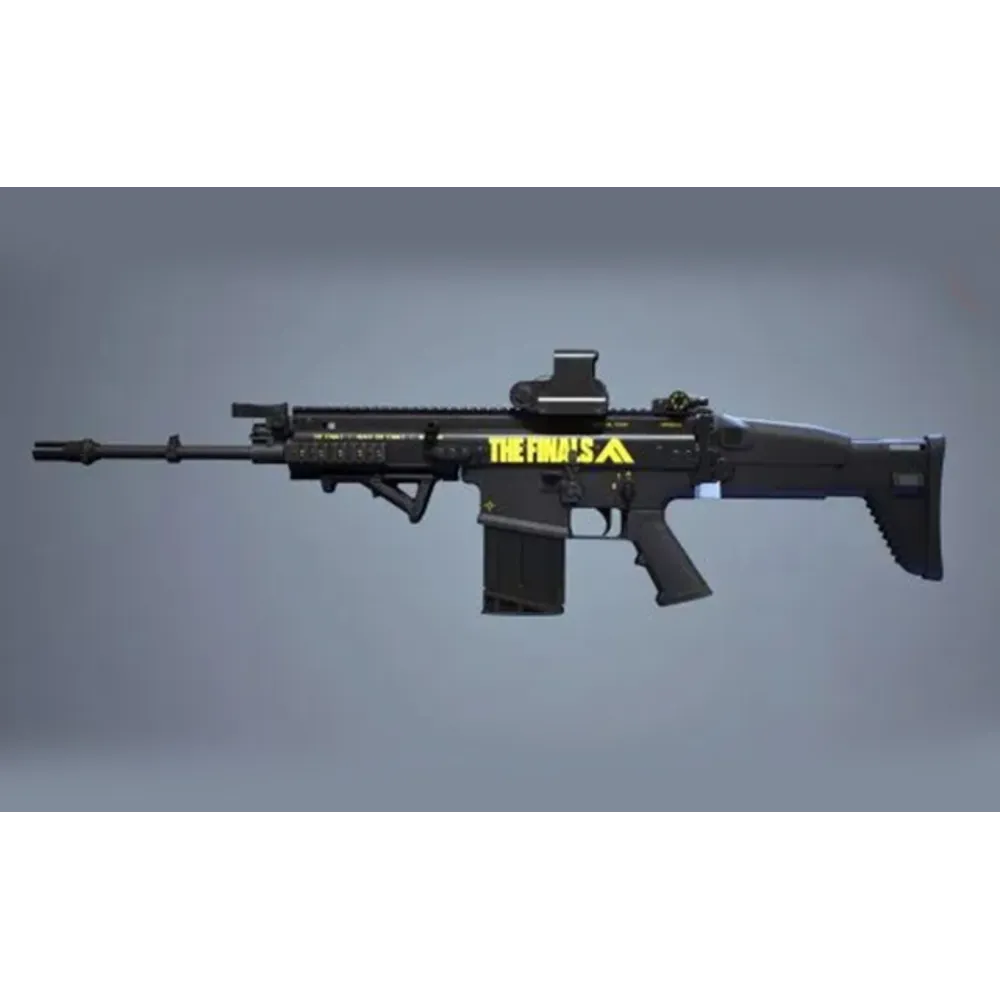
FCAR macro for Logitech
2.99USD
- Look sensitivity: choose your value
- Zoom sensitivity multiplier: fixed at 100%
- FOV: any
- Logitech
- Lua for Logitech G HUB: Caps Lock or G5 activation. Modes: LMB and LMB + RMB.
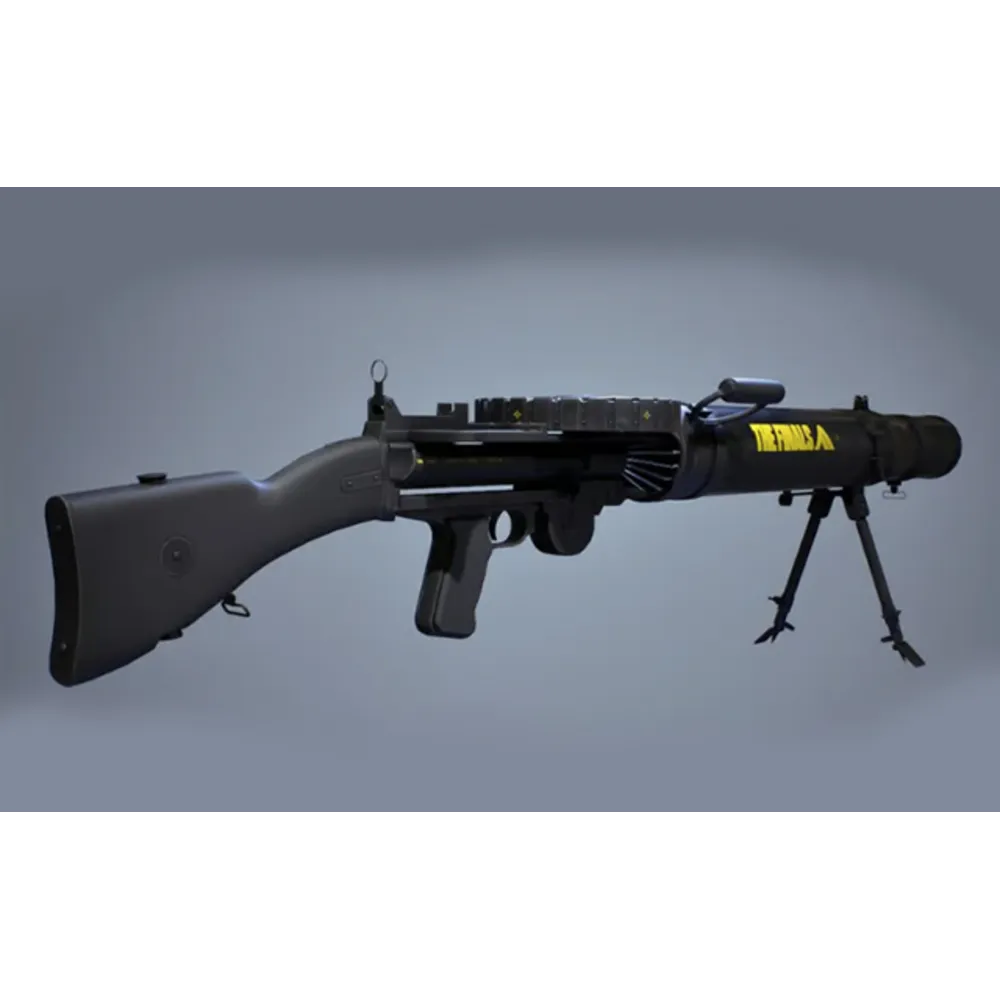
LEWIS GUN macro for Logitech
3.08USD
- Look sensitivity: choose your value
- Zoom sensitivity multiplier: fixed at 100%
- FOV: any
- Logitech
- Lua for Logitech G HUB: Caps Lock or G5 activation. Modes: LMB and LMB + RMB.
LH1 macro for Logitech
2.99USD
- Look sensitivity: choose your value
- Zoom sensitivity multiplier: fixed at 100%
- FOV: any
- Logitech
- Lua for Logitech G HUB: Caps Lock or G5 activation. Modes: LMB and LMB + RMB.
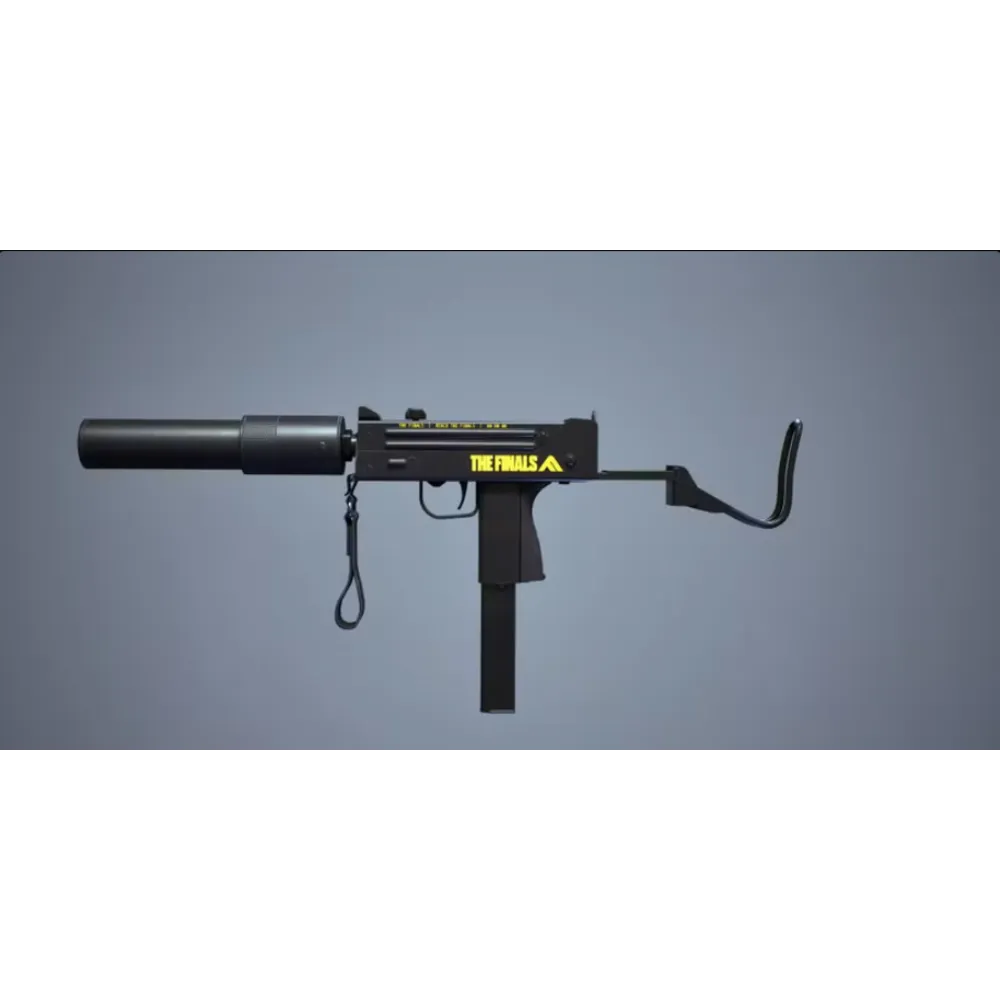
M11 macro for Logitech
3.60USD
- Look sensitivity: choose your value
- Zoom sensitivity multiplier: fixed at 100%
- FOV: any
- Logitech
- Lua for Logitech G HUB: Caps Lock or G5 activation. Modes: LMB and LMB + RMB.
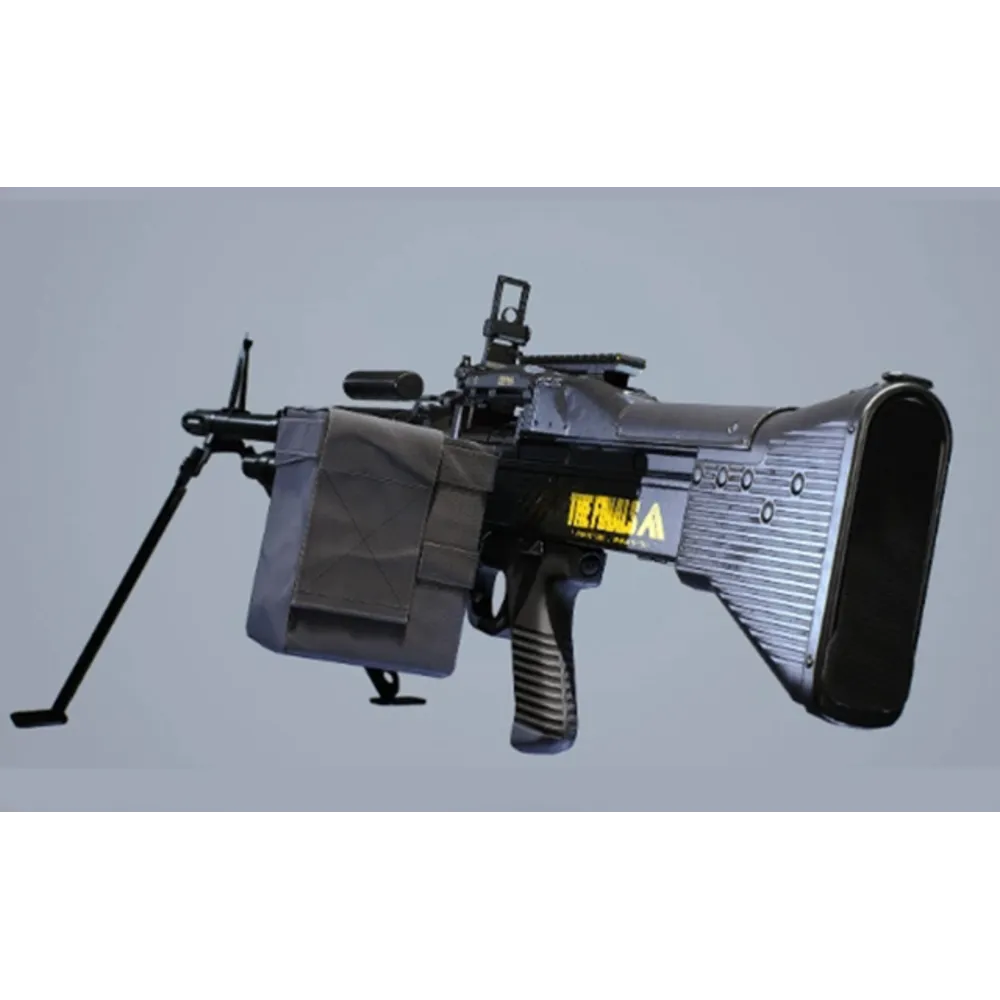
M60 macro for Logitech
3.60USD
- Look sensitivity: choose your value
- Zoom sensitivity multiplier: fixed at 100%
- FOV: any
- Logitech
- Lua for Logitech G HUB: Caps Lock or G5 activation. Modes: LMB and LMB + RMB.
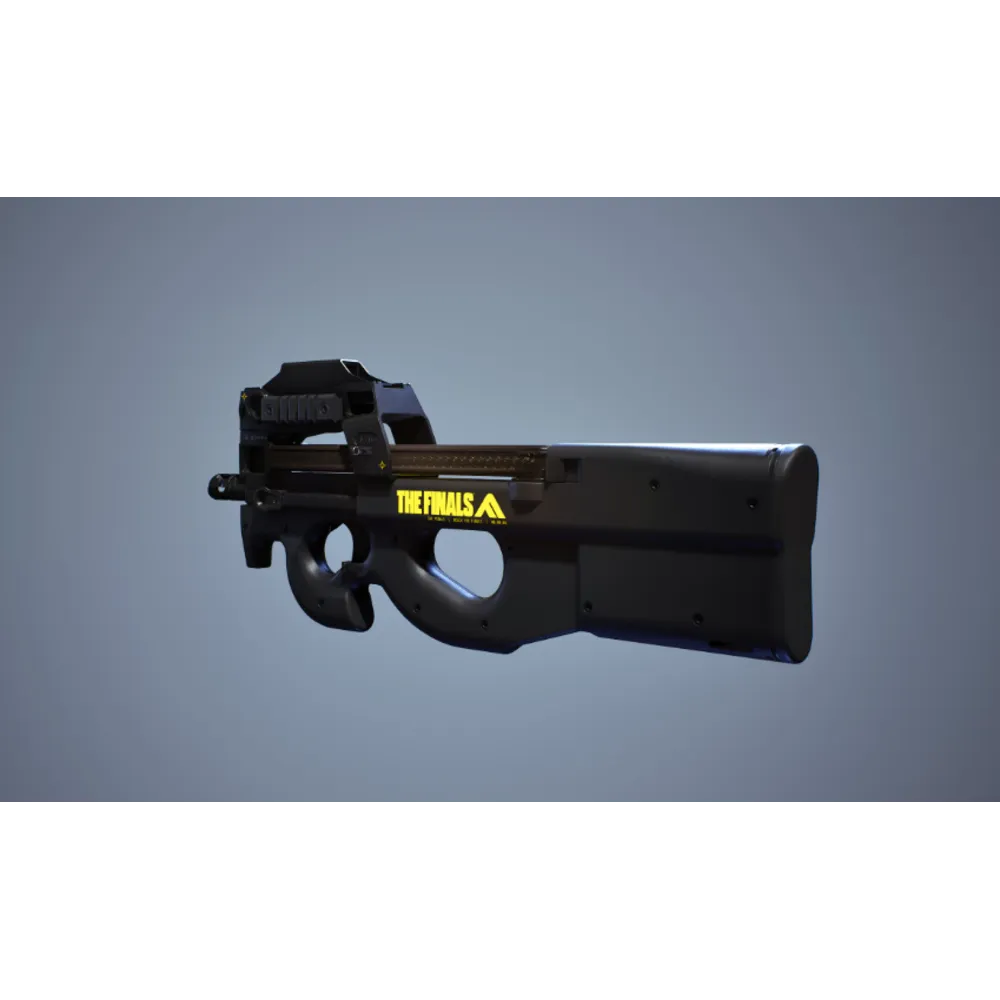
P90 macro for Logitech
2.99USD
- Look sensitivity: choose your value
- Zoom sensitivity multiplier: fixed at 100%
- FOV: any
- Logitech
- Lua for Logitech G HUB: Caps Lock or G5 activation. Modes: LMB and LMB + RMB.
PIKE 556 macro for Logitech
2.99USD
- Look sensitivity: choose your value
- Zoom sensitivity multiplier: fixed at 100%
- FOV: any
- Logitech
- Lua for Logitech G HUB: Caps Lock or G5 activation. Modes: LMB and LMB + RMB.
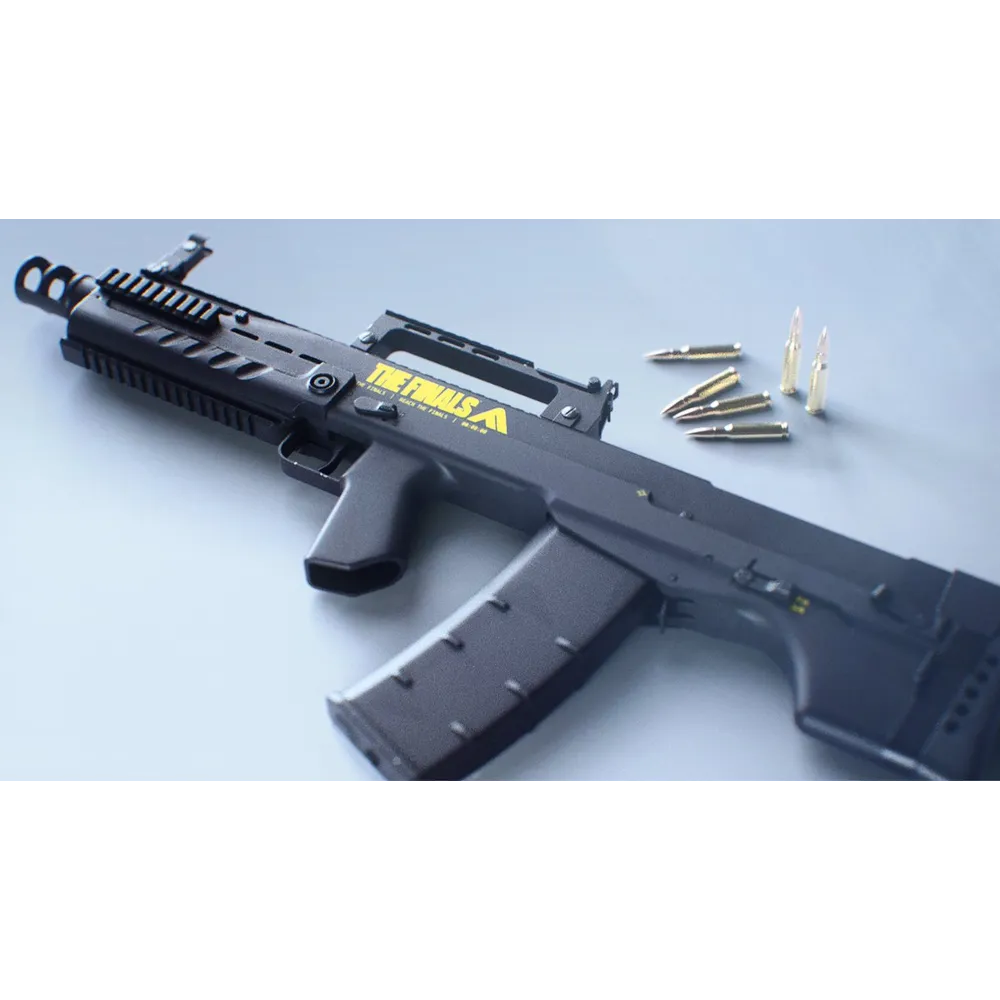
SHAK-50 macro for Logitech
3.08USD
- Look sensitivity: choose your value
- Zoom sensitivity multiplier: fixed at 100%
- FOV: any
- Logitech
- Lua for Logitech G HUB: Caps Lock or G5 activation. Modes: LMB and LMB + RMB.
V9S macro for Logitech
2.99USD
- Look sensitivity: choose your value
- Zoom sensitivity multiplier: fixed at 100%
- FOV: any
- Logitech
- Lua for Logitech G HUB: Caps Lock or G5 activation. Modes: LMB and LMB + RMB.
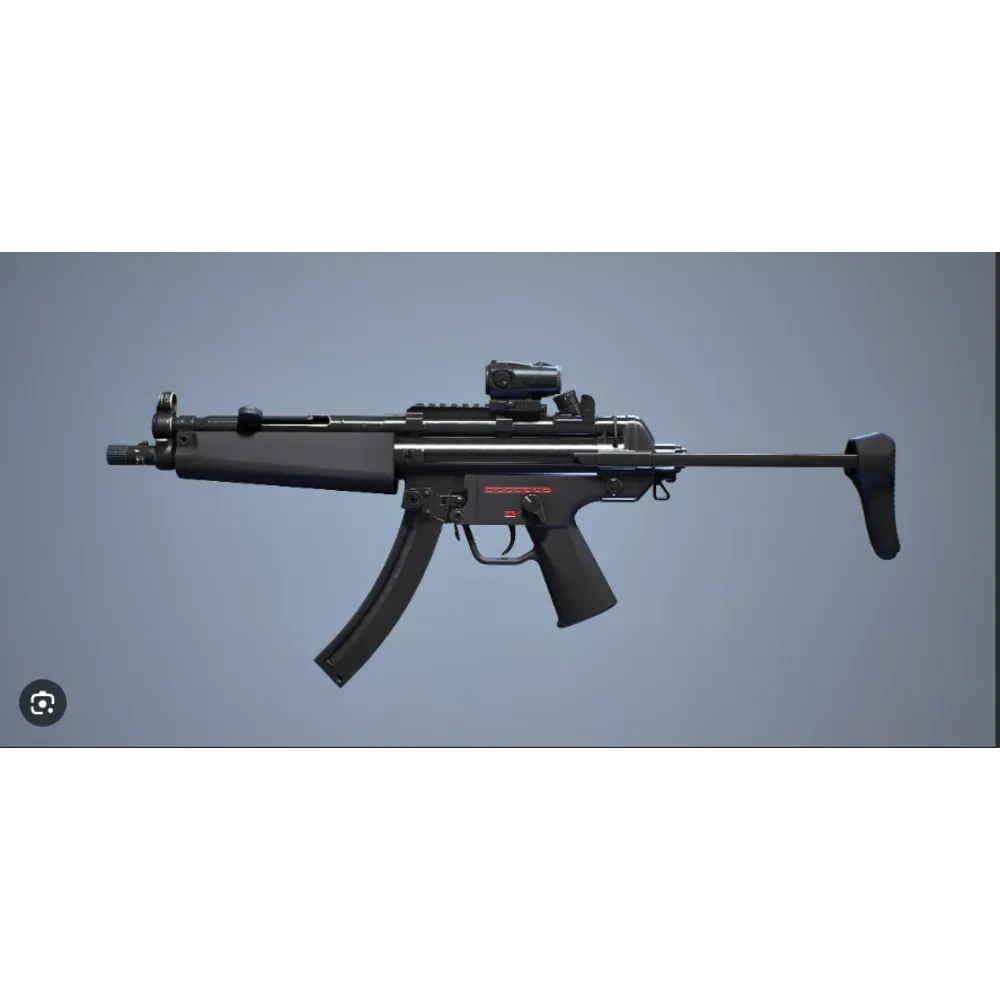
XP-54 macro for Logitech
2.99USD
- Look sensitivity: choose your value
- Zoom sensitivity multiplier: fixed at 100%
- FOV: any
- Logitech
- Lua for Logitech G HUB: Caps Lock or G5 activation. Modes: LMB and LMB + RMB.

Universal Logitech Macro for Any Game
10.39USD
- Mouse sensitivity — any value of your choice
- Logitech
- Macro version: Standard macros
- LMB and Anti VL versions; Smoothness from 2 ms
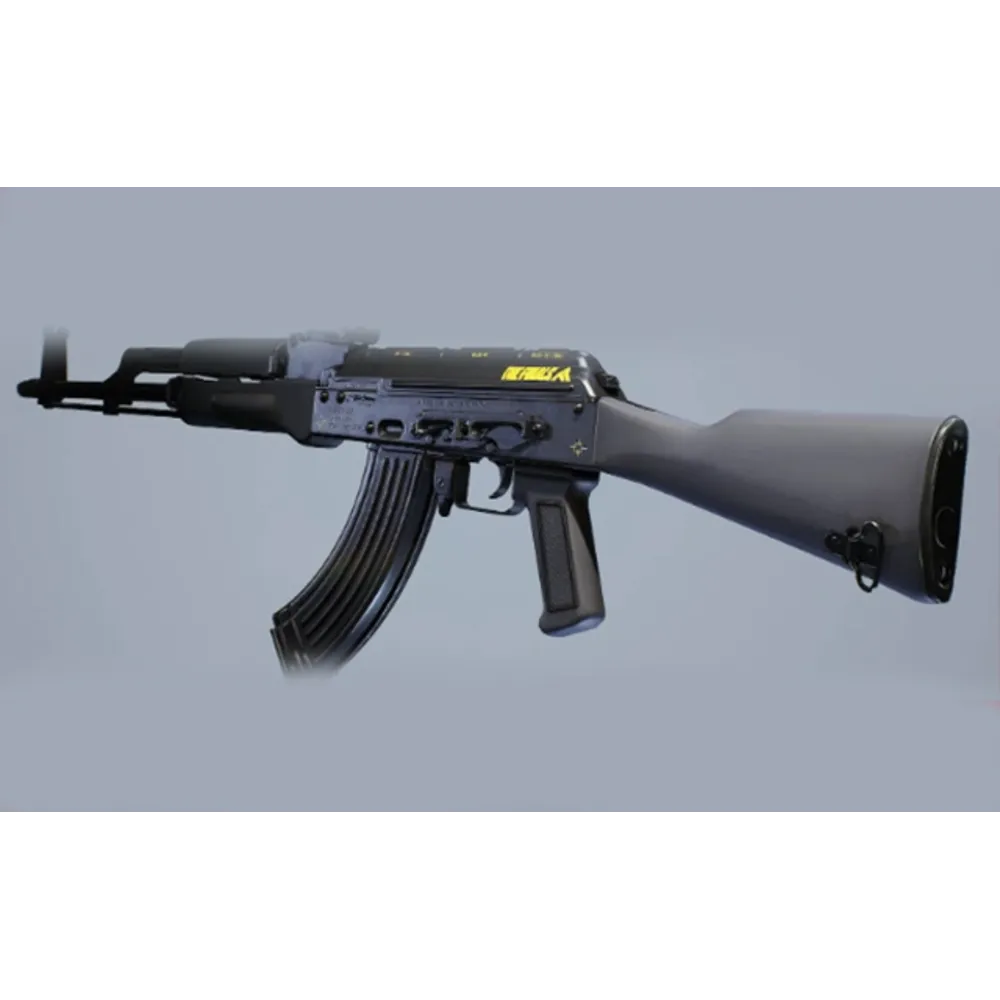
AKM macro for Razer
2.99USD
- Look sensitivity: choose your value
- Zoom sensitivity multiplier: fixed at 100%
- FOV: any
- Razer
- XML for Razer Synapse.
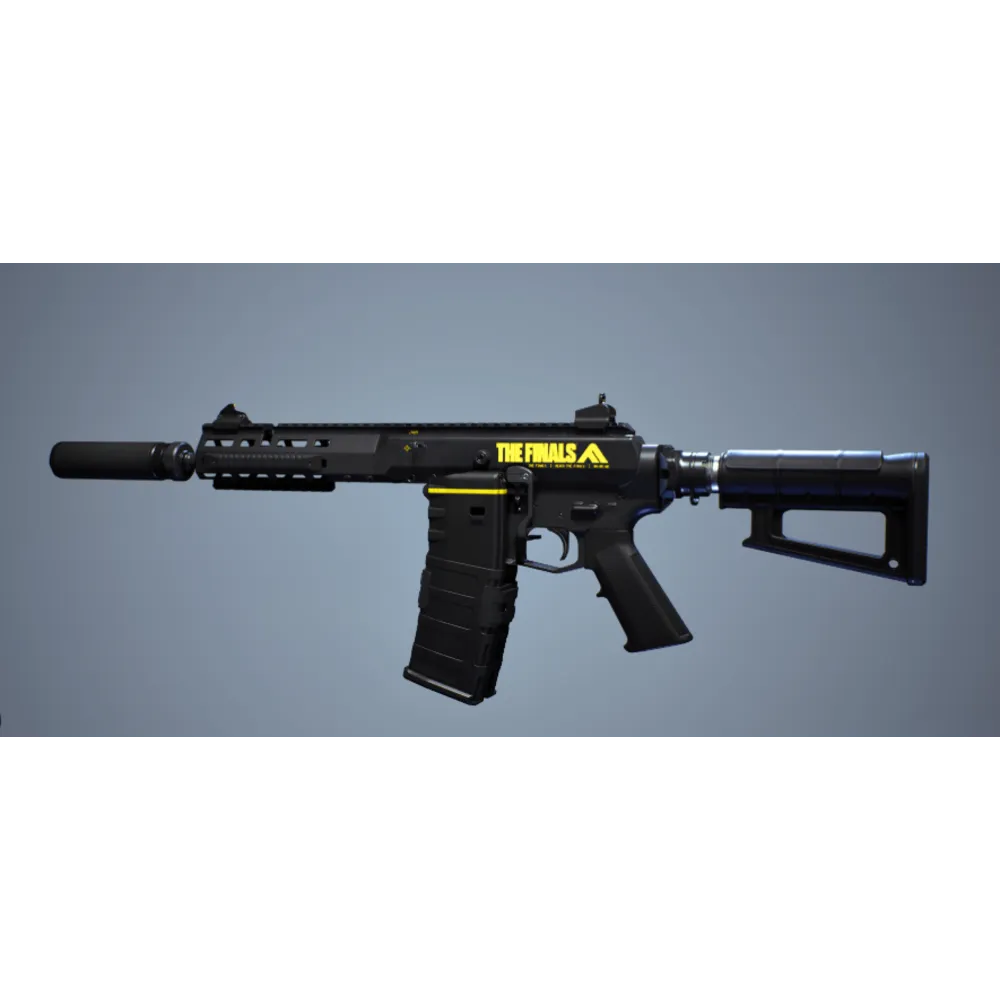
ARN 220 macro for Razer
2.99USD
- Look sensitivity: choose your value
- Zoom sensitivity multiplier: fixed at 100%
- FOV: any
- Razer
- XML for Razer Synapse.
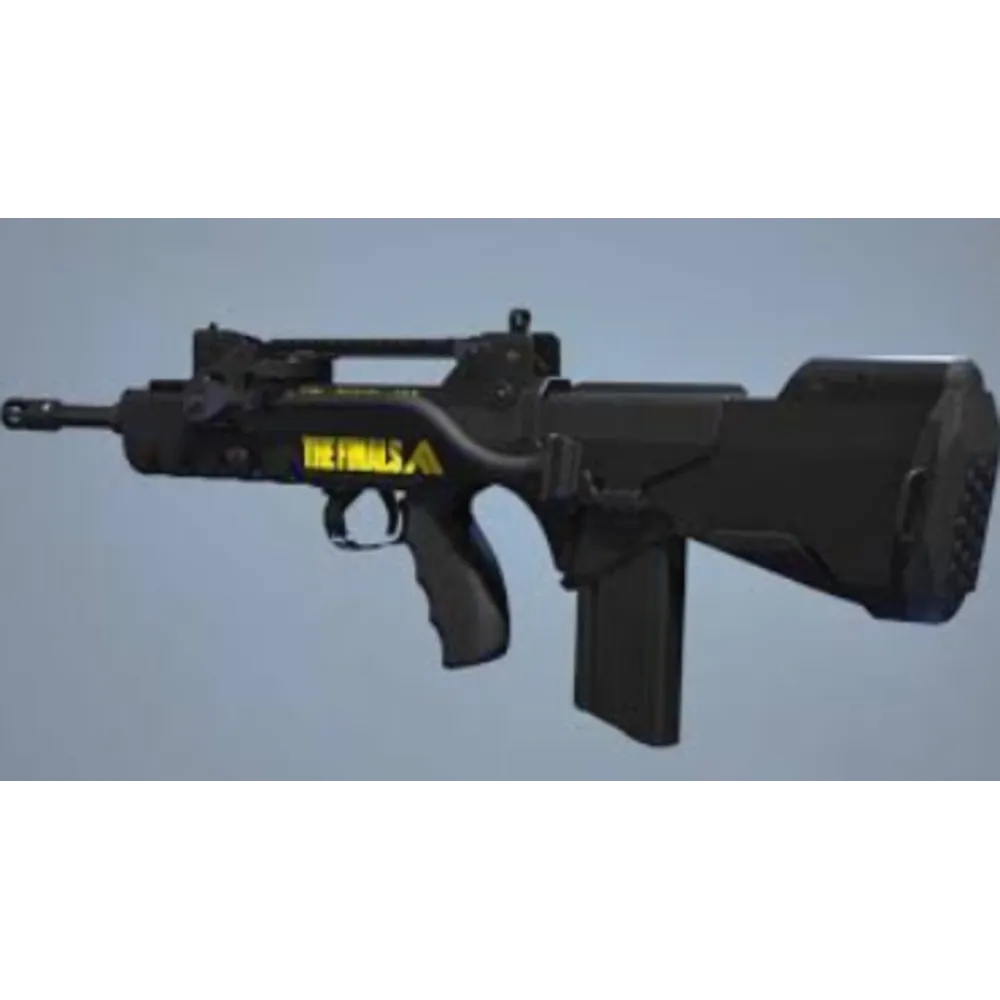
FAMAS macro for Razer
2.99USD
- Look sensitivity: choose your value
- Zoom sensitivity multiplier: fixed at 100%
- FOV: any
- Razer
- XML for Razer Synapse.
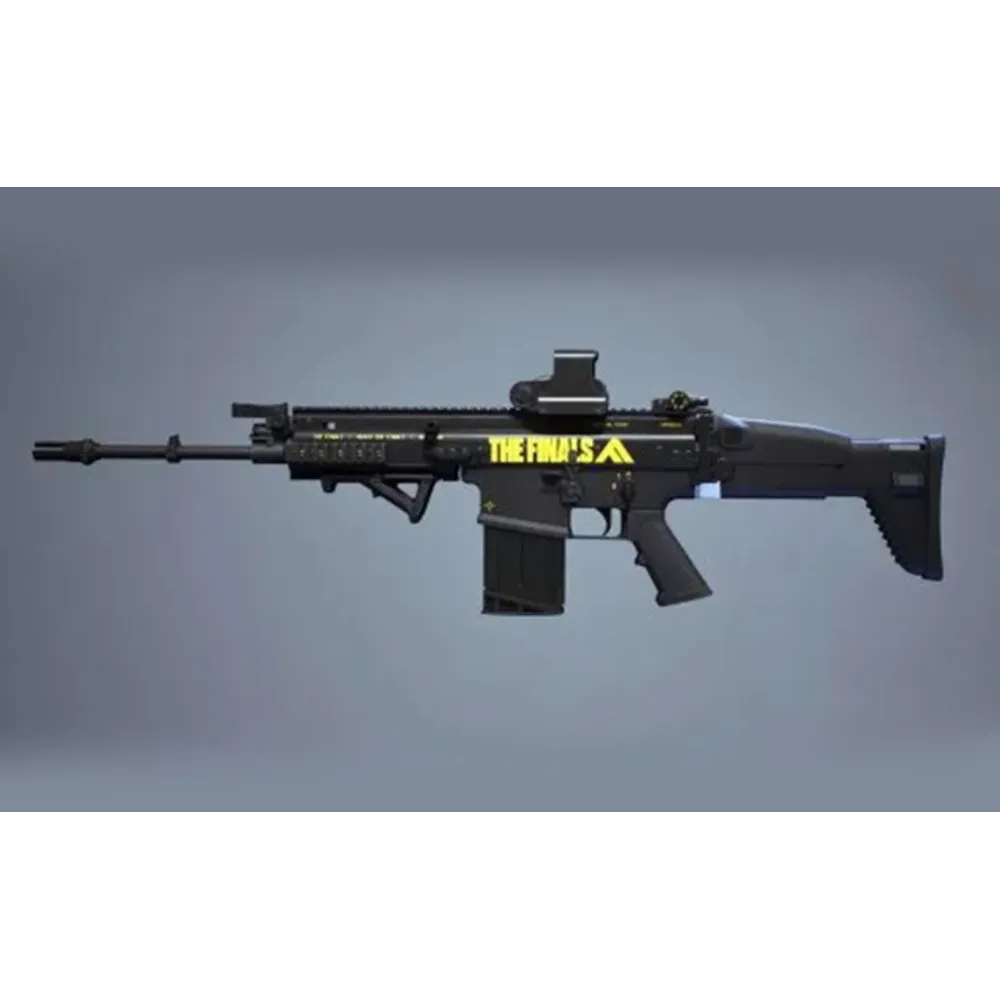
FCAR macro for Razer
2.99USD
- Look sensitivity: choose your value
- Zoom sensitivity multiplier: fixed at 100%
- FOV: any
- Razer
- XML for Razer Synapse.
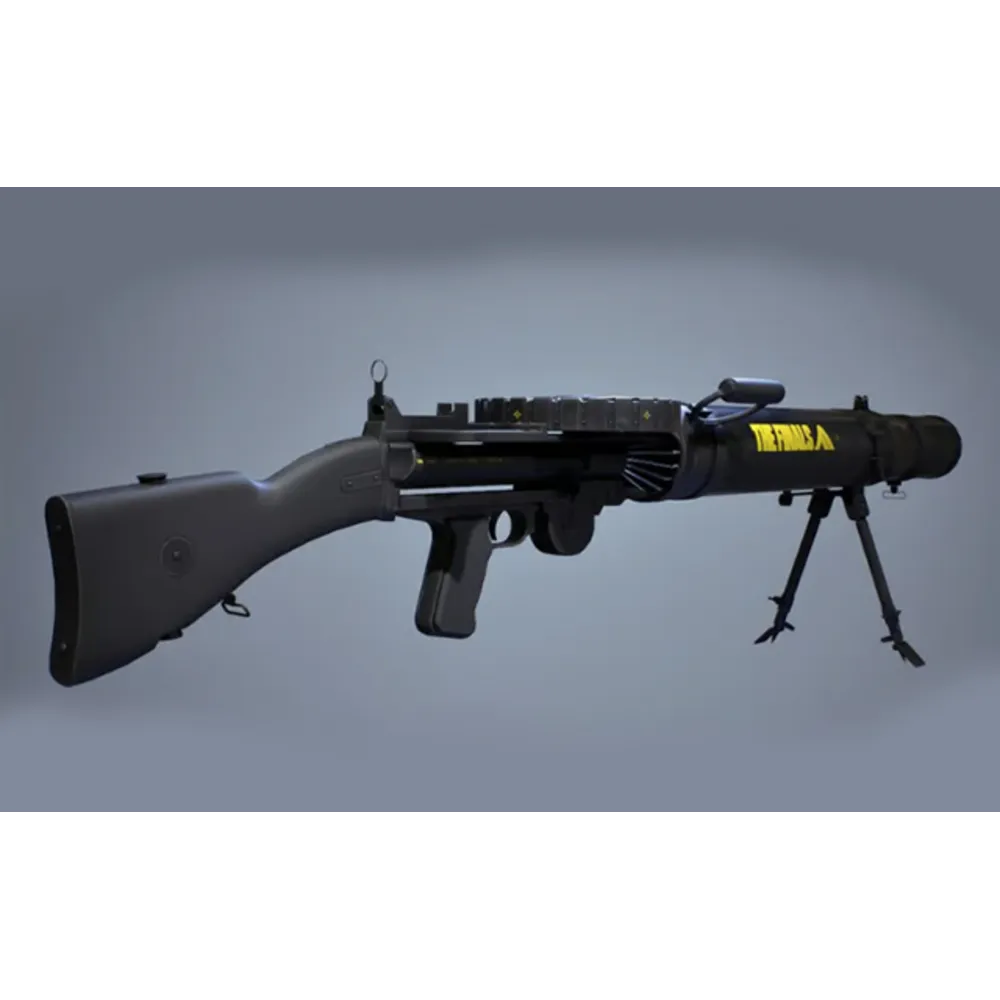
LEWIS GUN macro for Razer
3.08USD
- Look sensitivity: choose your value
- Zoom sensitivity multiplier: fixed at 100%
- FOV: any
- Razer
- XML for Razer Synapse.
LH1 macro for Razer
2.99USD
- Look sensitivity: choose your value
- Zoom sensitivity multiplier: fixed at 100%
- FOV: any
- Razer
- XML for Razer Synapse.
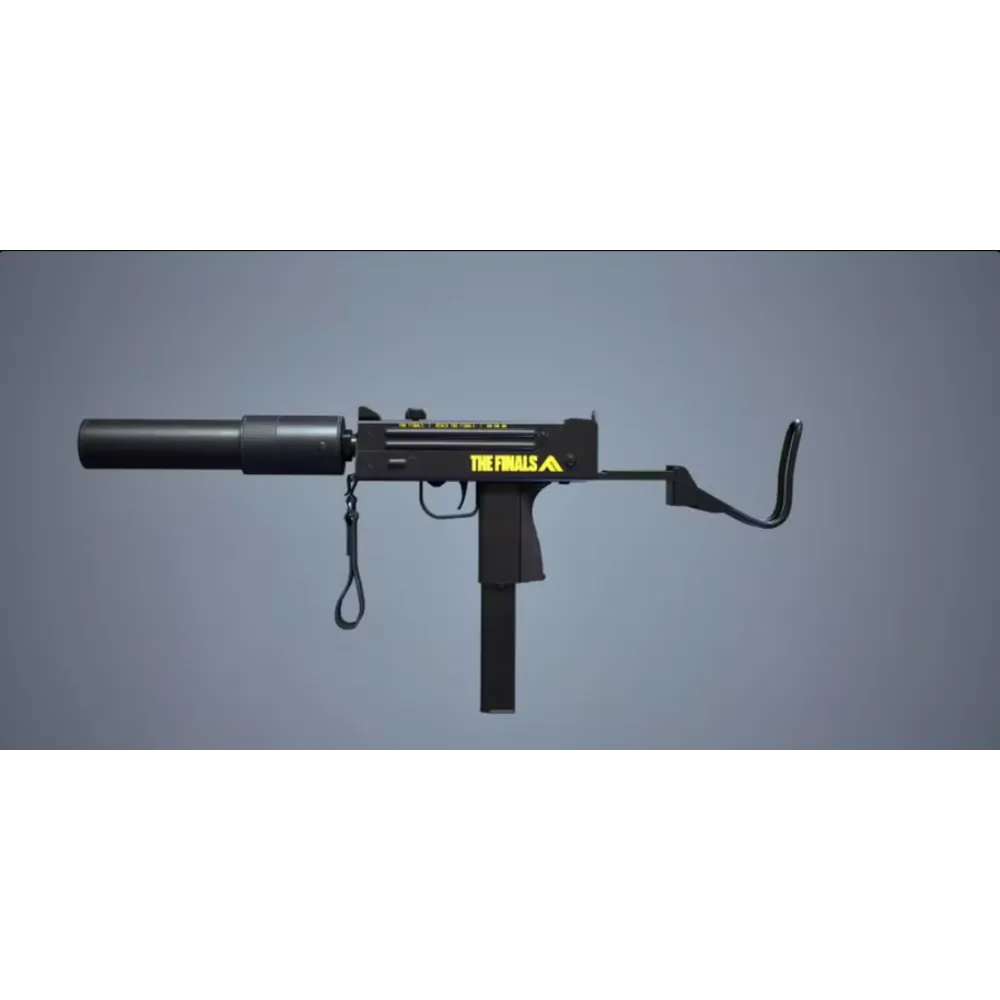
M11 macro for Razer
3.60USD
- Look sensitivity: choose your value
- Zoom sensitivity multiplier: fixed at 100%
- FOV: any
- Razer
- XML for Razer Synapse.
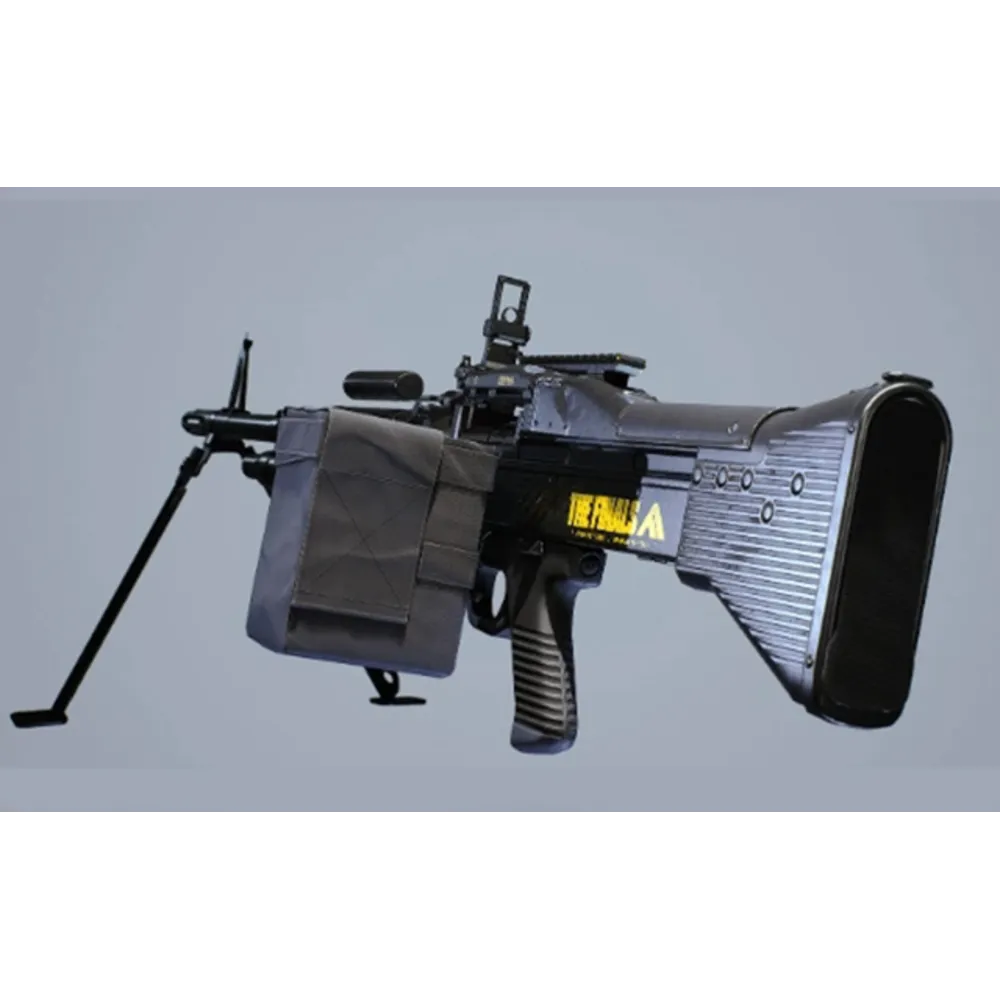
M60 macro for Razer
3.60USD
- Look sensitivity: choose your value
- Zoom sensitivity multiplier: fixed at 100%
- FOV: any
- Razer
- XML for Razer Synapse.
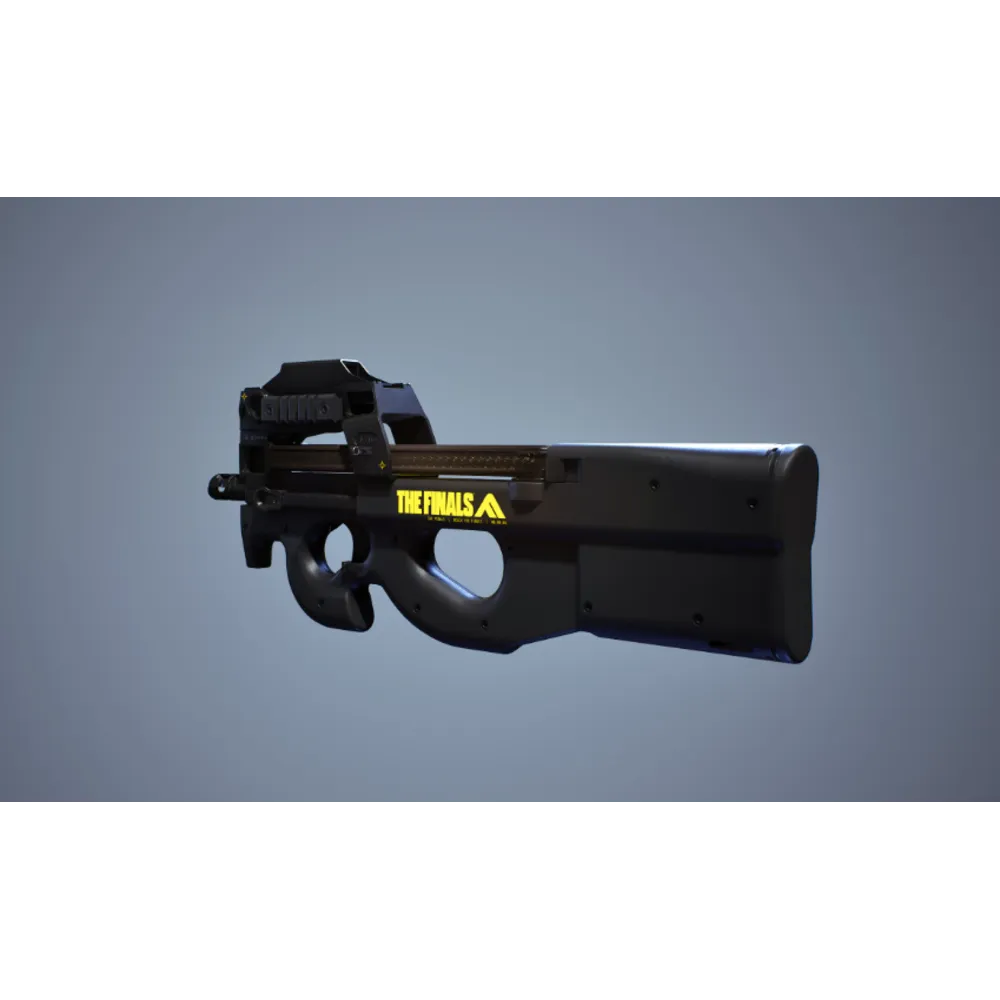
P90 macro for Razer
2.99USD
- Look sensitivity: choose your value
- Zoom sensitivity multiplier: fixed at 100%
- FOV: any
- Razer
- XML for Razer Synapse.
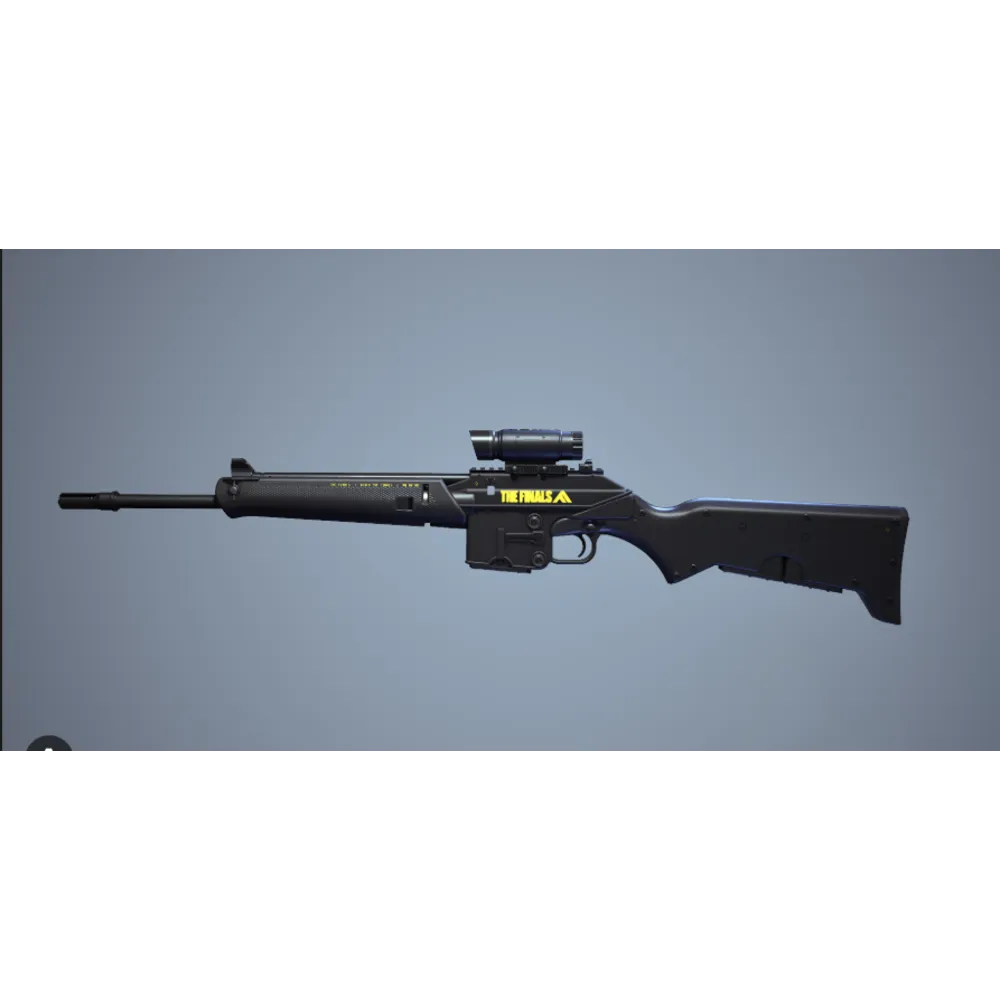
PIKE 556 macro for Razer
2.99USD
- Look sensitivity: choose your value
- Zoom sensitivity multiplier: fixed at 100%
- FOV: any
- Razer
- XML for Razer Synapse.
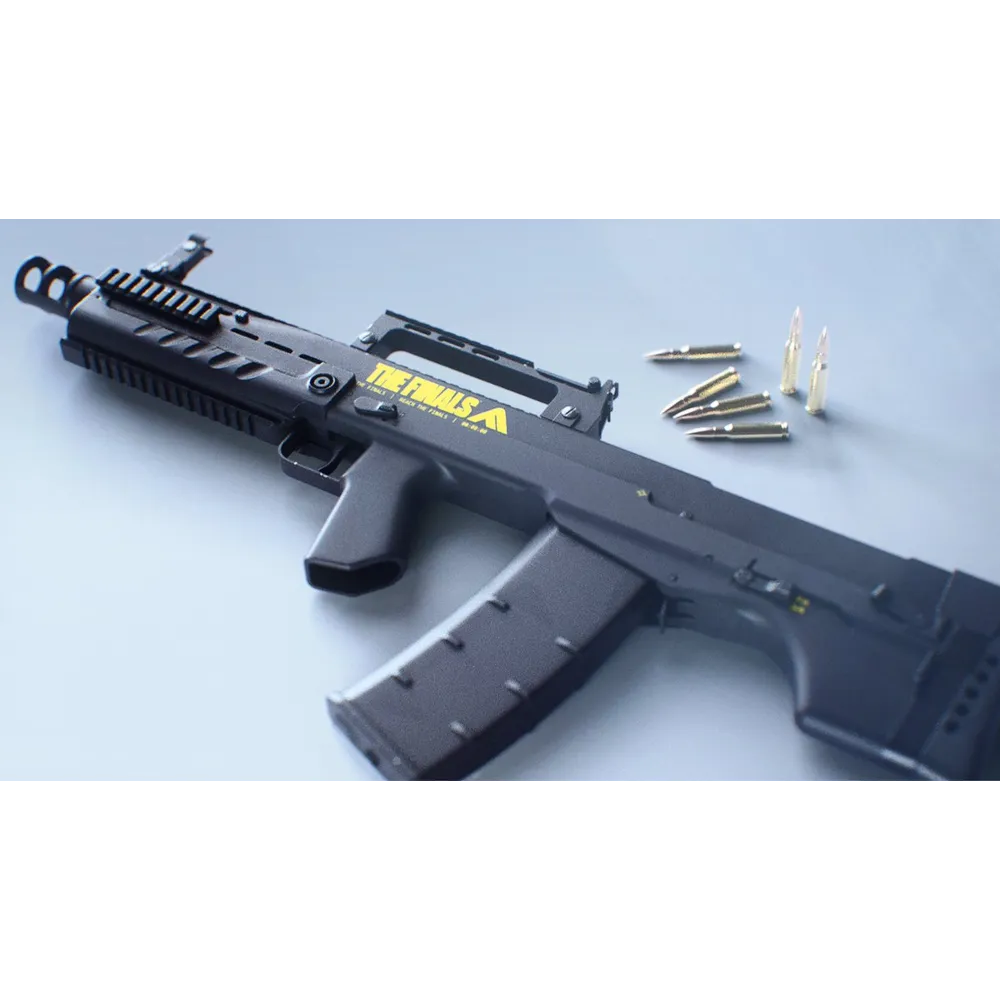
SHAK-50 macro for Razer
3.08USD
- Look sensitivity: choose your value
- Zoom sensitivity multiplier: fixed at 100%
- FOV: any
- Razer
- XML for Razer Synapse.
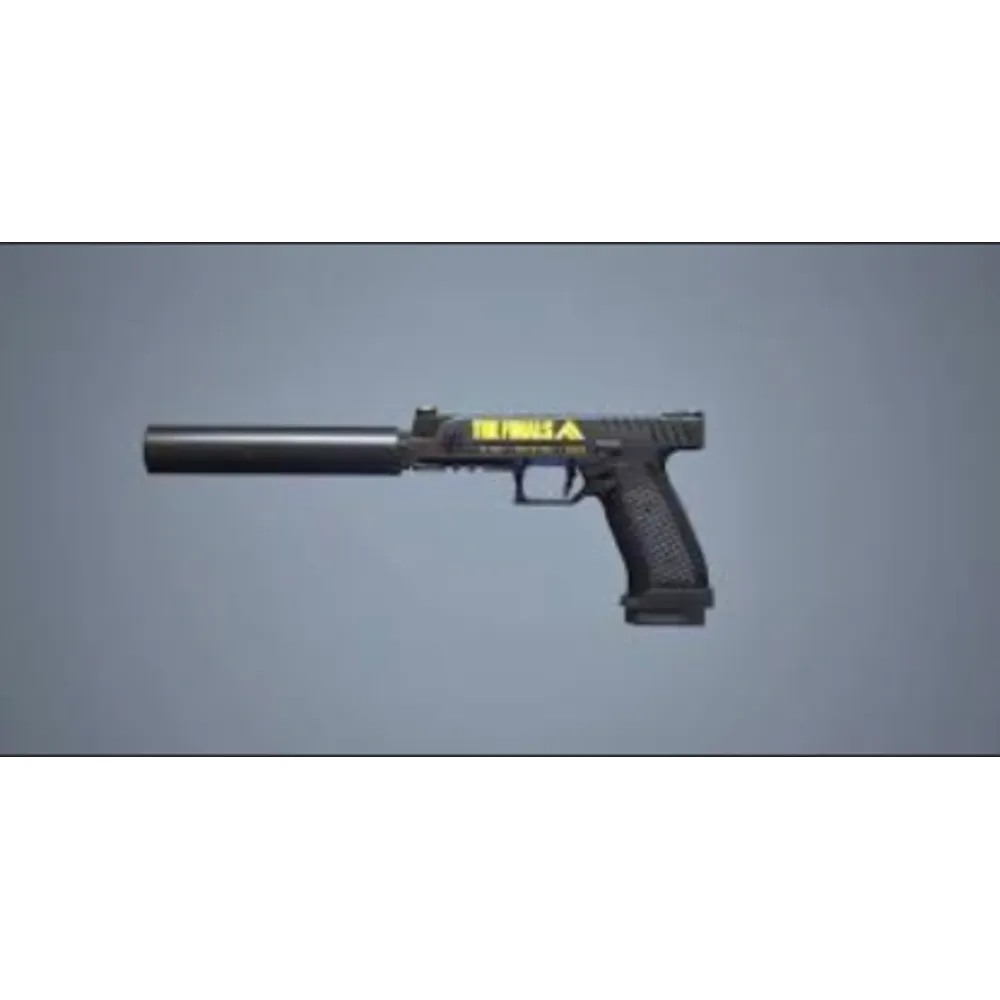
V9S macro for Razer
2.99USD
- Look sensitivity: choose your value
- Zoom sensitivity multiplier: fixed at 100%
- FOV: any
- Razer
- XML for Razer Synapse.
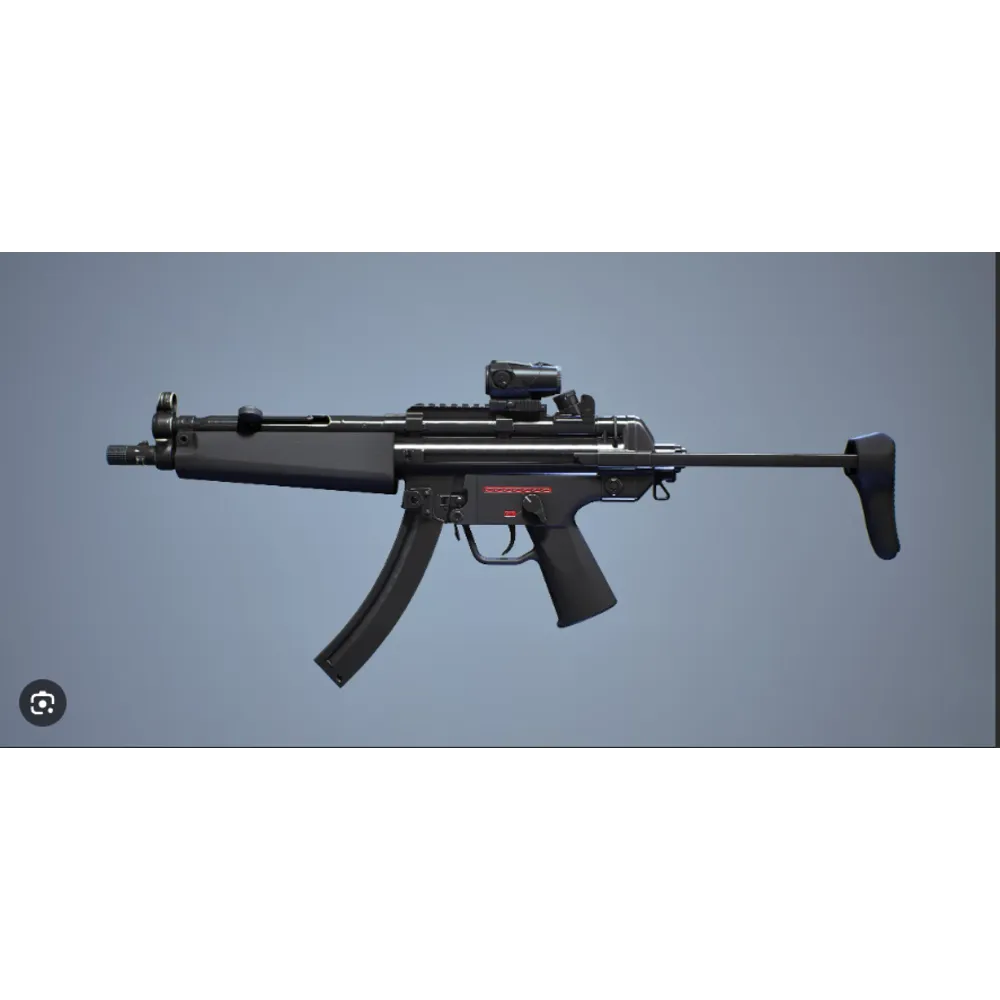
XP-54 macro for Razer
2.99USD
- Look sensitivity: choose your value
- Zoom sensitivity multiplier: fixed at 100%
- FOV: any
- Razer
- XML for Razer Synapse.

AI Macros for All Mice (7-Day Key)
Premium macros
3USD
- Works with any mouse
- Weapon auto-detection + AI assistant
- 1 subscription for RUST, CS2, PUBG, Apex, The Finals; Valorant, Rainbow Six (in development)
- Makcu board support
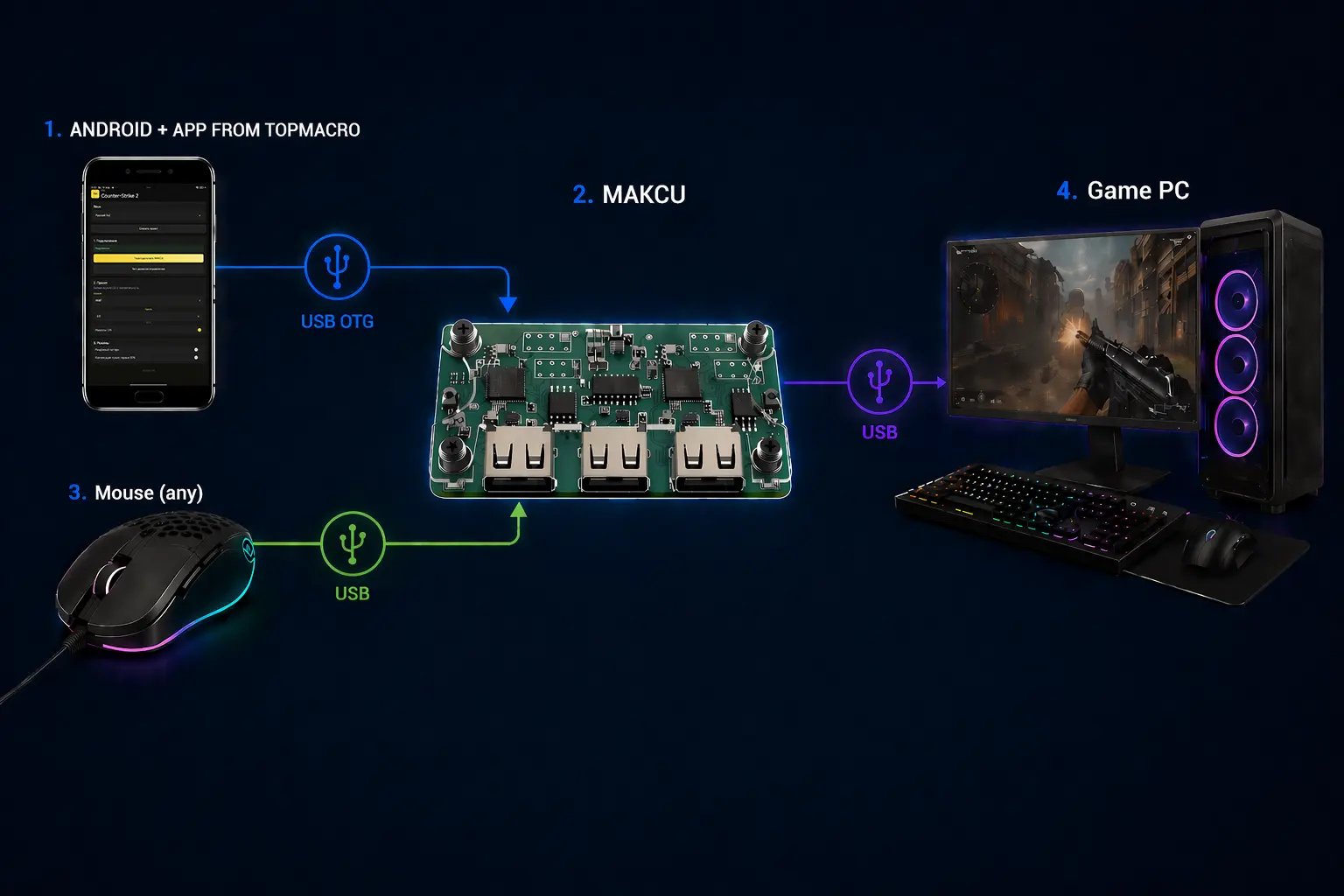
AI Macros for All Mice (Android + Makcu, 7-Day Key)
Premium macros
3USD
- Works with any mouse
- RUST, CS2, PUBG, Apex, The Finals; Valorant, Rainbow Six (in development) in 1 subscription
- Nothing runs on the main PC
- PC connection via MAKCU + Android
Custom macro for The Finals
9.24USD
- Mouse sensitivity — any value of your choice
- Bloody / X7
- Macro version: Standard macros
- LMB and Anti VL versions; Smoothness from 2 ms
Custom macro for The Finals
9.24USD
- Mouse sensitivity — any value of your choice
- Logitech
- Macro version: Standard macros
- LMB and Anti VL versions; Smoothness from 2 ms
Custom macro for The Finals
9.24USD
- Mouse sensitivity — any value of your choice
- Razer
- Macro version: Standard macros
- LMB and Anti VL versions; Smoothness from 2 ms
Store dataPrices and products from the catalog
Quick startArchive and instructions after payment
SupportHelp with installation and setup
The Finals descriptions and compatibility
Custom macro for The Finals
Product description
Custom order
This macro is created individually for The Finals using the settings you provide.
How ordering works
- Complete the product form with your sensitivity, controls, and other required settings.
- Check the entered details and complete the payment.
- The finished macro will be sent through private messages in your Oplata.info account.
Delivery time
Preparation takes 4 to 24 hours. Working hours: 09:00-20:00 MSK, daily.
Support
Use the tooltips next to the form fields. If you have questions, contact the seller through the purchase page.
For the X7/Bloody option: These macros are suitable for X7/Bloody mice with onboard memory. Make sure your mouse supports Bloody 7 or Bloody 8 Workshop.
AKM macro for Bloody / X7 / ARN 220 macro for Bloody / X7 / FAMAS macro for Bloody / X7 / FCAR macro for Bloody / X7 / LEWIS GUN macro for Bloody / X7 / LH1 macro for Bloody / X7 / M11 macro for Bloody / X7 / M60 macro for Bloody / X7 / P90 macro for Bloody / X7 / PIKE 556 macro for Bloody / X7 / SHAK-50 macro for Bloody / X7 / V9S macro for Bloody / X7 / XP-54 macro for Bloody / X7
Product description
The macro plays a ready-made recoil compensation pattern, configured for the game settings shown here.
- Look sensitivity: choose your value
- Zoom sensitivity multiplier: fixed at 100%
- FOV: any
- Bloody / X7
For Bloody and A4Tech X7 mice with onboard macro memory. Check that your model supports this feature. Make sure your mouse supports Bloody 7 or Bloody 8 Workshop.
Adjust your mouse DPI for comfortable manual aiming while keeping the selected look sensitivity in the game.
Archive contents
AMC: LMB and LMB + RMB versions for each weapon.
Instructions in Russian and English. They explain how to load and activate the macro and check your game settings.
After payment, a download page will open. Your unique purchase code confirms access to the archive for your selected sensitivity. You can reopen the download link from your purchase email or your account at Oplata.info.
For help with compatibility and installation, contact us through the website chat or Telegram: @TopMacro
Full Pack of macros for Bloody / X7
Product description
The macro plays a ready-made recoil compensation pattern, configured for the game settings shown here.
- Look sensitivity: choose your value
- Zoom sensitivity multiplier: fixed at 100%
- FOV: any
- Bloody / X7
For Bloody and A4Tech X7 mice with onboard macro memory. Check that your model supports this feature. Make sure your mouse supports Bloody 7 or Bloody 8 Workshop.
Adjust your mouse DPI for comfortable manual aiming while keeping the selected look sensitivity in the game.
Archive contents
AMC: LMB and LMB + RMB versions for each weapon.
All 13 weapons: AKM, ARN 220, FAMAS, FCAR, LEWIS GUN, LH1, M11, M60, P90, PIKE 556, SHAK-50, V9S, XP-54.
Instructions in Russian and English. They explain how to load and activate the macro and check your game settings.
After payment, a download page will open. Your unique purchase code confirms access to the archive for your selected sensitivity. You can reopen the download link from your purchase email or your account at Oplata.info.
For help with compatibility and installation, contact us through the website chat or Telegram: @TopMacro
AKM macro for Logitech / ARN 220 macro for Logitech / FAMAS macro for Logitech / FCAR macro for Logitech / LEWIS GUN macro for Logitech / LH1 macro for Logitech / M11 macro for Logitech / M60 macro for Logitech / P90 macro for Logitech / PIKE 556 macro for Logitech / SHAK-50 macro for Logitech / V9S macro for Logitech / XP-54 macro for Logitech
Product description
The macro plays a ready-made recoil compensation pattern, configured for the game settings shown here.
- Look sensitivity: choose your value
- Zoom sensitivity multiplier: fixed at 100%
- FOV: any
- Logitech
For Logitech G-series mice with Lua scripting support in G HUB. Before purchasing, make sure the script editor is available in your mouse profile.
Adjust your mouse DPI for comfortable manual aiming while keeping the selected look sensitivity in the game.
Archive contents
Lua for Logitech G HUB: Caps Lock or G5 activation. Modes: LMB and LMB + RMB.
For The Finals, we recommend Bloody or A4Tech X7 mice, which store the macro in mouse memory. Using Logitech G HUB in this game is currently unsafe. We recommend Logitech for cloud gaming, such as GeForce NOW.
Instructions in Russian and English. They explain how to load and activate the macro and check your game settings.
After payment, a download page will open. Your unique purchase code confirms access to the archive for your selected sensitivity. You can reopen the download link from your purchase email or your account at Oplata.info.
For help with compatibility and installation, contact us through the website chat or Telegram: @TopMacro
Multiscript for Logitech
Product description
The macro plays a ready-made recoil compensation pattern, configured for the game settings shown here.
- Look sensitivity: choose your value
- Zoom sensitivity multiplier: fixed at 100%
- FOV: any
- Logitech
For Logitech G-series mice with Lua scripting support in G HUB. Before purchasing, make sure the script editor is available in your mouse profile.
Adjust your mouse DPI for comfortable manual aiming while keeping the selected look sensitivity in the game.
Archive contents
Lua for Logitech G HUB: Caps Lock or G5 activation. Modes: LMB and LMB + RMB.
For The Finals, we recommend Bloody or A4Tech X7 mice, which store the macro in mouse memory. Using Logitech G HUB in this game is currently unsafe. We recommend Logitech for cloud gaming, such as GeForce NOW.
All 13 weapons: AKM, ARN 220, FAMAS, FCAR, LEWIS GUN, LH1, M11, M60, P90, PIKE 556, SHAK-50, V9S, XP-54.
Instructions in Russian and English. They explain how to load and activate the macro and check your game settings.
Individual Lua scripts for each weapon: Caps Lock or G5 activation, with LMB and LMB + RMB modes. Two multiscripts for LMB and LMB + RMB: select a weapon by holding a modifier key and pressing a mouse button.
Button assignments and how to change them are explained in Russian and English.
After payment, a download page will open. Your unique purchase code confirms access to the archive for your selected sensitivity. You can reopen the download link from your purchase email or your account at Oplata.info.
For help with compatibility and installation, contact us through the website chat or Telegram: @TopMacro
Universal Logitech Macro for Any Game
Product description
Conditions for stable operation:
- Mouse — Logitech G Series.
- Supported mouse models (the list may be incomplete): MX518, G102, G305, G403, G402, G Pro, G502, G603, G604, G703, G903, and G900.
- G Pro Wireless is also supported.
Please note: since the vertical and horizontal compensation strength can be adjusted using the side mouse buttons, the script can be adapted to virtually any weapon in any game. However, it will not provide effective recoil compensation “out of the box” without prior configuration.
Please also note that this macro cannot compensate for weapon recoil with absolute perfection. For the highest possible level of compensation for a specific weapon or every weapon in a game, choose a ready-made FULL PACK bundle or order individual macros.
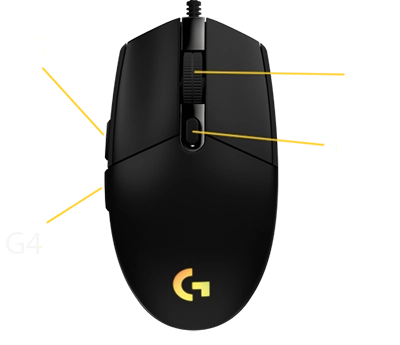
This script allows you to adjust the strength of vertical and, optionally, horizontal recoil compensation. The G5 and G4 buttons are used to increase or decrease the compensation strength. This allows you to configure the script to compensate for the vertical recoil of virtually any weapon.
One universal Lua script for configuring recoil compensation in almost any game. You do not need to install a separate macro for every weapon — all required values can be adjusted directly during gameplay using the mouse buttons.
Main Features
- 20 independent weapon profiles in one script.
- Precise vertical compensation adjustment in increments of 0.10.
- Additional horizontal movement adjustment.
- Each profile stores its own vertical and horizontal values.
- Quick switching between weapons without editing the code.
- Export of all configured values for permanent storage.
- Fixed movement interval of 10 ms.
- Detailed offline instructions in 14 languages.
- Optimized compensation activation for Logitech wireless mice.
Script Controls
- G3 — mouse wheel click: enable or disable compensation.
- G4 / G5: decrease or increase vertical compensation.
- Ctrl + G4 / G5: adjust horizontal movement to the left or right.
- Shift + G4 / G5: switch between the 20 weapon profiles.
- Ctrl + Alt + G3: export all configured values.
This is a universal, customizable script, not a ready-made set of preconfigured values for a specific game or weapon.
Thanks to adjustable vertical and horizontal compensation, the script can be adapted to different weapons, mouse sensitivities, and in-game settings. However, suitable values must be configured manually before use.
The final result depends on the game mechanics, sensitivity settings, resolution, weapon characteristics, and the presence of randomized horizontal recoil.
For ready-made settings for a specific game and weapon, we recommend choosing the FULL PACK bundle.
After payment, you will instantly receive a link to download an archive containing the macros and setup information. The archive can be opened using WinRAR or any other compatible archiving program.
If you accidentally close the page containing the download link, you can restore access by following the link in the email sent to your email address after payment.
You can also access your personal account at oplata.info, where your purchase will be displayed.
Additional Information:
Important: a .lua macro for Logitech G HUB. Lua input may be restricted in local games (including Steam): RUST, VALORANT, The Finals, Rainbow Six Siege and FACEIT matches.
Cloud gaming may be an alternative for supported games; check compatibility before buying. Operation is not guaranteed. Not suitable for FACEIT.
Other games should work after configuration if G HUB input is accepted. Check your game and mode before buying.
These macros are suitable for Logitech G-Series mice.
Review source: Digiseller. You can leave a review of your purchase on your order page at Oplata.info. Share your honest opinion of your purchase, whether positive, neutral or negative.
We wish you an enjoyable game with macros from TopMacro.
AKM macro for Razer / ARN 220 macro for Razer / FAMAS macro for Razer / FCAR macro for Razer / LEWIS GUN macro for Razer / LH1 macro for Razer / M11 macro for Razer / M60 macro for Razer / P90 macro for Razer / PIKE 556 macro for Razer / SHAK-50 macro for Razer / V9S macro for Razer / XP-54 macro for Razer
Product description
The macro plays a ready-made recoil compensation pattern, configured for the game settings shown here.
- Look sensitivity: choose your value
- Zoom sensitivity multiplier: fixed at 100%
- FOV: any
- Razer
For Razer mice with macro support in Razer Synapse 4.
Adjust your mouse DPI for comfortable manual aiming while keeping the selected look sensitivity in the game.
Archive contents
XML for Razer Synapse.
Instructions in Russian and English. They explain how to load and activate the macro and check your game settings.
After payment, a download page will open. Your unique purchase code confirms access to the archive for your selected sensitivity. You can reopen the download link from your purchase email or your account at Oplata.info.
For help with compatibility and installation, contact us through the website chat or Telegram: @TopMacro
Full Pack of macros for Razer
Product description
The macro plays a ready-made recoil compensation pattern, configured for the game settings shown here.
- Look sensitivity: choose your value
- Zoom sensitivity multiplier: fixed at 100%
- FOV: any
- Razer
For Razer mice with macro support in Razer Synapse 4.
Adjust your mouse DPI for comfortable manual aiming while keeping the selected look sensitivity in the game.
Archive contents
XML for Razer Synapse.
All 13 weapons: AKM, ARN 220, FAMAS, FCAR, LEWIS GUN, LH1, M11, M60, P90, PIKE 556, SHAK-50, V9S, XP-54.
Instructions in Russian and English. They explain how to load and activate the macro and check your game settings.
After payment, a download page will open. Your unique purchase code confirms access to the archive for your selected sensitivity. You can reopen the download link from your purchase email or your account at Oplata.info.
For help with compatibility and installation, contact us through the website chat or Telegram: @TopMacro
All mice (PC) / All mice (Android + Makcu)
Product description
For PC + makcu + Android mode
For this connection setup, we have developed and implemented a unique online weapon auto-detection technology that works directly in your browser through your TopMacro account.
Getting started is simple: open your TopMacro account, use the browser’s “Share screen” feature and select the window running your game. The system will analyse the game image in real time, automatically recognise the weapon you are using and switch to the corresponding macros without any action on your part.
This makes gameplay much more convenient by removing the need to keep switching macros manually.
And the most important advantage: your gaming PC remains completely free of suspicious third-party programs. Auto-detection does not require any additional software to be installed on your PC, because weapon recognition takes place online through your browser and TopMacro account.
This solution works with any mouse, including Logitech, Razer, Bloody, X7, and standard office models. For RUST and CS2 Faceit, the external-board setup uses a Makcu board so no macro application needs to run on the gaming PC.
What is included in the subscription
- Access to the Windows application with macros and an AI assistant.
- Preset recoil macros for the main arsenal.
- Automatic recognition of the active weapon, attachments, and sights.
- Access to the Android application for use with Makcu.
- Automatic application updates that preserve your settings.
How the AI assistant works
Meet your personal AI aiming assistant.
The solution uses our own neural-network model trained on more than 30,000 in-game screenshots. Hold the left mouse button and, if an opponent is visible, the application can aim automatically or help you move accurately onto the target.
Suitable for
- Any gaming or office mouse, including Logitech, Razer, Bloody, X7, and other models.
- Any screen resolution and mouse DPI.
- Any aim sensitivity, from 0.1 to 10.0 and above.
- Supported languages: Russian, Ukrainian, English, German, Chinese, Traditional Chinese, Spanish, Portuguese, French, Polish, Turkish, Italian, Japanese, and Korean.
Key features
- Optional GPU mode for maximum processing frequency; CPU mode is available if no compatible GPU is present.
- Adjustable confidence threshold for balancing detection accuracy and false positives.
- Adjustable aiming smoothness: 0% is immediate, similar to a hard aim lock; 100% provides the most natural movement.
- Target priority lets you choose which body area the application should favor.
- Intelligent Sniper Mode for CS2.
- Preset recoil macros for the full supported arsenal.
- Automatic recognition of the active weapon and its attachments.
- Automatic match acceptance in CS2.
- Cursor visibility detection prevents the macro from interfering while you use menus or the desktop.
- Flexible settings for a wide range of PCs, including low-end systems.
Compatibility
| Scenario | Requirements |
|---|---|
| CS2 Steam | Makcu is not required for regular mode. |
| RUST | Using Makcu + Android or Makcu + 2PC is recommended; running the program on the main PC is not recommended. |
| CS2 Faceit | Makcu is required. If you play through a cloud gaming service such as GeForce NOW, you do not need a Makcu board. |
| PUBG | Makcu is currently optional. |
| Apex | Makcu is required. If you play through a cloud gaming service such as GeForce NOW, you do not need a Makcu board. |
| The Finals | Using Makcu + Android or Makcu + 2PC is recommended; running the program on the main PC is not recommended. |
| Valorant | Only through Makcu |
| Rainbow Six | Only through Makcu |
| Cloud gaming | Makcu is usually not required. |
System requirements
Choose your connection setup.
Windows
One PC
The game and TopMacro run on the same computer.
- Macros: TopMacro does not need a dedicated graphics card.
- AI Aim: we recommend 16 GB RAM and a modern processor with 6 or more cores. A more powerful processor is better. A dedicated graphics card is recommended when using a large detection area.
- The computer must handle the game and TopMacro at the same time.
- No capture card needed.
Windows + MAKCU
Two PCs: macros
The game runs on the main PC, TopMacro on the second.
- Second PC: modern 4-core processor, 8 GB RAM.
- Integrated graphics are enough for manual weapon selection.
- MAKCU: USB1 to the gaming PC, USB2 to the second PC, USB3 to the mouse.
- Automatic weapon recognition also needs the game image on the second PC.
Windows + MAKCU
Two PCs: AI Aim
The game runs on the main PC; AI Aim processes video on the second.
- Second PC: 4–6 modern cores, preferably 16 GB RAM.
- Compatible NVIDIA GPU with at least 6 GB VRAM recommended.
- MAKCU: USB1 to the gaming PC, USB2 to the second PC, USB3 to the mouse.
- Game video is required. We recommend a low-latency USB 3.x capture card with actual 60 fps capture.
Android + MAKCU
PC + Android
The game runs on the PC, macros on the phone.
- Android 8.0 or newer with OTG support.
- Type-C to USB-A OTG adapter or a compatible OTG cable.
- MAKCU: USB1 to the gaming PC, USB2 to the phone, USB3 to the mouse.
- The phone needs internet access and an active TopMacro subscription. No second PC needed.
For Windows: Windows 10 / 11 (64-bit), internet access and an active subscription. We recommend an SSD with 10–15 GB free for installation and updates.
These specifications are guidelines, not tested minimum requirements. AI Aim needs spare processing capacity.
After payment
You will receive a subscription key and instructions. When an update is released, the launcher downloads the new version and installs it automatically.
The Finals macro demo
VideoThe Finals Macros for Logitech
Recoil Compensation with Logitech Mice
For Logitech G series mice, we offer the option to order a custom macro crafted to meet your needs. The uniqueness of our service lies in tailoring the macro specifically to your gaming environment, taking into account FPS settings, modules, and your personal play style.
We also provide a universal macro for The Finals that serves as a reliable assistant with any weapon—though it might not match the pinpoint precision of a fully customized macro for a particular weapon type.
Why Gaming Mice Matter for The Finals Macros
-
Logitech
-
Bloody
-
X7 A4Tech
-
All Mice (Macro Software)
-
Razer
Are Macros Cheats in The Finals?
Is a mouse script considered a cheat?
They help players automate certain actions, making gameplay more comfortable.
For example, they allow you to execute complex key combinations faster and more accurately.
Free Macros for The Finals
We use only proven solutions
Searching for “free The Finals macros” is common among players looking for optimal and current scripts for specific weapon types in The Finals. However, this often leads to disappointment – either low-quality products or, worse, dangerous downloads.
Developing gaming scripts for mice requires significant technical expertise and continuous updates. Many developers are simply not willing to offer this work for free due to its complexity.
If your quest for effective macros for The Finals remains, and you value top quality and attention to detail, consider our private versions – which are not available publicly.


The reviews on our site are written by genuine users. We collaborate with platforms like DigiSeller and Oplata.info, which strictly enforce anti-manipulation measures and will block any violations. When you click the “Buy” button on a product page, you’ll notice the transaction is processed via DigiSeller.market.
All macros have been tested repeatedly and are fully up to date. If you experience any problems, contact the administrator on Telegram.
Related videos
-
THE FINALS macros: gameplay video
THE FINALS practice-range macro demo featuring FCAR, FAMAS, V95, and M60, with weapon changes and a text walkthrough.