













PRECISION MACROS
Smoothness and Accuracy
With years of experience, we develop precise and flawlessly performing macros for any game.

GUARANTEE


Macros for Escape from Tarkov and EFT: Arena - Bloody, X7 and Logitech
The best solutions for recoil reduction in EFT
9 years
experience — since 2017

About the Game
Escape from Tarkov is a hardcore survival shooter set in an alternate reality of Russia, particularly around the city of Tarkov. The game offers vast locations to explore and scavenge for loot, as well as the opportunity to establish and defend your own base. You must earn money by selling valuable items found during raids, complete missions in dangerous zones, and receive significant rewards. Prepare your character, equip them with quality gear, grab your weapon, and set out to collect precious loot. But be careful – these zones are also inhabited by other players and bots, and encounters are inevitable. The game does not forgive mistakes: if you die, you lose everything you found and carried.

Advantage
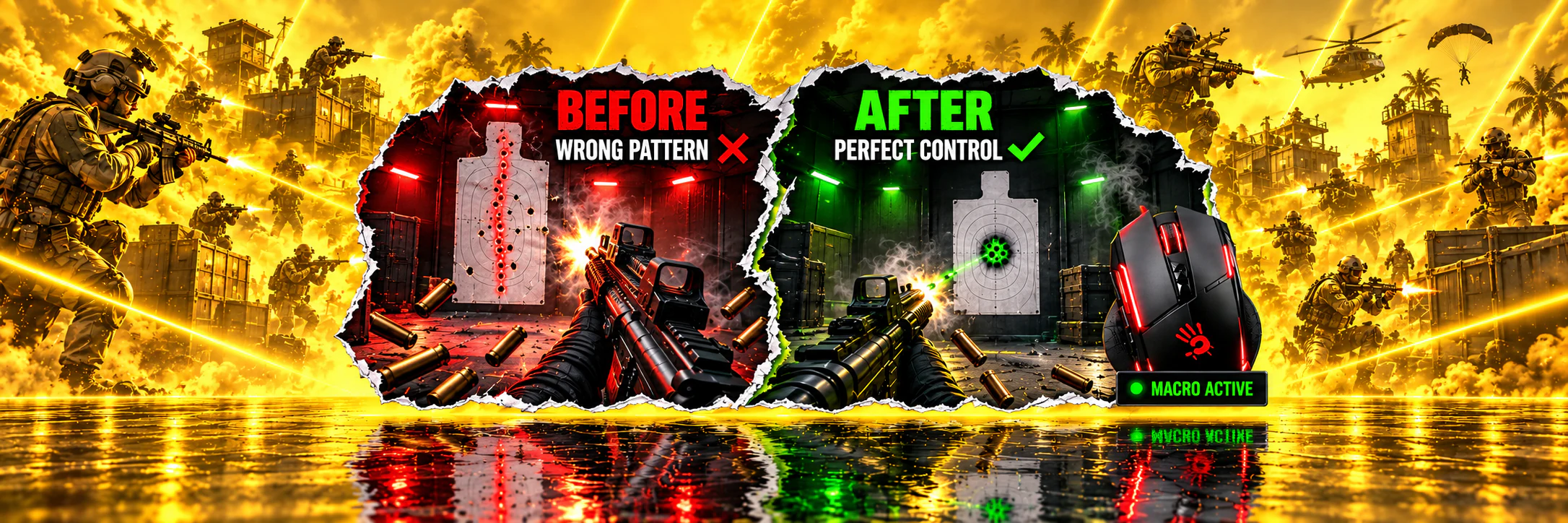
Macros for Tarkov are a powerful tool that, when used correctly, can give you a significant advantage over your opponents. They leave no chance for your adversary in combat. By reducing weapon recoil, the macro enhances your accuracy and boosts your confidence with every shot.

System Requirements
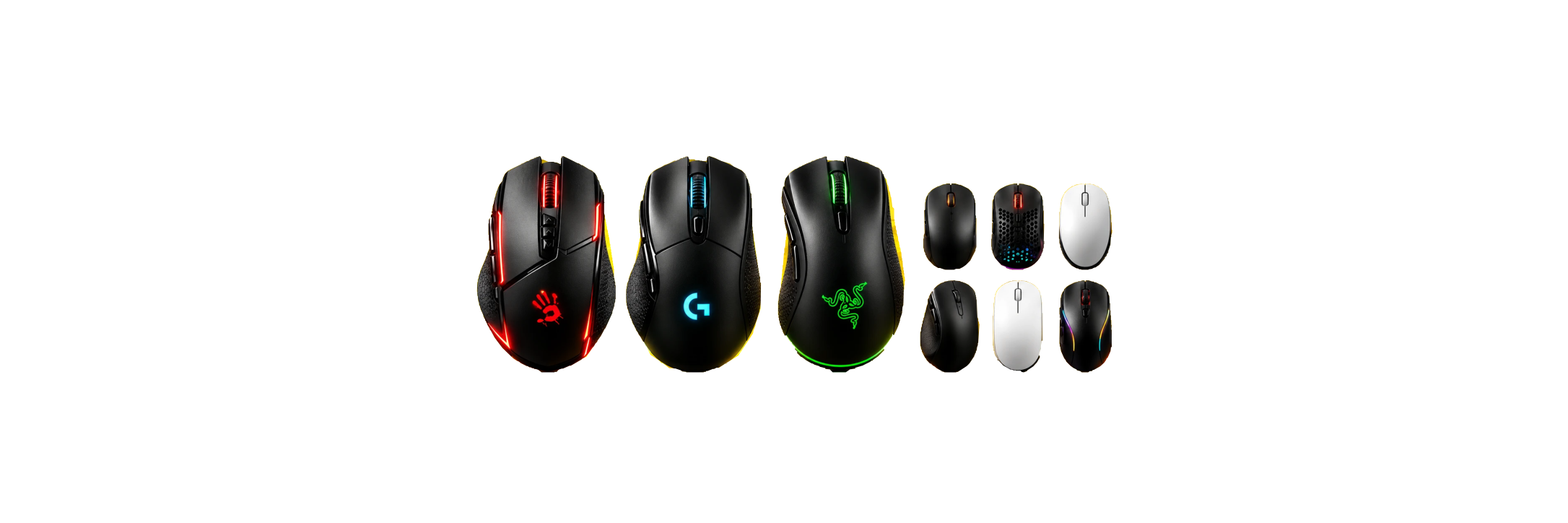
To use macros in Escape from Tarkov, you need a mouse that supports macro configuration. Our website offers macros for Bloody, X7 and Logitech mice. Each brand uses its own configuration software: for Bloody - Bloody7, for X7 - Oscar Mouse Editor, and for Logitech - G HUB. These programs run on Windows.
For your safety, we advise avoiding downloads of free macros for Tarkov from the internet or dubious websites. Such actions may compromise your computer’s security and personal data, including gaming account information and saved passwords.
Macro catalog for Escape From Tarkov
Professional macros for Escape From Tarkov.
Clean raids.
Escape From Tarkov · EFT: Arena
Universal macros with in-game adjustment
Currency: USD
Universal Logitech Macro for EFT / Arena with Recoil Adjustment
4.95USD
- For Logitech G series mice
- Any sensitivity
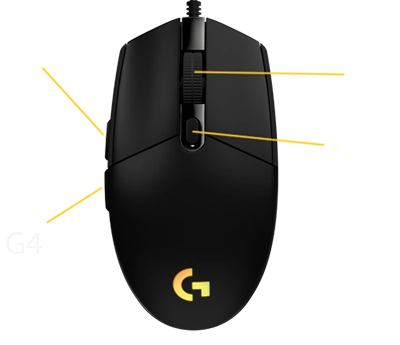
- G5 increases control, G4 reduces it
- Works with automatic weapons
Universal Bloody / X7 Macro for EFT / Arena with Recoil Adjustment
4.95USD
- For A4Tech X7 / Bloody
- 80-90% vertical recoil control
- Button 5 increases, button 4 reduces
- Archive includes selection macros
Video demo
Escape from Tarkov Macro Demonstration
Full video demonstration of TopMacro universal macros for EFT and EFT: Arena.
Escape from Tarkov descriptions and compatibility
Universal Logitech Macro for EFT / Arena with Recoil Adjustment
All macros have been tested repeatedly and are fully up to date. If you experience any problems, contact the administrator on Telegram.
Product description
Supported mice: Logitech G-series models, including MX518, G102, G305, G403, G402, G Pro, G502, G603, G604, G703, G903, G900 and G Pro Wireless.
Sensitivity: any.
- Enable or disable the script with the mouse wheel click (G3); all buttons can be changed if needed.
- Fire control starts while holding RMB + LMB or LMB alone (your choice).
- Press G5, the left side mouse button, to increase recoil control.
- Press G4, the right side mouse button, to decrease recoil control.
- The archive also includes macros with PLUS / MINUS adjustment through left Alt + G5 and left Alt + G4; these mouse buttons can also be reassigned.
This universal script includes recoil adjustment and can fit all weapons. Configure the macro before shooting by firing at a wall: if the crosshair moves up, press G5 once or twice; if it moves down, press G4.
Left-right spread in this game can only be reduced through different attachments and the "Recoil Control" skill; a macro cannot remove it.
The archive also includes a universal set from which you can select a macro for your weapon. You can choose the best option for your build and keep using it.
The macro works only in automatic fire mode. To switch modes, press the "B" key on the keyboard.
After payment, you instantly receive a link to download the archive with macros and setup information. The archive can be opened with WinRAR or any similar archiver. If you accidentally close the page, you can recover the link from the email sent after payment or through your Oplata.info account.
Universal Bloody / X7 Macro for EFT / Arena with Recoil Adjustment
All macros have been tested repeatedly and are fully up to date. If you experience any problems, contact the administrator on Telegram.
Product description
Supported mice: A4Tech X7 and Bloody.
🔥 Configure the script exactly as you prefer. Enable or disable it with the button to which it is assigned. You can change the buttons at your discretion.
⚙️ Control fire by holding RMB + LMB or using LMB alone. The choice is yours.
🎯 Our innovative script lets you adjust weapon recoil. Press side button 5 to increase recoil control or button 4 to reduce it.
🔧 This universal script is suitable for all types of weapons and provides 80-90% recoil control. Configure the macro before shooting, then use button 5 or 4 to achieve the required recoil control.
🚀 Left-right spread can only be reduced with special attachments and the "Recoil Control" skill. Remember that a macro cannot remove it.
The archive also includes an alternative to the universal adjustable script: a macro set that lets you select a separate macro for your weapon.
- Try all macros from the set for your weapon (the set is sorted in ascending recoil-control strength).
- Rename the most suitable one and save it as your macro for this weapon.
The selected file can then be saved as a custom macro for your sensitivity and weapon.
⏩ The macro works only in automatic fire mode. Switch modes with the "B" key on the keyboard.
💼 Instant delivery! After payment, you instantly receive a link to download the archive with macros and detailed setup information. You can use any archiver, for example WinRAR. If you accidentally close the page, you can recover the link from the email sent after payment or through your Oplata.info account.
The archive includes .amc for X7 (Oscar Editor) and .mgn for Headshot in Bloody 7 (Ultra Core 3).
These macros are suitable for X7/Bloody mice with onboard memory. Make sure your mouse supports Bloody 7 or Bloody 8 Workshop.
Safe and private
Cloud updates
Instant responseOnly 1 ms delay
24/7 support
Tarkov Macros for Logitech, Bloody and A4Tech X7
Adjustable recoil-control solutions for supported mice
Taking into account the unique recoil mechanics in Escape from Tarkov, we offer exclusively universal macros that can significantly reduce recoil for any automatic weapon.
We provide a unique script for Logitech mice that allows you to adjust the strength of recoil control. With convenient configuration using hotkeys (G4 and G5), you can modify recoil control intensity directly during gameplay.
The Importance of Mice in Escape from Tarkov
-
Logitech
-
Bloody
-
X7 A4Tech
-
Razer
Escape from Tarkov Cheats
Are mouse macros considered cheats in Tarkov?
Mouse macros in Escape from Tarkov serve as a means of recoil control, simplifying shooting management. By using the mouse software, players can create a macro that automatically adjusts vertical and horizontal movement, mimicking the necessary actions to control recoil.
Thus, macros are a tool for automation.
Free Macros for Tarkov
Only Tested Solutions
Attempting to download macros for Tarkov can be like playing Russian roulette. In the best case, you'll get an outdated macro; in the worst, a virus for your PC. Good, up-to-date macros are the result of diligent work that requires time and professionalism.
Purchasing macros from us is an investment in your gaming enjoyment, the safety of your equipment, and your peace of mind.
On the "Reviews" page, you can read testimonials from our satisfied customers.
All macros have been tested repeatedly and are fully up to date. If you experience any problems, contact the administrator on Telegram.