














PRECISION MACROS
Smoothness & precision
Based on extensive hands-on practice, we build macros that feel as smooth and accurate as possible, while keeping the price fair and accessible.
Rules and risks
Review the game's terms before use
We test the functionality of the stated configurations, but rules for macros vary by game, server, and tournament. Review the current rules before use and consider the possible risk of account restrictions.

GUARANTEE
We stand behind the quality.

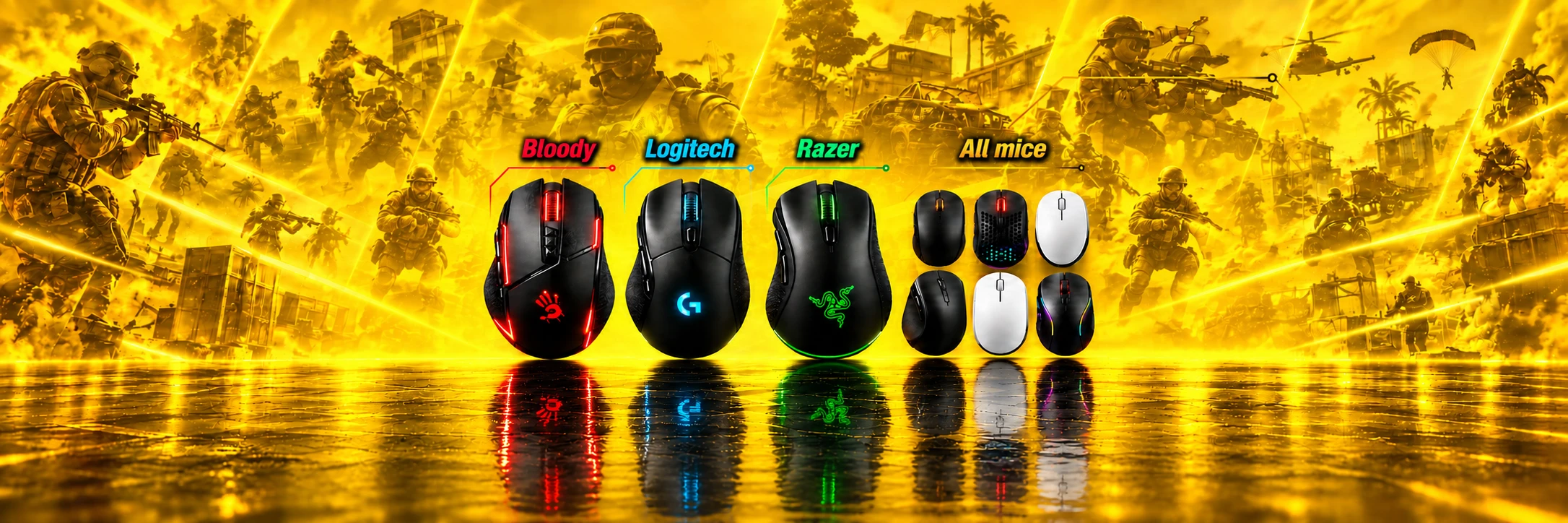
PUBG No-Recoil Macros for Logitech, X7, Bloody, and Razer Mice
Reliable, time-tested recoil-control macros for PUBG that make shooting more comfortable across popular mouse brands and software ecosystems.
9 years
experience — since 2017

About the game
BATTLE ROYALE is a multiplayer online battle royale where up to 100 players fight on a large map to be the last one standing. You can choose Solo, Duo, or Squad (up to 4 players). The winner is the last surviving player or the last surviving team.

Why it helps
A PUBG recoil macro from TopMacro.net can make spray control more consistent, especially while you are still learning the game. With less time spent correcting recoil, you can focus more on positioning, timing, and teamwork.

System requirements
To use PUBG mouse macros, you need Windows and the official software for your mouse model. Logitech mice use G HUB, Bloody mice use Bloody 7, and A4Tech X7 mice use Oscar Editor. We also provide software-based options for standard mice without onboard macro memory.
Avoid PUBG macros from unknown sources. They may contain malicious files, be abandoned for years, or depend on outdated software. Use files from a trusted source and check that they match your mouse model and current game settings.
PUBG Macro Catalog
Top macros for branded mice with macro support, plus our proprietary macro program for all mice.
Take first place.

PUBG Full Pack for Logitech (Adjusted to Your Sensitivity)
11.29USD
- Tuned to your in-game settings
- Macros for crouching, standing and prone
- Maximum possible compensation
- Macros for 1x and 2x sights

Premium Script Pack for Logitech (All Builds + 2 Multiscripts)
28.87USD
- Premium Multiscript ALL in 1
- One script for all weapons
- Switch with hotkeys
- Tuned to your sensitivity

Premium Macro Pack for Bloody/x7 (All Builds)
28.87USD
- For A4Tech X7 and Bloody
- Tuned to your in-game settings
- All weapon builds and stances
- LMB + RMB activation protection

Razer Full Pack for PUBG (New)
11.29USD
- For Razer Synapse 4
- Tuned to your in-game settings
- Maximum possible compensation
- Macros for the entire arsenal

Premium Razer Synapse 4 Macro Pack (All Builds)
28.87USD
- For Razer Synapse 4 mice
- Adjusted to your sensitivity settings
- All weapon builds, attachments, and scopes
- Maximum possible compensation

Full Macro Pack for Bloody/x7 (New)
11.29USD
- For A4Tech X7 and Bloody
- Tuned to your in-game settings
- Maximum possible compensation
- Macros for 1x and 2x sights: crouching, standing and prone

AI Macros for All Mice (7-Day Key)
3USD
- Works with any mouse
- Weapon auto-detection + AI assistant
- 1 subscription for RUST, CS2, PUBG, APEX
- Makcu board support
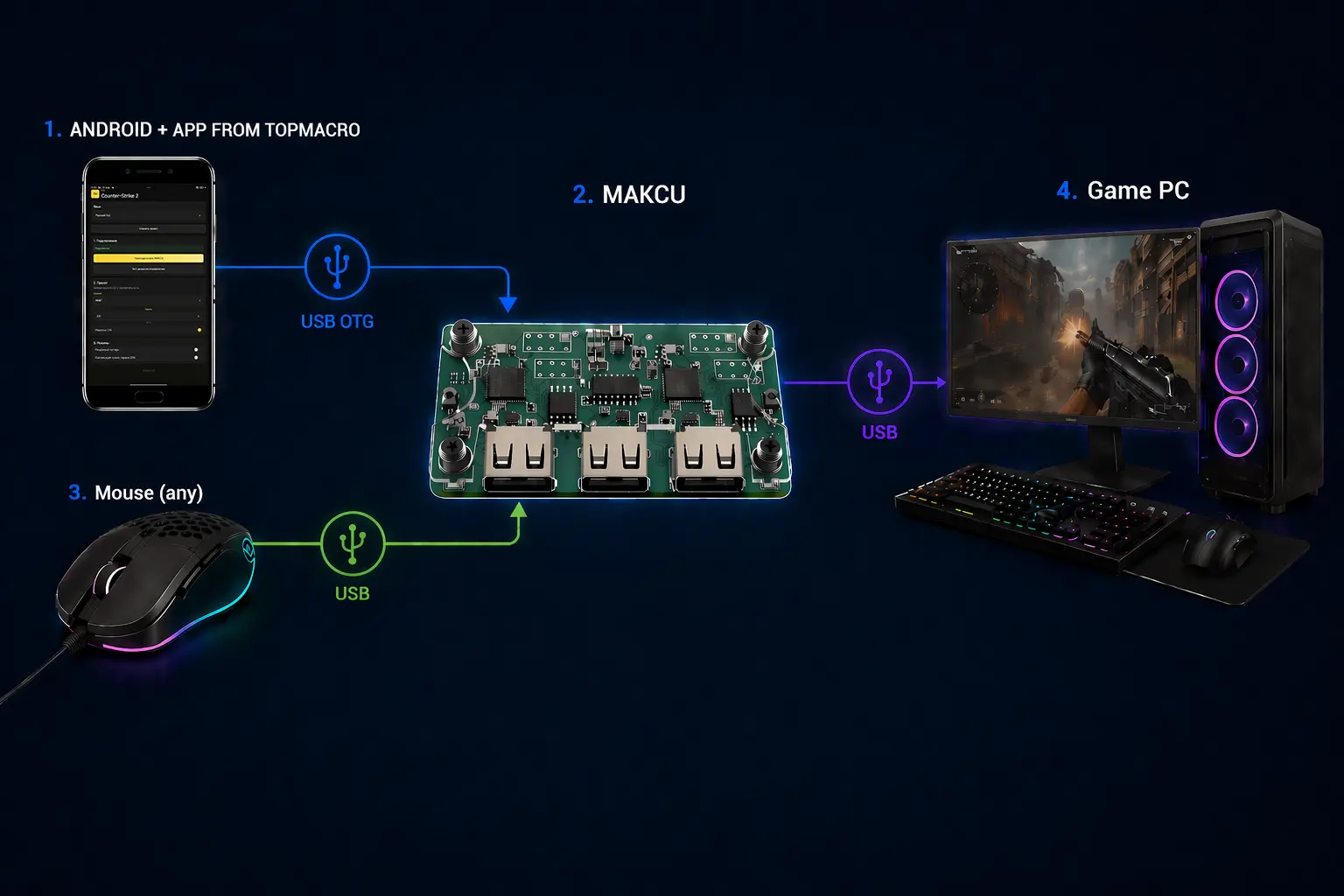
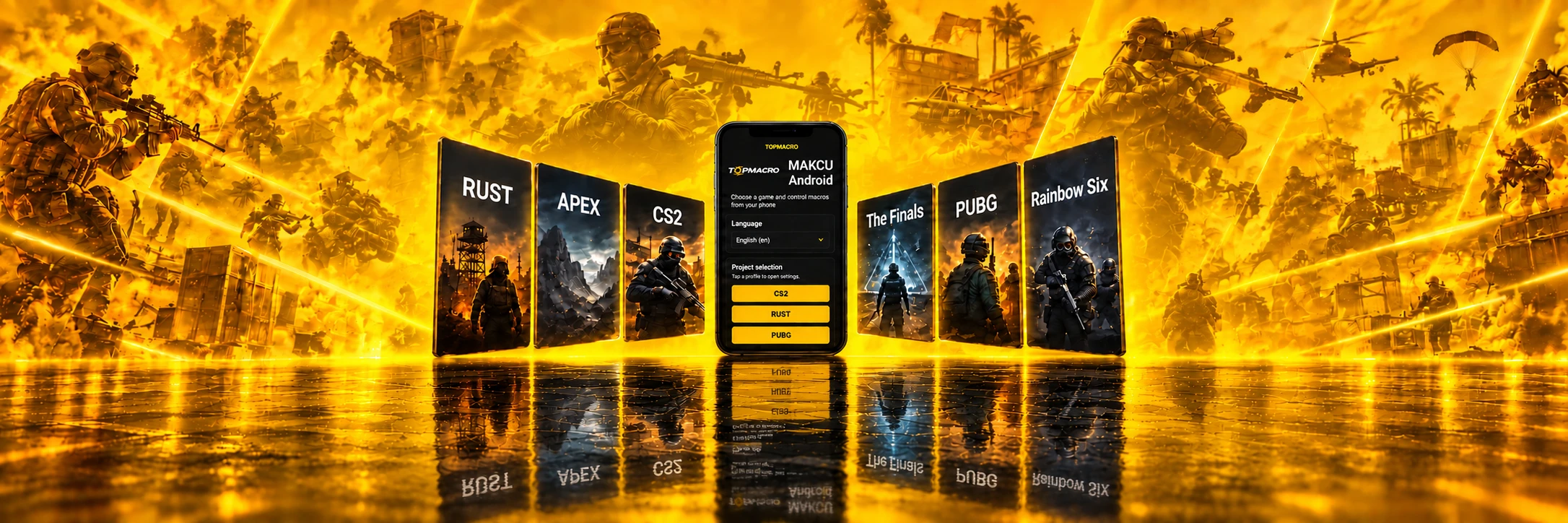
AI Macros for All Mice (Android + Makcu, 7-Day Key)
3USD
- Works with any mouse
- PUBG, CS2, APEX, RUST, The Finals in 1 subscription
- Nothing runs on the main PC
- PC connection via MAKCU + Android

Universal Logitech Macro for Any Game
10.39USD
- 20 weapon profiles in one Lua script
- Adjustable vertical and horizontal compensation
- Switch profiles and adjust values with mouse buttons
- For Logitech G HUB, including G Pro Wireless

Custom macro
4.04USD
- For your sensitivity settings
- For Logitech, Bloody / X7 and Razer
- For the needed weapons and buttons
- Prepared after the order
Cloud updates
Instant responseOnly 1 ms delay
24/7 supportHelp with setup and configuration
PUBG Macros for Logitech
A recoil-control solution using a Logitech mouse
For Logitech G-series mice, we offer a multiscript and the classic Full Pack. Choose the format that best fits your setup.
Multiscript focuses on convenient profile switching: you do not have to minimize the game to change macros. A classic Full Pack usually provides a separate .lua script for each weapon, while a multiscript uses one .lua script containing all supported weapon profiles. You switch profiles with keyboard and mouse hotkeys during the match.
Relevance of PUBG macro solutions in 2026
The percentage shows how relevant each option is for using macros in PUBG in 2026.
-
Logitech 90% relevance
-
Bloody 90% relevance
-
All mice (software) 90% relevance
-
Razer 60% relevance
-
X7 / A4Tech 40% relevance
Cheats in PUBG?
Is a mouse macro a cheat in PUBG?
Macros have been part of gaming culture for years, but they’re surrounded by myths and misunderstandings.
Macros are scripts that automate individual actions or sequences of actions. In games, this looks like preconfigured commands executed with one button press or while holding a key. In PUBG, for example, a macro can help stabilize your spray while you hold the mouse button.
The technical operating method does not determine whether a macro is permitted. KRAFTON sets the rules: review the current PUBG terms before use and consider the possible risk of account restrictions.
Even so, macros do not replace skill and experience. Their job is to remove routine friction and make recoil control more comfortable, so you can focus on tactics, positioning, and decisions. The best results always come from a combination: practice + correct settings + consistent control.
Free PUBG macros?
We rely on proven solutions and up-to-date settings only
“Download PUBG macros” is a familiar search query when you want the “perfect” setup for a specific weapon. Sadly, these searches often end in frustration: either the macros work poorly, or you get a “gift” in the form of malware on your PC.
Developing scripts for gaming mice is time-consuming. Each profile must be tested with different DPI and sensitivity settings, adapted to game updates, and maintained over time. That is why reliable, current solutions are rarely supported for free on an ongoing basis.
If you truly want PUBG macros that work reliably and are made with attention to detail, it’s smarter to look at private versions. They’re typically not distributed openly — that’s where stability, support, and ongoing maintenance usually live.
Our website works in partnership with the Digiseller marketplace, and all transactions are processed via the Oplata.info payment system. You can easily verify this by starting the purchase flow for any product — the address bar will show that payment and delivery are handled through digiseller.market. After purchase, you’ll also have access to your order history via Oplata.info, where you can contact the seller and leave a review.
All macros have been tested repeatedly and are fully up to date. If you experience any problems, contact the administrator on Telegram.
Related videos
-
PUBG macros: full video demonstration
PUBG training-range macro video with weapon and sight changes, semi-automatic fire, LMB + RMB activation, and a text walkthrough.
-
PUBG macro test: short firing video
48-second PUBG test showing scoped wall sprays and hit groups, with a text walkthrough of the short recording.