
















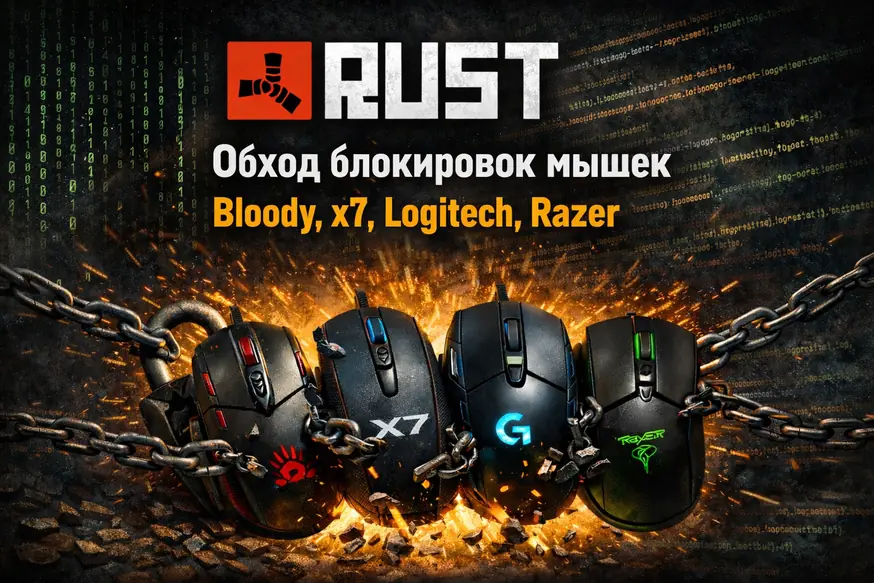
Right now, macros on Logitech and Razer mice do not work in normal mode because Rust has restricted how G HUB and Synapse operate. For Logitech and Razer, the only current way to play with macros is through cloud gaming, such as GeForce NOW or a similar service.
Macro use on Bloody and X7 mice has also been restricted. For Bloody, however, there is still a bypass through a mouse restart.
Short version: the most relevant methods are tied to cloud gaming or a Makcu board, and if you need a setup without a Makcu board, Bloody with a fast mouse restart remains the working option.
- Mice + cloud gaming
- Bloody + restart
- Makcu in 2-PC mode
- Makcu in 1-PC mode
- AI + cloud gaming
- Android phone + Makcu
- Solution rating
Mice plus cloud gaming
Using Logitech, Razer, Bloody, and X7 mice through cloud gaming is an option for users whose PCs are not powerful enough to run RUST, or who want to separate the game from their computer. The game runs in a cloud service, such as GeForce NOW, while your PC only runs the connection client.
Bloody with a mouse restart bypass
Bloody remains a working option without a Makcu board. The scenario is built around a fast device restart, which helps bypass the Core3 kernel blocking issue.
You can restart manually by unplugging and reconnecting USB, but it is more convenient to use our program for an automatic fast mouse restart. The downside is that Bloody has to be restarted constantly, so it is less convenient than Makcu-based options.
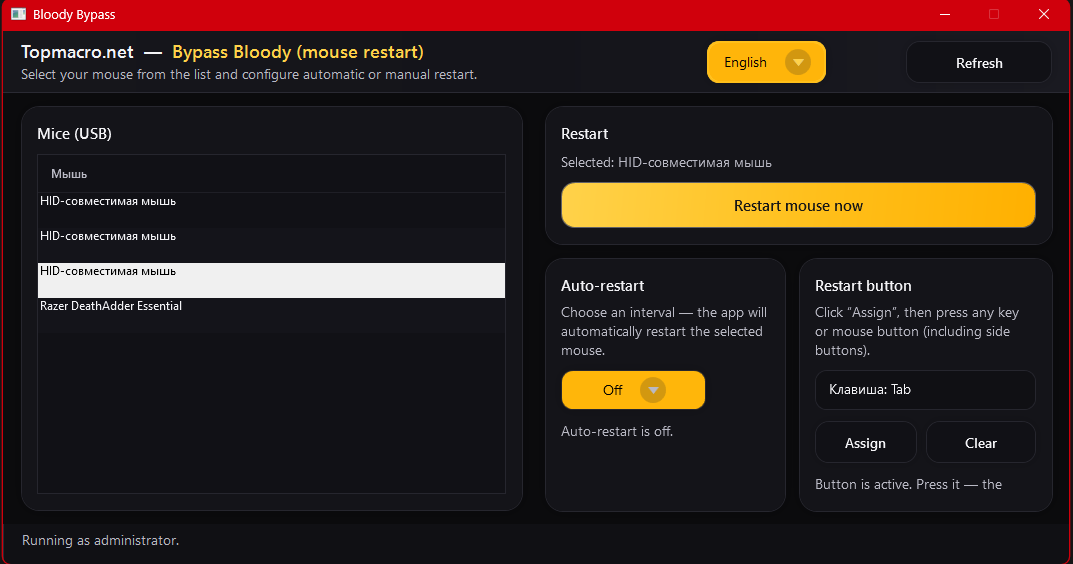 More about the Bloody bypass
Our AI program plus Makcu in 2-PC mode
No additional software needs to run on the main PC: the macro software runs on the second computer. This separation provides a very high level of safety. The basic setup supports macros, and with a good-quality capture card you can also configure automatic weapon detection and AI Aim.
- Cons: a second PC or laptop is required.
Our AI program plus Makcu in 1-PC mode
Makcu in 1-PC mode suits users who need the full feature set of our program on one computer. This option includes automatic weapon detection, automatic detection of crouching and standing, and a personal neural AI aiming assistant for more accurate enemy targeting.
Our AI program plus cloud gaming
AI plus cloud gaming is an option without a Makcu board. It is especially relevant if your PC is not powerful enough to run RUST, but you still want to use the full feature set of our program.
Our Android app + Makcu board + your PC
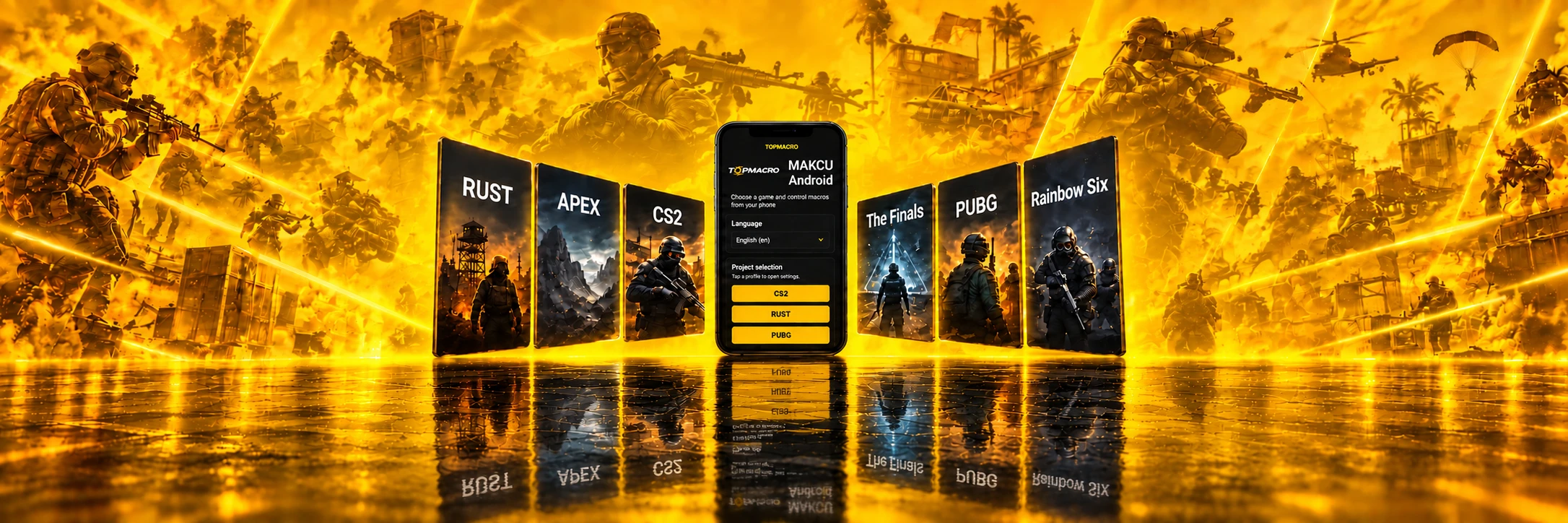
The Android macro app is our unique development and currently has no direct analogues. This is the most relevant method because it does not require a second PC: all you need is a Makcu board and an Android phone.
How relevant each RUST solution is today
Logitech, Razer, Bloody, X7 + cloud gaming
Highly relevant for users whose PCs are not powerful enough to run RUST. This is a safe option because the game runs in the cloud, not on your PC. You can play through any cloud service, for example GeForce NOW. But if you do not want to use cloud services, it is better to consider other ways of using macros with your mouse.

Bloody + bypass through mouse restart
A working scenario for Bloody: a fast device restart helps bypass the Core3 kernel blocking issue. Automatic restart is performed by our fast restart program — details. The downside is that the Bloody mouse has to be restarted constantly.

Our AI program + Makcu board (2-PC mode)
The best option on the list for stability and safety: Makcu is an external board that connects to your main PC, your mouse and any second PC or laptop where you only need to launch our macro program. Details.

Our AI program + Makcu board (1-PC mode)
A flexible option with an extensive feature set, including automatic weapon detection, automatic detection of crouching and standing, and a personal neural AI aiming assistant to aim at enemies more accurately. Suitable for any device, but because of the software component, this option should be used thoughtfully.

Our AI program + cloud gaming
For this scenario, the Makcu board is not needed. Highly relevant for users whose PCs are not powerful enough to run RUST. When playing through cloud gaming, you can use all of the program's features. Final comfort depends on latency, connection quality and service settings.
Our Android app + Makcu board + your PC
The Android macro app is our unique development and currently has no direct analogues. This is the most relevant method because it does not require a second PC: all you need is a Makcu board and an Android phone. The app lets you assign macros to mouse buttons, choose any sights, and adjust sensitivity to your preference. For RUST, this is the most convenient and safest way to remove weapon recoil. Learn more

Best solution for playing RUST with macros
At the moment, using a Makcu board is the most relevant option. If you need a setup without a board, Bloody with the automatic mouse restart bypass remains the optimal solution.